
A Dead App Doesn't Have to Kill Your Smart Bulb: Reflash It, or Solder In a $6 ESP32
Patrick Campanale's repair guide starts by prying off the dome to see which chip is inside, and the catch is soldering on a gadget that normally lives on wall power.
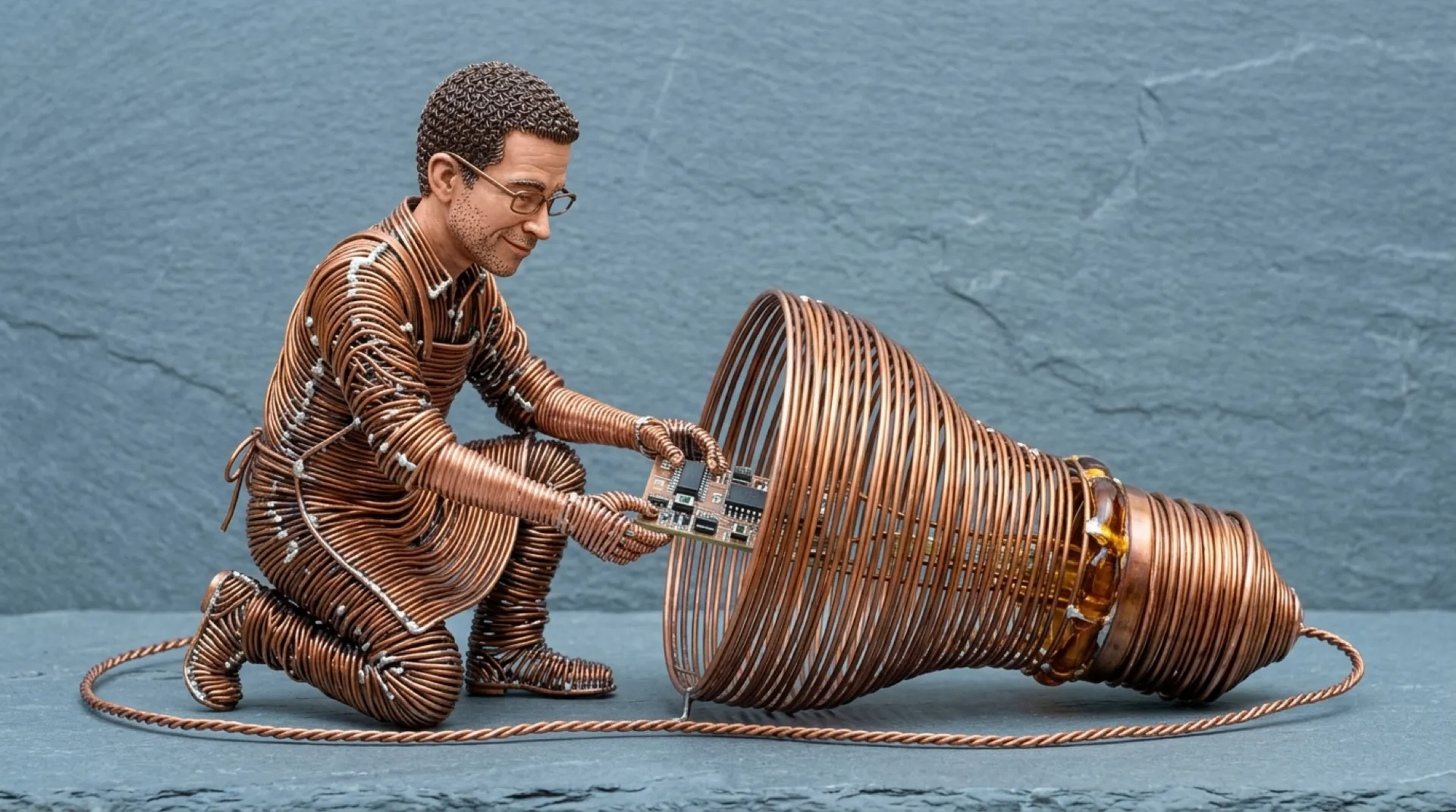
Patrick Campanale thought the bulb on the bench had an ESP32 inside. It had an ESP8266EX. Both come from Espressif, but the repair steps differ enough that guessing from the box is a dim idea.
So the dome comes off first. Some are press-fit, like the one on Campanale’s ESP8266EX bulb. Others are glued and need heat and pry tools (the warranty has left the chat).
Before any of that, take the bulb out of the socket. Flipping the switch off isn’t enough. Let the capacitors discharge, and never have mains power connected while a USB adapter or board is attached. Your laptop did nothing to deserve that.
Work out what actually died
Power the intact bulb and try its reset routine, usually switching it off and on five to 10 times. If the LEDs never light, the driver or power supply could be gone, and Campanale says those aren’t worth saving. A dead mainboard can look similar, since it runs the 3.3-volt rail and the signals that control the LEDs.
The better patients have a narrower problem. A bulb whose maker shut down the app can be reflashed. A bulb with a dead Wi-Fi module needs a new mainboard, and the guide attaches a limit to that swap: “only with an ESP32-powered bulb.”
Inside, you might find an ESP8266EX, ESP-WROOM-02, ESP-12, ESP32, Beken BK7231 or something else. Look for the TX, RX, GND, 3.3V and GPIO0 pads. Those are your service entrance.
Keep the chip if it still works
With the bulb unplugged from the wall, connect a 3.3-volt USB-to-serial adapter such as the HiLetgo FT232RL, set for 3.3 volts. Expect to solder. Shorting GPIO0 to ground at power-up puts many of these chips into flash mode, though yours may call for more research.
On an Espressif chip, use esptool to back up the factory firmware before writing anything. That copy is your way home if the experiment goes sideways.
Campanale’s pick for the replacement software is ESPHome paired with Home Assistant, describing the combination as “universal, self-hosted, and nobody can stop you from using it.” That’s a refreshing set of terms for a light bulb.
Owners of older Tuya bulbs may get to skip the iron. A tool called tuya-convert can load ESPHome without soldering, but it doesn’t support newer Tuya bulbs.
Transplant a new brain if it doesn’t
When the old board is dead, or can’t run ESPHome, the suggested donor is an ESP32-C3 such as the Seeed Studio XIAO ESP32C3. It’s tiny, has Wi-Fi and Bluetooth Low Energy, and includes USB-C for flashing.
Desolder or cut out the old module, then wire up 3.3V, ground and a PWM connection for each color channel. PWM is the rapid on-off signal that sets how bright each color appears. Cross or bridge those joints and you can damage the board or the bulb, so this route belongs to people already comfortable with small soldering work.
Then tell ESPHome what it’s driving. A reflashed ESP8266EX uses the esp8266_pwm output, while an ESP32 replacement uses ledc. The channel assignments have to match your bulb. Flash over USB or serial with ESPHome Builder or ESPHome Web, and Home Assistant can take it from there.
If there’s enough storage, later updates can travel over the air. Campanale’s bulb has 4MB, which spares it a repeat trip to the operating table. Oddball hardware may still need custom code.
The bulb you can keep
The likely sweet spot for this repair is the drawer full of perfectly good hardware with a retired app. If the original chip accepts new firmware, a few connections and a configuration file could put it back to work. A $6 transplant makes less obvious financial sense once you price your Saturday (labor remains suspiciously free in homelabs).
It makes more sense when the bulb matches others in a fixture, when you want local control, or when throwing out a lamp full of working LEDs feels like watt a waste.
Before buying your next smart bulb, it’s worth asking what still works if the company’s app disappears. A switch has never required anyone to accept new terms of service.
Keep the dome. You’ll want it back.