
A free tool builds command-line controls for Windows apps, with Notepad as its working demo
The generated interface carries evidence about the application, with early Windows testing setting its current limits.
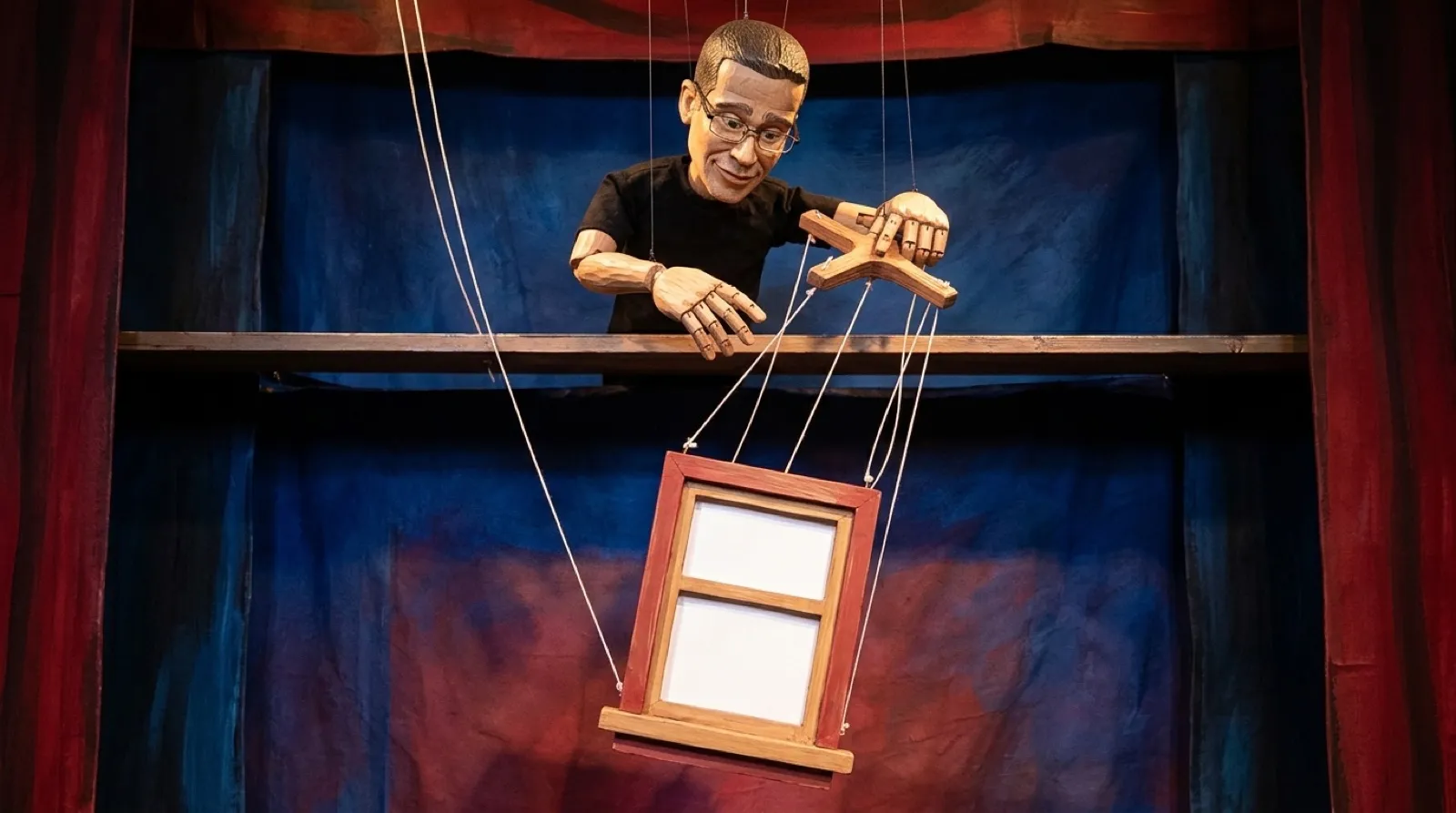
An old desktop application can have a perfectly usable interface for a person and no obvious interface for an automation. Auto-CLI tries to bridge that gap by examining the application and generating commands around what it finds. The mouse gets a translator, with evidence attached.
The project starts with REA reconnaissance, classifies the available surfaces, builds a harness skeleton and validates it. The distinction between those stages matters. Discovering a possible control or endpoint is an observation; proving that a generated command performs the intended action requires a live application in the right environment.
The README documents Windows testing with Notepad, Calculator and a WordPad document round trip. That gives readers concrete examples to inspect. It also sets a boundary around the claim: a test suite running on another operating system is different evidence from successfully operating a real GUI application there.
Notepad provides a particularly useful caveat. The demonstration retrieves text from the application and writes that returned text into a local file. It does not press Notepad’s Save command. Those paths can produce similar-looking text files while exercising different guarantees, which matters if the workflow depends on the application’s own format handling or save behavior.
The tested Notepad was a classic English-language version. Newer builds or localized controls can expose a different accessibility tree. The project tells readers to inspect that tree before reusing paths. A button’s visual familiarity does not guarantee it has retained the same machine-readable identity (even buttons have a past).
For richer document work, the WordPad guide describes opening an RTF copy, editing text, formatting a heading, saving through the application and reopening the result. The reopening step answers a stronger question than whether a click was attempted. It checks the object the next person would actually receive.
The project also stores evidence and provenance from reconnaissance, including probe failures. That is useful when a generated command sounds more confident than the underlying observation deserves. A recorded failure can remain visible instead of becoming an invented assumption buried in the wrapper. The generated interface should help a reviewer find uncertainty, rather than polish it away.
A sensible first target is therefore a disposable copy of a small, verifiable workflow. Identify the desired output, run the generated commands and reopen that output with the application that owns its meaning. The interesting promise is less time spent inventing a wrapper from scratch. The evidence still needs to establish that this particular wrapper does the job on this particular application.
The Save button still needs a witness.