
A whole virtual Mac fits inside a terminal, and keeps its paws off your cursor
Govijr’s early release candidate puts guest permissions and a substantial first-run setup behind an unusually small viewing window.
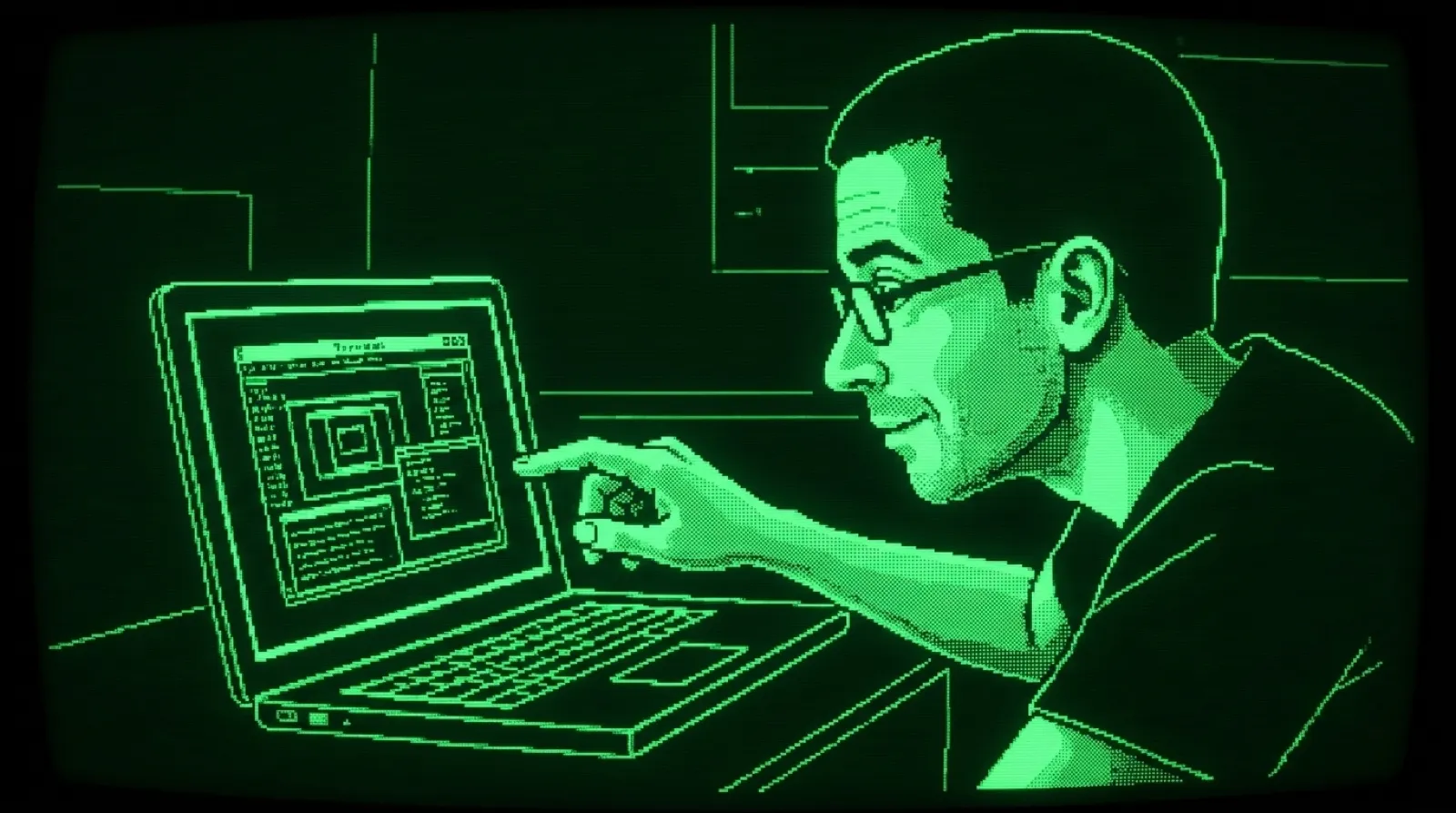
Your terminal can have a Dock now. Whether your terminal needed a Dock is between you and your terminal.
terminal-mac’s README describes a separate macOS desktop, with Apple’s Virtualization framework doing the actual computer part. A helper inside that virtual Mac captures the display and posts input events. The terminal receives pictures of the guest, while click, drag, scroll and typing commands go to the helper.
That arrangement solves a very familiar irritation with computer automation: the machine is busy, and suddenly your mouse has somewhere else to be. Here, the guest gets its own cursor, apps, files and accounts. Your physical pointer and clipboard stay yours. A second Mac with fewer things to knock off the desk, essentially.
The project calls itself an “early release candidate,” which deserves to sit beside the download button in your head. It requires an Apple silicon Mac running macOS 14 or later. Ghostty, Kitty and iTerm2 support the inline viewer; another terminal can fall back to a native virtual-machine window. Terminal multiplexing and automatic splits remain unfinished.
A real guest also brings real housekeeping. First launch can download a macOS restore image from Apple, install the system and boot it. The default virtual disk has a logical size of 64 GiB and grows as needed. There is still a restore image to store, plus the guest’s CPU and memory use. Tiny window, full-sized appetite.
The interactive setup happens inside the guest. You create its user account, open TerminalMacGuest and grant Screen Recording and Accessibility there. The host does not need either grant for these actions. Existing host sessions do not magically appear in the guest, which is useful if the whole point was to give a test its own messy room.
Once a viewer is attached, ScreenCaptureKit supplies changed frames, capped at 30 per second, and the helper compresses them with LZ4. Kitty and Ghostty use shared memory for those frames. The stream stops 15 seconds after the viewer leaves. Closing the viewer leaves the VM running, so closing the curtain does not turn off the apartment.
The isolation has a fairly important hole in any fantasy about a disposable malware lab. Default networking allows internet access and can reach host or local-network services. The project explicitly does not present this as a hardened hostile-code environment. An offline mode removes the guest network device, while its shared-folder control path continues to work.
The most useful promise is separation of everyday work from automated desktop work. There is still no rollback checkpoint system, and the README says clean-Mac live guest acceptance is pending. The terminal can show the machine; the remaining question is how uneventful the first setup becomes on someone else’s Mac.
Your cursor can keep its day job.