
HomePod mini 2 owners report a 5 GHz workaround for Mac speaker dropouts
Two forum accounts offer a reversible network test, with a reboot catch and no confirmed diagnosis from Apple.
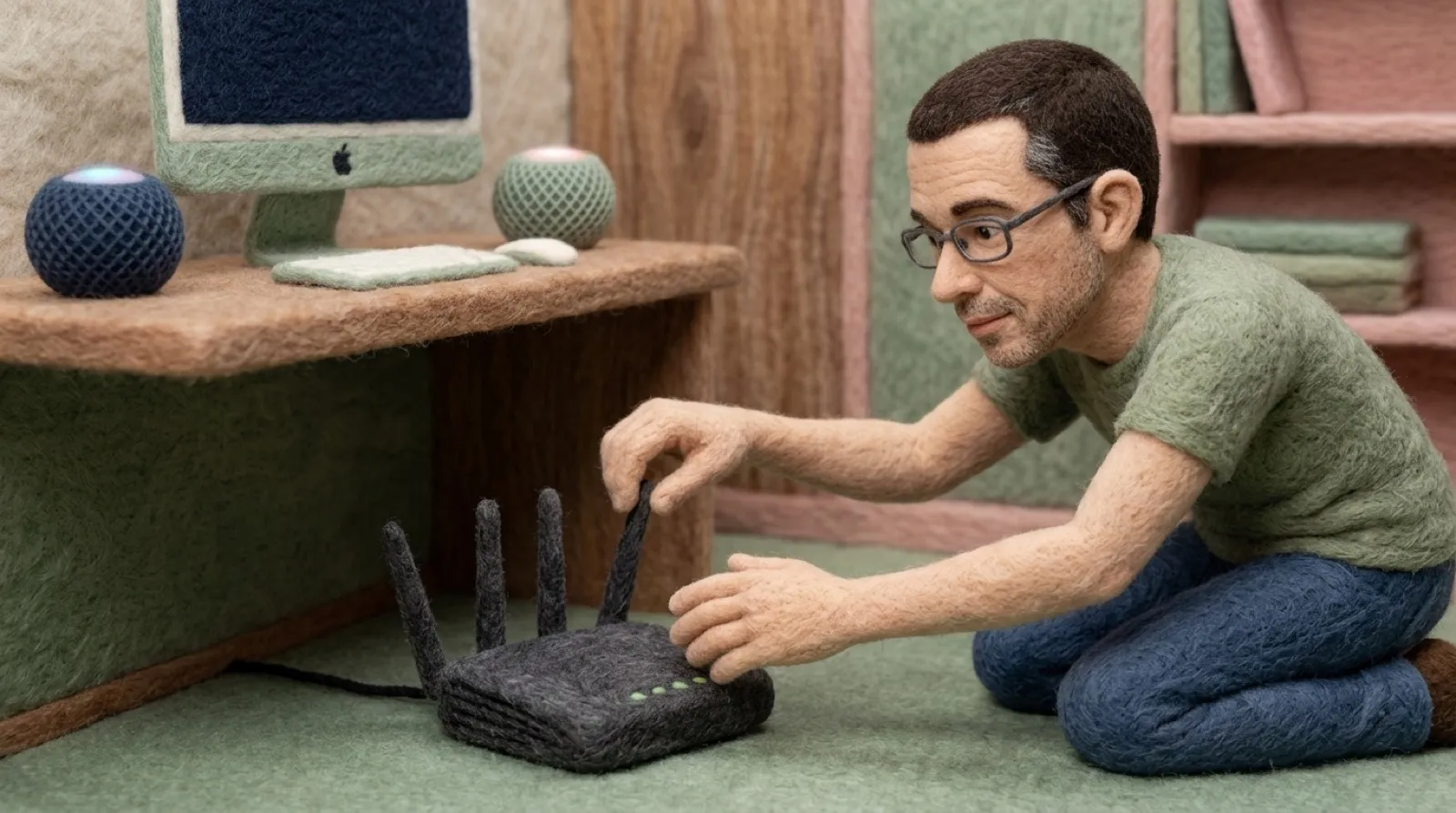
A speaker that occasionally remembers to be a speaker makes an impressive argument for the headphone jack.
Owners using HomePod mini 2 with a Mac describe dropouts, missing system sounds and settings that fail to survive a restart. In a first-person forum report, iPhoNewsRO says moving a stereo pair to a separate 5 GHz-only wireless network improved the connection on a Mac mini M4 Pro with a UniFi tri-band setup.
The detail to preserve is the network layout. The HomePods joined that separate wireless name, but remained on the same network and VLAN as the Mac. The Mac stayed on its usual SSID. This was a band restriction, rather than an attempt to isolate the speakers behind a new firewall or guest network.
The owner reports logs indicating a failed 6 GHz link and a fallback to buffered AirPlay at roughly 500 milliseconds. After the change, the reported real-time session was roughly 125 milliseconds and system-sound output became available. Those are the owner’s observations on that setup, not measurements from our test bench or a latency guarantee for your living room.
Another owner, Minuteman3, tried the same idea through a Deco router’s device-band assignment instead of creating another SSID. After restarting the Mac and speaker and selecting the speaker again, the owner said the setting survived sleep cycles. It still needed AirPlay selection after a reboot. Minuteman3 calls it not as “just works” as advertised, which is an admirably restrained way to describe a speaker negotiating a flexible working arrangement.
Apple’s Wi-Fi guidance provides an important counterweight to treating this as general network advice. Apple normally recommends one network name across 2.4, 5 and 6 GHz for best compatibility. It also documents turning Wi-Fi 6E mode off for a particular network when a supported device has trouble. The official page is about Wi-Fi configuration; it does not endorse this HomePod-specific workaround.
Apple’s HomePod and Mac guide describes default Mac audio with compatible speakers and a Mac supporting Wi-Fi 6E or later. Having the right hardware matters before troubleshooting a promised feature. A radio band change cannot give an older Mac a missing capability.
A sensible trial would record the current network setting, restrict only the affected speakers if the router supports it, then check playback, system sounds, sleep and a full reboot separately. Keeping the change reversible avoids turning a speaker problem into a household Wi-Fi renovation (lovely weekend project).
The reports leave a real loose end. One owner’s Ethernet and IPv6 experiments changed nothing, but that does not prove a 6 GHz defect. Apple has not supplied a diagnosis in the cited material. The workaround may buy a usable desk today while the reboot behavior still needs an answer.
Keep the cable within earshot.