
A free Windows terminal brings Ghostty themes and flags background tabs waiting for your input
A one-maintainer project puts familiar configuration files inside a Windows interface, with an experimental escape route for machines whose graphics drivers cannot cooperate.
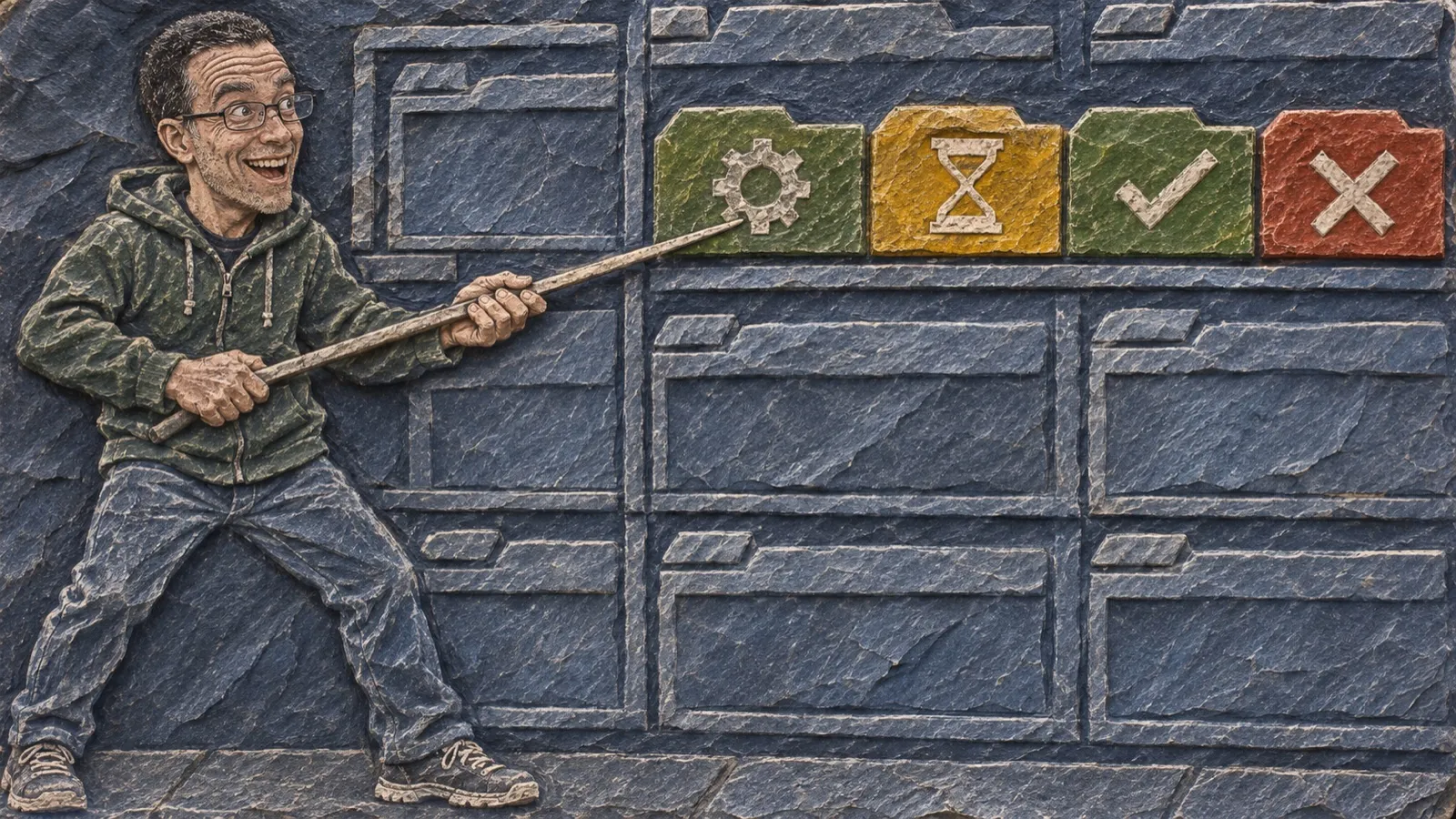
A terminal tab can be sitting there waiting for your answer while you sit there waiting for its answer. Noctty gives that extremely productive relationship a visible status indicator.
The Windows terminal reads OSC 7501 signals from programs that report their status. A tab can show work in progress, a request for input, completion, or failure; a notification can bring a background tab’s request to your attention. The program has to send those signals. A terminal cannot determine whether a silent tool is thinking really hard or has wandered off for lunch.
The project’s README describes a native Win32 interface around Ghostty’s terminal core, with tabs, splits, a command palette, and a shell picker covering PowerShell, cmd, Git Bash, and WSL distributions. Most Ghostty options and themes carry over, so trying it needn’t begin with redecorating every room.
The important word in its session feature is layout. As the README puts it, “Running programs are not restored.” Windows, tabs, splits and working directories return on launch. The process that was halfway through a job does not return with them. A reopened pane is a place to resume work, rather than proof the previous work survived.
Noctty is an independent fork. Its Windows interface, updater and packaging were written for the project, and the upstream macOS and GTK applications were removed. That makes its relationship to Ghostty worth spelling out before someone goes looking for a Windows installer maintained by the upstream team.
The graphics path has another distinction that matters on the machines people actually use. OpenGL 4.3 is the normal requirement. If it cannot start, Noctty can fall back to Direct3D 11, then Microsoft’s WARP software renderer. The fallback is beta, and custom shaders, background images and Kitty images still require OpenGL.
“Remote Desktop has not been measured,” the README says. That’s an unusually useful sentence in a feature list. A fallback that starts drawing text solves a different problem from a fallback proven responsive over your particular remote connection. The connection you actually use still needs its own responsiveness check before this becomes the terminal you rely on remotely.
The project also says it sends no telemetry and keeps crash dumps on the PC. Its update checks are separate network activity, with installation initiated by the user; “private” does not mean the application never contacts a release server.
Trying Noctty alongside the existing terminal is the project’s own suggested route. Portable downloads are available, and the application doesn’t replace the terminal already installed. That leaves an easy comparison: the same shells, the same daily work, with attention paid to input handling and the graphics path that particular machine selects.
The unanswered performance question is still the remote session.