
Nintendo Switch 2 vs. Nintendo Switch: Eight Times the Storage, but Your Old microSD Card May Not Work
Nintendo ties the pickier slot to speed and smooth play, giving upgraders one label to check before raiding the old console for spare memory.
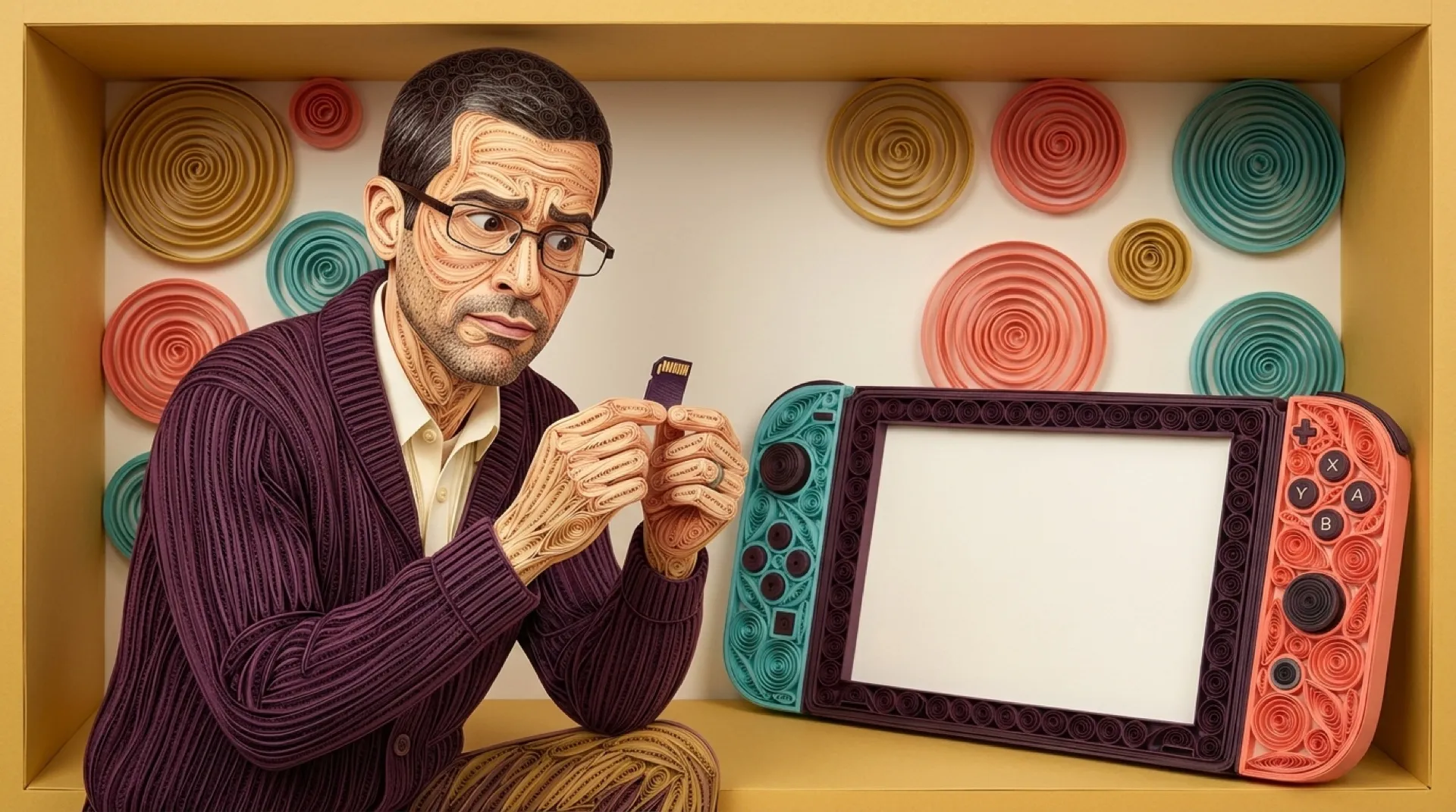
Nintendo gave its new console far more room for games and a much stricter guest list for memory cards. The company’s wording leaves little wiggle room: “Nintendo Switch 2 is only compatible with microSD Express cards.”
It goes on: “If the microSD cards you have used for Nintendo Switch do not support microSD Express standards, you cannot use them with Nintendo Switch 2.” That roomy card you filled over years of sales may be staying behind. A card can say microSD all it likes (nice try, little guy), but Express is the word that gets it through the door.
Nintendo’s reason is speed. “This kind of memory card is needed for faster access speeds and to ensure games will run smoothly,” the company says. It also says the internal storage reads and writes data faster than before.
The built-in space softens the blow. Nintendo advertises 256 GB as eight times the capacity of Nintendo Switch, which works out to 32 GB for the older machine (256 ÷ 8). An asterisk notes that the system reserves a portion of internal storage, so don’t budget all 256 GB for games. The fine print needs a little storage too.
Nintendo also shows off a batch of downloaded games and says more than 70% of capacity remains afterward. Measured against the full 256 GB, that would leave more than 179.2 GB free, with the batch taking less than 76.8 GB. The leftover space alone would be more than 5.6 times that 32 GB figure. Your own mileage depends on which games you download, because a library of small indies and a stack of blockbusters fill a drive very differently.
| What changes your purchase | Nintendo Switch 2 | Nintendo Switch |
|---|---|---|
| Internal storage | 256 GB | 32 GB (worked out from Nintendo’s 8x claim) |
| Old non-Express microSD card | Won’t work | Keep using the card you already use there |
| Screen | 7.9-inch 1080p LCD | Smaller |
| Mario Kart World | Yes | No |
The storage and card rows decide how painful moving day gets. The screen is a nicer perk: Nintendo says it is bigger while the system keeps the same thickness, with HDR, VRR and up to 120 fps in compatible games.
Your old games get a friendlier reception than your old card. Switch 2 plays compatible Switch titles, both physical and digital. Nintendo does warn that “some Nintendo Switch games may not be supported or fully compatible,” so look up the ones your household would riot over before trading anything in.
The buying call comes down to what you play. Switch 2 makes sense for someone who wants its exclusives, such as Mario Kart World, or who is forever deleting one download to fit another. The original Switch still makes sense if your games already fit and nothing exclusive is calling. If neither case sounds like you, keep your money and your current setup until a game forces the issue.
Nintendo’s page compares capacity with “Nintendo Switch” as a name, so check the storage figure for the particular model you own before doing your own upgrade math.
Expect the card mix-up to surface around family gift exchanges and hand-me-down consoles (a fairly safe forecast). The person who fixes everyone’s printer will probably get this one too: a card that looks right, came out of a Switch and still won’t work in the new one. The answer takes seconds if you know to look for Express. Your old card can sit this one out.