
A browser sandbox turns your photo into wood you can set on fire
Pixelforge’s picture import builds ordinary simulation cells, so the drawing inherits the world’s messy behavior instead of sitting above it.
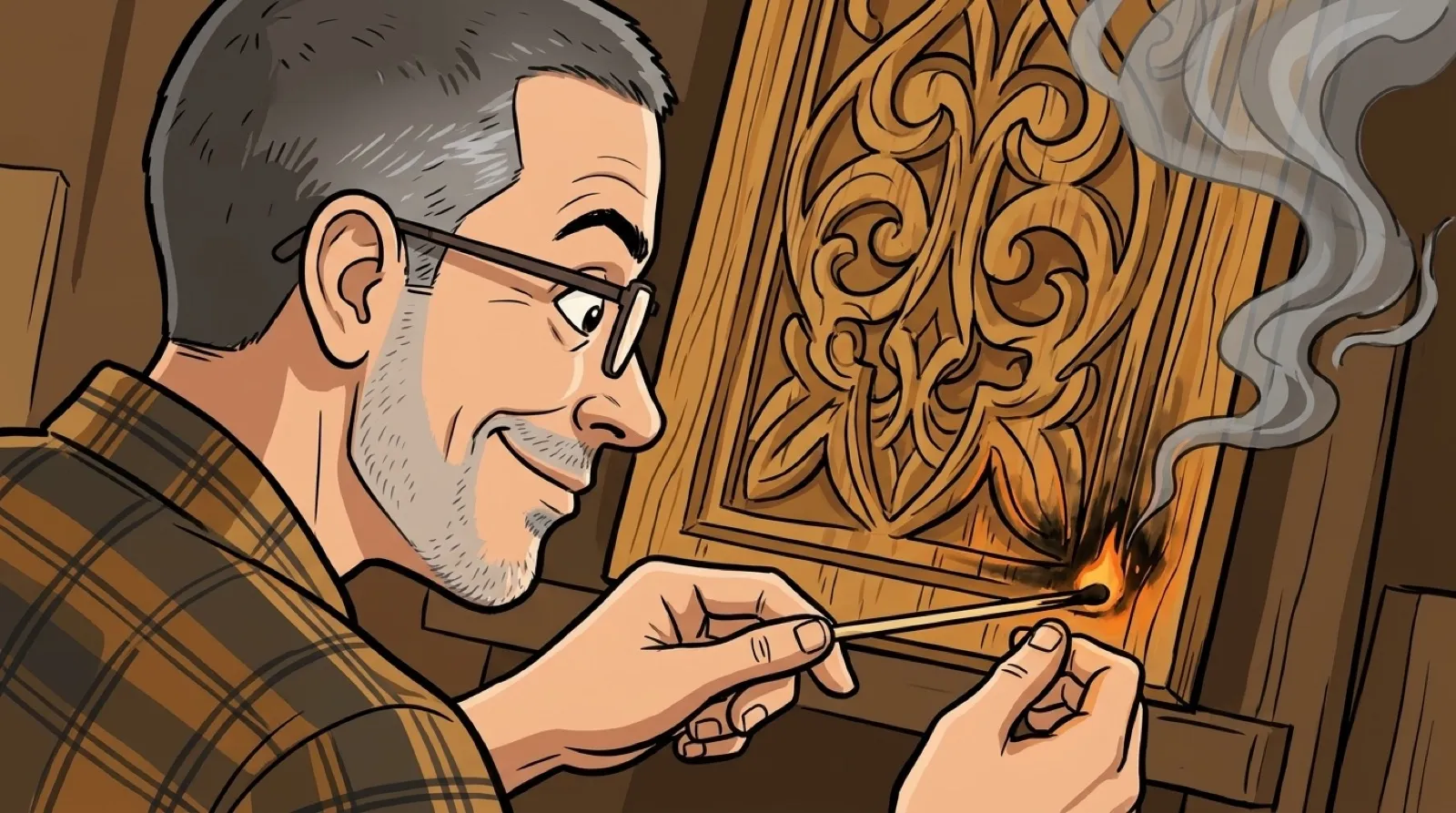
The photograph becomes fuel. Pixelforge can trace a picture into a wooden outline inside its browser sandbox, where the drawing behaves as simulated material. An image editor usually stops short of letting the portrait catch fire (poor customer retention).
The project’s README describes DRAW A PHOTO as an import tool inside the sandbox. It shows a line-art preview before placing the result and offers materials including wood, stone, wall, ice, glass and plant. The choice changes what the drawing is made from, rather than merely its display color.
That is why the effect works. A picture placed as a decorative overlay could remain intact while the world underneath burns. Here the outline arrives as ordinary one-cell paint inputs. The imported picture has to obey the simulation’s rules, just as a shape drawn by hand would.
The author documents an edge-detection sequence: brightness, a slight blur, a Sobel operation, thinning, then thresholds that retain stronger edges and connected weaker ones. The blur helps keep image grain from becoming a forest of unwanted lines. The portrait receives a haircut before its extremely questionable housewarming.
The preview matters because different photographs will produce different outlines. A high-detail image can generate clutter where a simpler shape remains legible. A reader trying the live sandbox can start with a clear silhouette and compare the result before committing it to the world.
The broader project includes a worker-based simulation and several modes, but this import trick does not require a tour of all of them. Its appeal is immediate: take a familiar object, turn it into a material and watch the material’s behavior change the object. The image supplies the recognition; the simulation supplies the accident.
There is also a practical distinction between the source image and the imported result. Edge tracing preserves selected boundaries rather than every photograph pixel. Someone hoping to recover the original image from the simulation would be asking the outline to remember information that the conversion deliberately discarded.
That constraint can make the toy a useful small experiment in representation. A stone outline, a wooden outline and an icy outline may start with similar geometry while responding differently to the world. One input photograph becomes a way to compare material rules, with a very recognizable before picture.
The project’s own instructions establish the feature; they do not constitute an independent performance test across browsers. A complicated import or elaborate scene could behave differently on different hardware. Trying a small image first keeps the experiment cheap and leaves the browser a chance to remain on speaking terms.
More playful software could benefit from this approach: let imported content participate in the system instead of only decorating it. A photo editor might preserve the picture forever, while a sandbox makes its transformation the entertainment. In Pixelforge, the unresolved detail is how much of the face remains once the fire reaches it.
That portrait is toast.