
An Amazon Echo Show becomes a Windows touchscreen, with a hidden video keeping it awake
The maker tested a 1280×800 model, supplies two setup paths, and warns that the voice-controlled version still has a potentially session-ending catch.
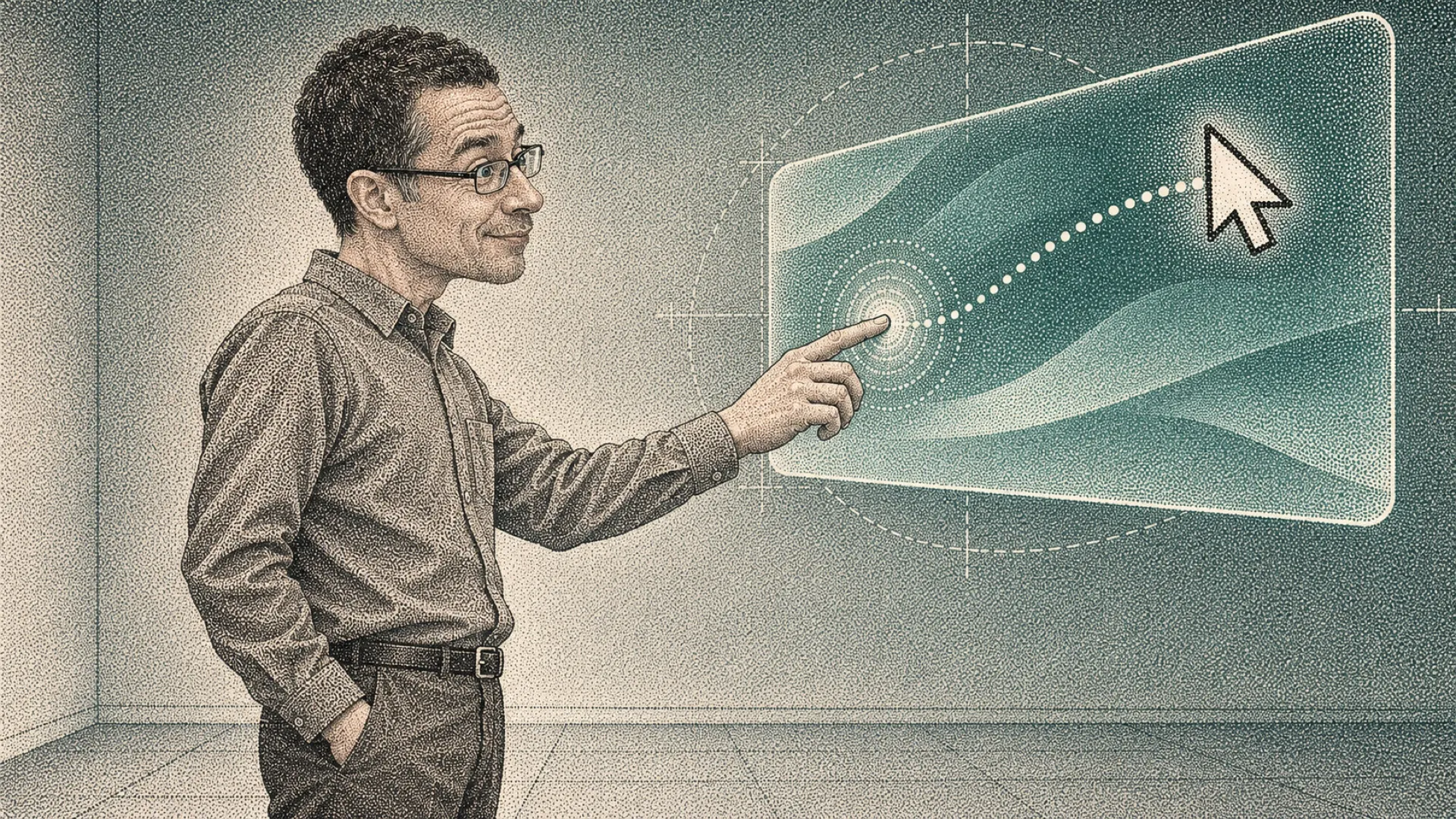
An Amazon Echo Show gets a second job when its owner says, “Alexa, open second screen.” Windows gains somewhere else to put a window, and a finger on the Echo can click, drag, right-click, or scroll on the PC. That household screen has finally extended its résumé.
The maker, posting as aswetlow, describes the project as “A weekend hack, not a product.” Testing covered a 1280×800 Echo Show and a Windows laptop. That distinction matters before anyone starts shopping for a matching pair: the README lists the Echo Show 5, 15, and 21 as untested.
Windows supplies the desktop through a virtual display driver. Set that extra monitor to Extend, and windows can be dragged onto it. FFmpeg captures the virtual monitor, and a small Node.js server streams the picture to the Echo. The computer does the desktop work; the smart display gets viewing duty.
Touch makes the return trip through a WebSocket connection to the server, then through a PowerShell helper to the Windows mouse. A tap becomes a click, a hold becomes a right-click, and two fingers scroll. There’s no keyboard input or pinch zoom from the Echo, so this little promotion comes with a fairly specific job description.
The most wonderfully household-appliance part is how it stays awake. The README says, “A hidden, muted looping video keeps the Echo from going to sleep.” Somewhere behind that useful desktop, a video is doing the digital equivalent of nudging someone during a meeting. Smart display, meet wake work.
There are two routes through the supplied code. The Silk browser version puts the extended desktop on the Echo over the local network. The maker recommends starting there to prove the display path before adding the voice-controlled version, which brings touch and the custom Alexa skill into the arrangement.
The voice route needs cloudflared, the ASK CLI, and an Amazon developer account alongside the display driver, Node.js, and FFmpeg. The repository advertises “Zero npm dependencies,” which deserves its full sentence: the server avoids npm dependencies, while the overall setup still has several moving parts. The fine print has brought its own toolkit.
Free Cloudflare quick tunnels also change their URL on every start. The server responds by redeploying the skill, taking about a minute; a named tunnel with your own domain avoids that step. Voice convenience has acquired a small opening ceremony.
Reusing a screen this way could make a useful side panel without buying another display. Whether it earns desk space depends on the waiting, interruptions, and touch behavior in actual use. The maker explicitly rules out games and video as suitable workloads, and elevated Windows applications ignore its touch clicks unless the server also runs as administrator.
One remaining limit could interrupt that dashboard duty: Alexa web apps end after at most 30 minutes without interaction. The README says whether the built-in keep-alive extends that is still being tested.
The hidden video is still auditioning.