
A C++ graphics tutorial lets you steer its neon racing demo in a browser
The project pairs a playable example with exercise branches and documented build requirements for following the engine work.
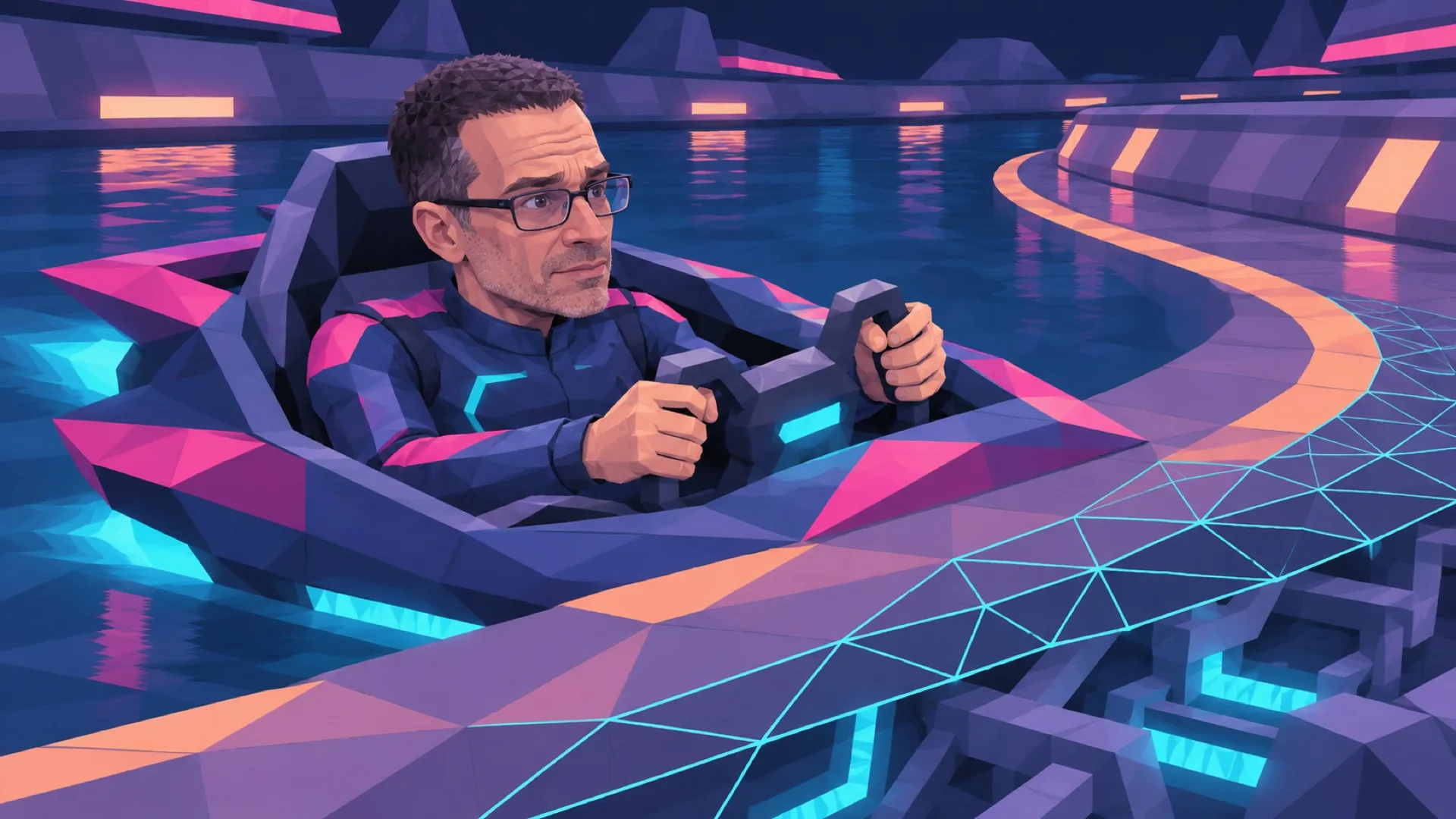
The graphics tutorial comes with something to steer. Neon Canal’s browser demo puts a ship on a neon course with boost, airbraking and weapons, while the accompanying repository breaks the C++ work into exercises. A prospective learner can take the result for a spin before arguing with the build tools.
The playable page says “The race simulation, track and ships are built in C++.” That is the maker’s description of the implementation, rather than evidence that a browser executes an ordinary desktop C++ binary directly. The important visitor-facing result is that the example can be reached through a web page.
The course landing page names C++17, OpenGL 3.3, GLFW, GLAD and a CMake-based build setup. The repository provides starting branches, solution branches and end-of-episode tags. That gives a learner a way to begin at a defined point and compare the result with an intended solution.
The README also documents a check command for the exercises. Early tasks include restoring a background pulse and correcting behavior around long frames and geometry. Later entries cover collisions, interactions and sound. The result isn’t only a finished-looking page with an invitation to guess how it happened.
Those stages make failure smaller. A learner can focus on one visible change, run the provided check and compare with the matching branch. Someone arriving at the project halfway through doesn’t have to reverse-engineer every earlier decision just to begin the next exercise. The branch names have a teaching job beyond tidying the repository.
The local graphics exercises still require a suitable environment. The README calls out compiler and build-tool requirements and a graphical session with OpenGL support. On Linux, it discusses dependencies for the window systems involved. A working browser demo is a convenient preview, not proof that the local graphics toolchain is already configured.
The racing controls are exposed directly on the page: arrows or A and D steer, W or the up arrow boosts, and other keys handle airbraking, firing, rockets and pause. A drag gesture also steers. Those instructions make it possible to inspect the visual result without first reading the source’s language or rebuilding the project.
This account reports the project pages and repository, without claiming a completed lap, a local compile or a measured frame rate. The demo and the lesson structure are the concrete artifacts. Their value to a particular learner depends on whether the step-by-step material matches the level and tools that learner has.
More technical tutorials could benefit from this order: a visible result to explore, then bounded exercises that explain how it is assembled. Here, the unresolved work for a learner is pleasantly specific: choose a starting branch and make the next intended behavior work.
The homework has a boost button.