
One Developer Wrote Everything Above Linux in Rust, and thir Boots to a Desktop That Plays YouTube
The author published thir on November 17 as a way to learn how an OS works, with VirtualBox and USB images, and made its optional AI ask permission before touching a file.
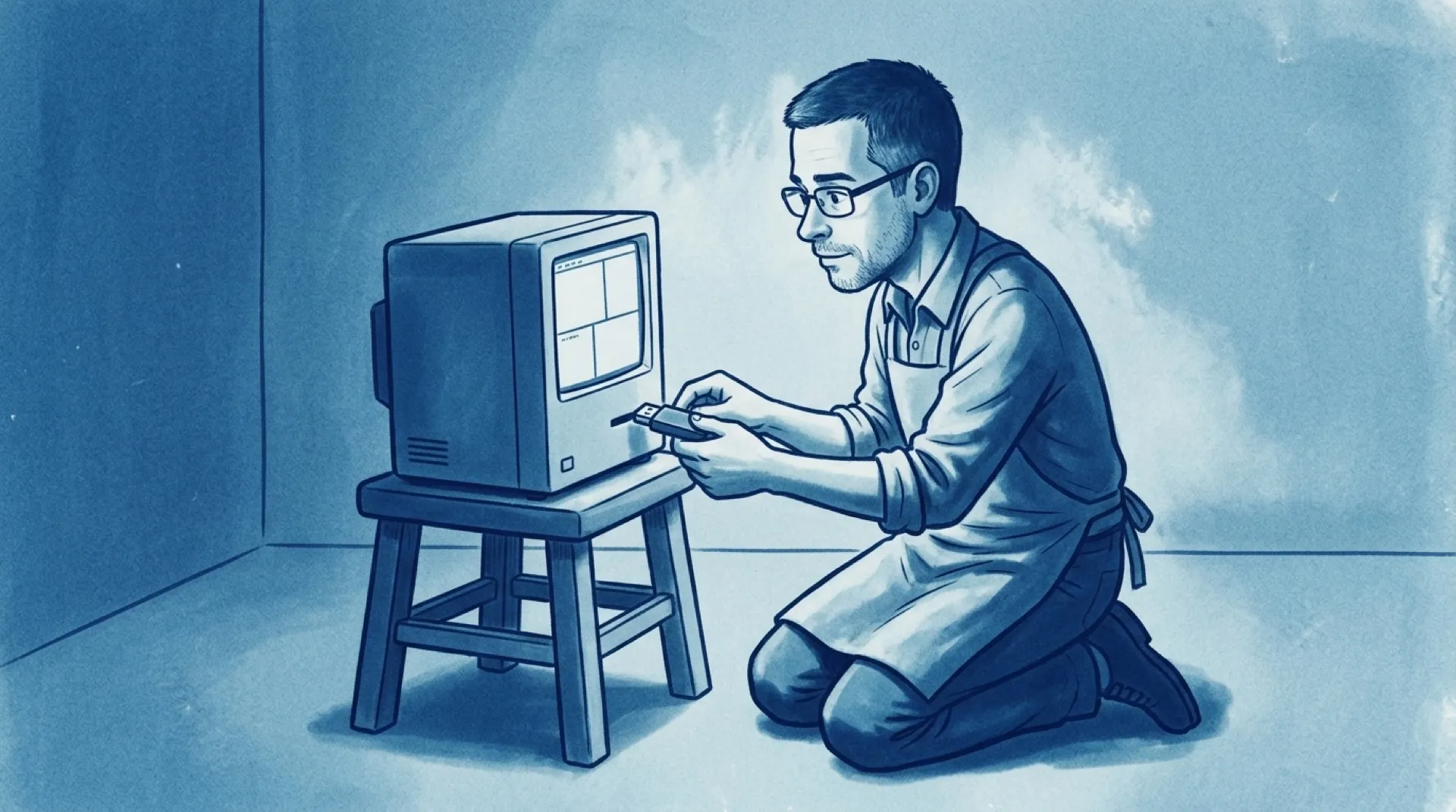
The README for thir opens with its own scope statement: it is “a small operating system I wrote to learn how one works. It boots the Linux kernel, and everything after that is my own Rust code.” The kernel is Linux 6.12. Above it, the author wrote init, a pane-based desktop, a shell, a login and a stack of apps. (Everything above the kernel is Rust, so Linux is the only part not oxidized.)
Read the architecture diagram from the bottom up and each layer starts the next. UEFI hands off to Linux. Linux starts init, which starts and watches two programs: den, the desktop, and dhcp. Den owns the panes, the mouse and the clipboard, and it asks before anything touches the microphone or camera. Every pane gets its own login. On top sits nsh, the shell, which also hosts the built-in apps: notes, calendar, contacts, clock, calculator, settings, a media player and a picture viewer. The standalone programs are edit, find, top and a browser.
The browser is where the scope gets honest. It is WebKit, and it plays YouTube. The license section lists WebKit, GStreamer, glib, libsoup, GnuTLS and ffmpeg as LGPL components, with source links in the release notes. So “all Rust” describes the author’s own layers, not a vow against borrowed engines. Nobody writes a YouTube-capable renderer for a learning project, and the build instructions show why: the first build compiles WebKit and “takes hours.” A THIR_SMALL=1 flag skips the browser and media apps for a tiny version.
Then there is the AI. Type ! and say what you want, such as ! move notes into docs or ! make me a weather app. thir shows what it will do and waits for a yes. You bring your own key, or you pick “no AI” at first login. The diagram marks the AI boxes as optional and puts it flatly: “thir works without them.” Apps the AI builds for you get their own row at the top of the stack, above everything the author wrote by hand.
Trying it needs no build. The latest release carries four images: thir-vbox-arm64.ova for VirtualBox on an Apple Silicon Mac, thir-vbox-x86_64.ova for Windows, Linux or an Intel Mac, thir-arm64-uefi.img.xz for UTM or QEMU on ARM, and thir-x86_64-uefi.img.xz for a real PC booted from a USB stick. Give a VM 2 GB of memory and 2 CPUs. Inside, Option+Enter opens a pane, Option plus the arrow keys moves between panes, Option+f goes full screen and Option+q closes a pane. Copy and paste work with Ctrl+Shift+C and V, or Cmd+C and V.
The repo is young. It was published November 17 and showed 19 stars, one fork and 101 commits when this was written. The author’s code is MIT licensed, and Linux stays under GPL-2.0. For the USB route the README adds a warning worth reading twice: “Be careful with dd, because it erases the disk you name without asking.” That is a neat irony for an OS whose AI waits politely for a yes, and whose installer step does not.
A forecast, not reporting: the permission pattern here is likelier to spread than the Rust-everywhere part. A desktop that prompts before the microphone, the camera and any AI action gives a reader one habit to carry into other tools. The mechanism is simple. When every sensitive action goes through one shell that shows a plan first, the yes becomes a single place to audit. Whether other hobby systems copy it is speculation, and a repo with 19 stars is not a trend. It is a clear example of the shape.
Budget hours for the first build.