
agent-desktop Clicks App Controls Without Borrowing Your Mouse
Changing interfaces can invalidate yesterday’s target. This open-source utility makes ambiguous or stale observations a reason to look again.
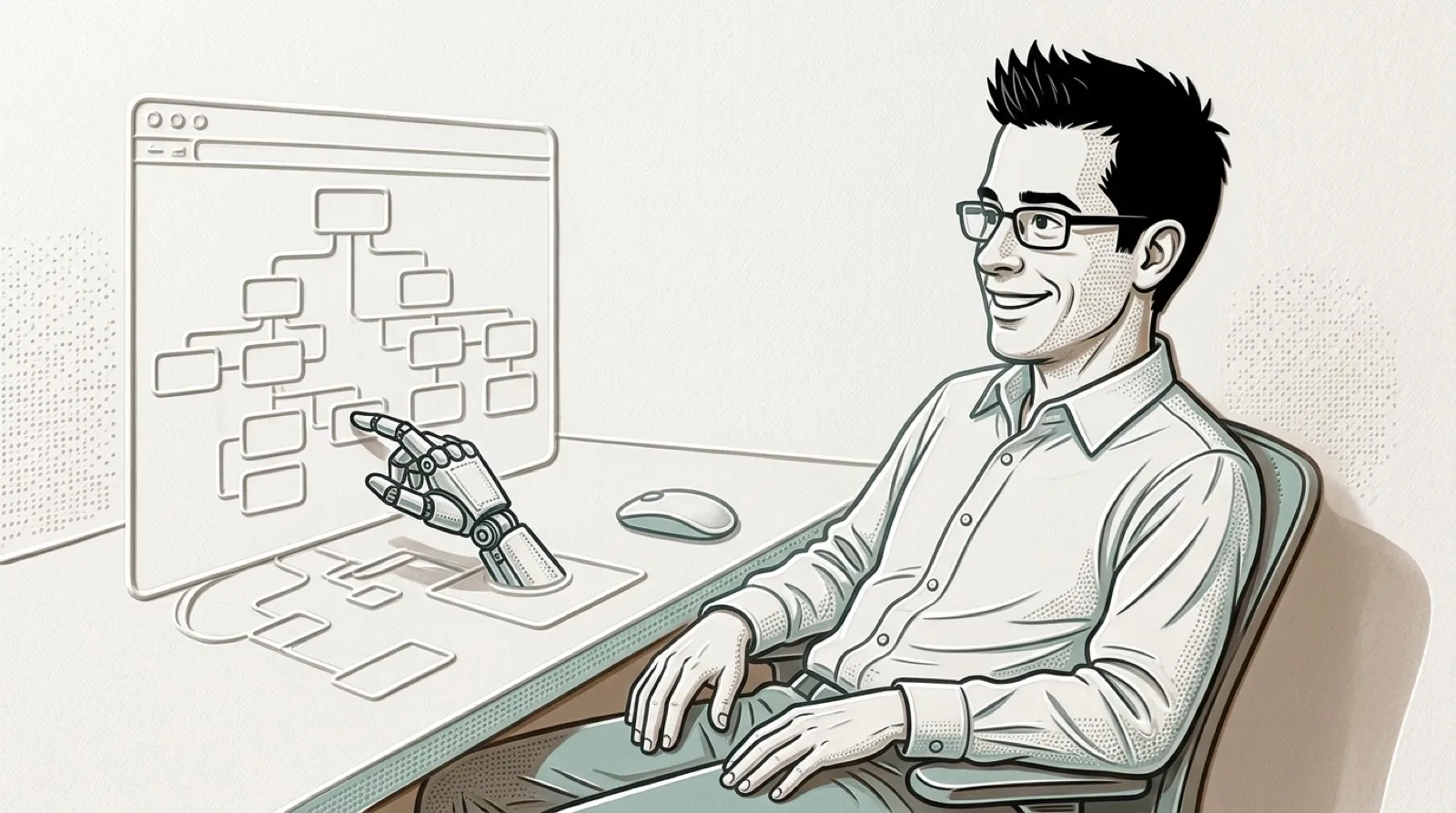
An agent can click a control while your mouse stays where you left it. agent-desktop reads the app’s accessibility tree, assigns references to a snapshot and uses those references for actions.
Its README says, “Refs belong to their snapshot.” If the interface changes enough to invalidate an action, the tool can return STALE_REF or AMBIGUOUS_TARGET and require a fresh observation. That is a sensible way to interrupt the agent before yesterday’s row becomes today’s wrong recipient.
The free Apache-2.0 project supports macOS, Windows and Linux. Platform permissions still apply, and a control has to be exposed through the relevant accessibility system to be useful this way. Whether your particular app cooperates remains an app-specific question.
The documented pattern is snapshot, act, snapshot again. Those last observations matter: a request to click and a confirmed change in the app are different events. Actual control coverage still depends on the application.
The reference identifies a control in a particular observation. That is more information than a pair of screen coordinates, because it connects the action to the interface the tool actually inspected. A changed window still needs another observation; the reference does not make an old view permanently current.
A practical workflow can treat that interruption as a boundary instead of an inconvenience. If a list changes between inspection and action, repeating the observation is a way to discover whether the desired row still exists. Blindly retrying the same reference would erase the very distinction the tool is trying to preserve. The extra read is useful when the alternative is editing the wrong item.
The accessibility requirement also gives a sensible first evaluation target. A small task in an app that exposes named controls can reveal whether the tool sees enough detail to distinguish the choices. A custom-drawn interface may present a different result. Platform support and application coverage answer different questions, even when the installation itself succeeds.
Leaving the mouse alone has an ordinary human benefit: a background task need not turn the desktop into a contest over who gets to point next. That default still needs to be understood beside the explicit mode for physical input. A workflow should know which interaction it selected before assuming a person can continue working undisturbed.
The final snapshot is the part worth keeping when judging success. A click request reports an attempted action; the next observation can show whether the intended state changed. A good trial would include a changed window or ambiguous target as well as an easy successful click, because the refusal is part of the behavior being evaluated.
The next useful compatibility example would name the app and task, show the control exposed to the tool and preserve the resulting state. That would let another person distinguish supported automation from a convincing-looking click demonstration.
Better accessibility support could make more applications usable by both people and agents. The next practical test is which controls in a real workflow expose enough information to let the agent stop guessing.