
Disc Image Studio burns visible pictures into ordinary blank discs
A Windows desktop app and experimental Mac and Linux command line turn image geometry into optical-disc data.
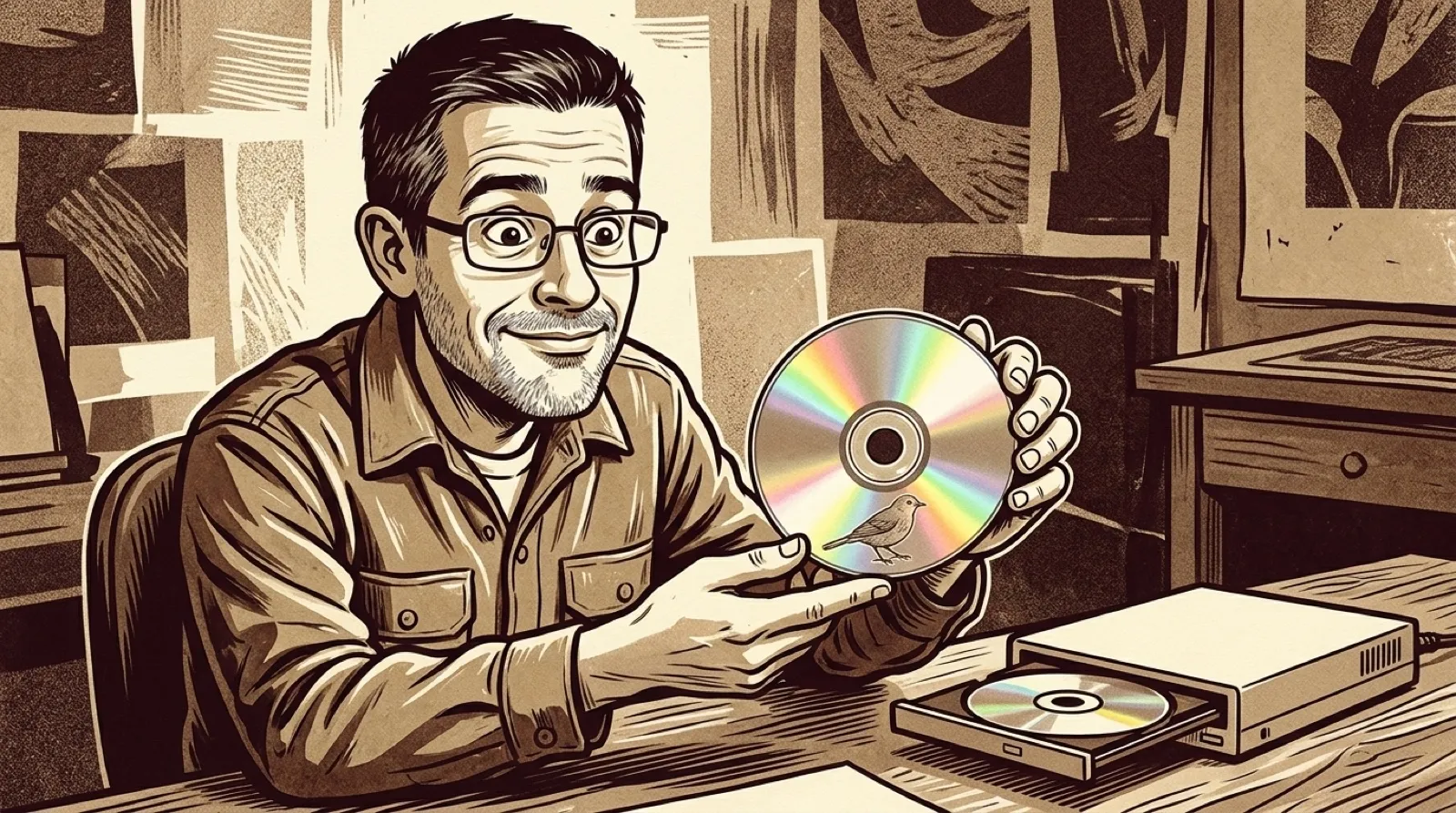
A blank disc can become the picture. Disc Image Studio takes an image, works it into the physical constraints of optical recording, and produces a pattern visible on the recorded surface. The same object holds the information and shows the artwork. Your coaster collection finally has a creative department.
The project’s English documentation describes its job as making images “visible to the naked eye.” This is the maker’s account of its own tool, including the sample results; it is not an independent compatibility test of every recorder in the attic. The broad hardware claim deserves that distinction before anyone feeds it the last disc in a spindle.
The workflow starts with choosing a medium and arranging an image in layers. Tone controls handle dithering, gamma, brightness and grayscale. Then a projection previews the result before export or burning. Those adjustments matter because this picture has to survive the trip from a rectangular image into circular recording geometry. A face that looks fine on a monitor still has to make sense on a shiny doughnut.
CD output can use audio-track files and accompanying cue sheets. DVD output uses an ISO. The Blu-ray path supports single-layer, 25 GB BD-R media; expanding that to every Blu-ray format would invent a capability the README does not promise. Files can also occupy an inner or outer ring, so the project gives the picture and the useful payload separate room on the same disc.
That combination suggests a fun physical handoff: a little collection of your own files with recognizable art on its surface. It also creates two different success conditions. The design has to look right, and any files you included have to read back. Admiring the picture proves exactly one of those things. A backup with a lovely portrait and unreadable files would be framed incorrectly in every sense.
Windows gets the desktop interface. Linux and macOS get an experimental command line that writes image files and audio tracks for compatible burning tools. The release packages include their runtime, according to the README. An experiment on a Mac therefore starts with a terminal and an output file, rather than assuming the pictured Windows application appears there too.
The project also documents assisted calibration for disc geometry. That is a useful admission that the physical world has a vote. If the preview and the burned result disagree, recording geometry belongs on the suspect list before the original artwork gets another pointless makeover.
A sensible first attempt would use a simple high-contrast image, blank test media and a readback of any included files. The live-burn path is labeled experimental, and the documentation specifically warns against nonblank discs. Even a successful first burn leaves the next question open: how consistently does that particular recorder and batch of media reproduce the design?
Please label your artistic differences.