
Mistfall Is a Free Mac Screen Saver That Draws Tens of Thousands of Glowing Dots, Built in Honor of Syntrillium's Snoqualmie
Its author credits one old screensaver with starting a rabbit hole into digital design, and now ships two downloads so you can tinker without waiting for your Mac to go idle.
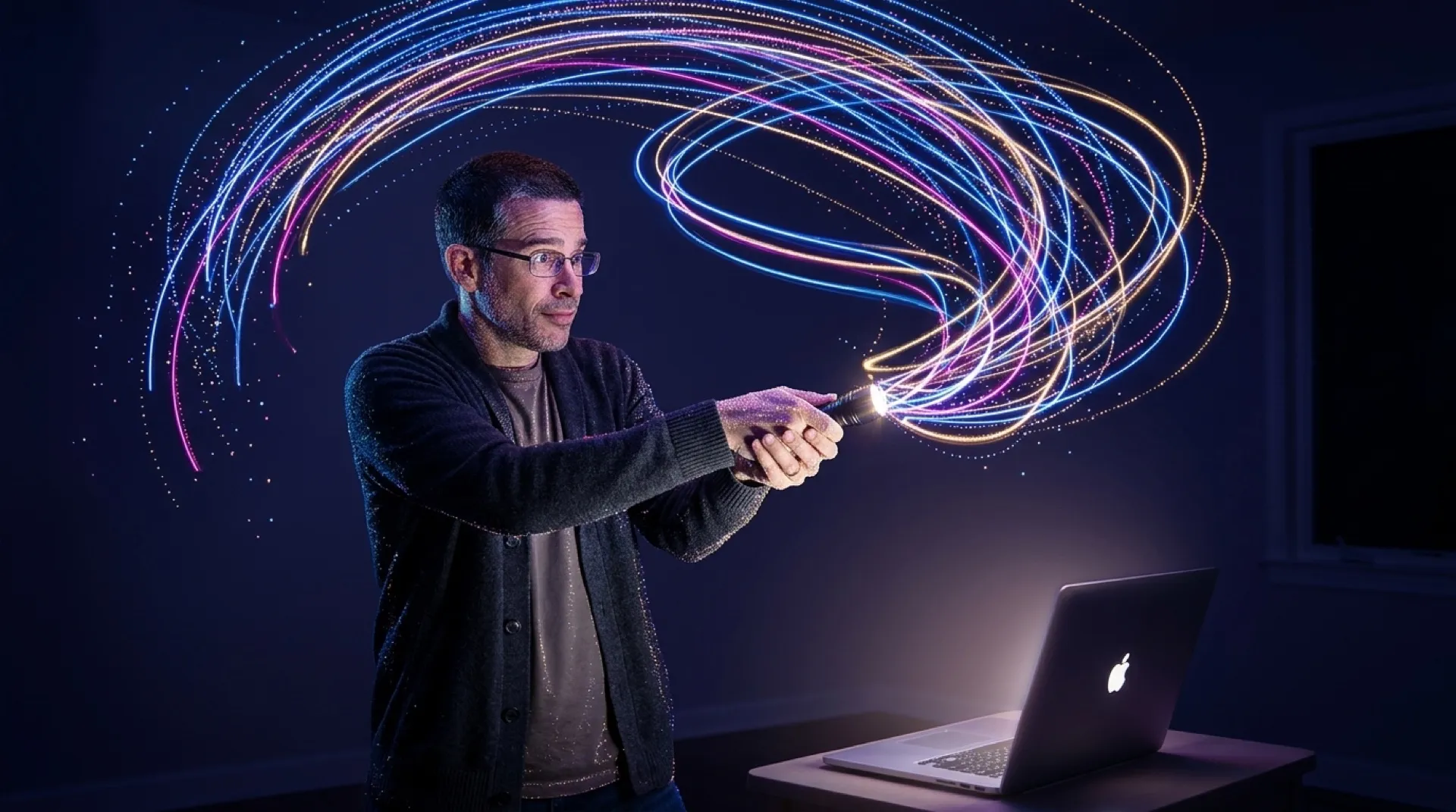
One screensaver sent a person down a rabbit hole, and the rabbit hole now has a download button.
The project is called Mistfall, and its GitHub page describes it as “a macOS screen saver and standalone app that draws slowly changing patterns of light out of tens of thousands of glowing dots.” It’s completely free. It’s signed and notarized by Apple. The full source sits in the repo, so nothing is hiding behind the glow.
The origin story takes one sentence in the README. Mistfall is made in honor of Snoqualmie by Syntrillium, a screensaver whose renders “fascinated me enough with the beauty” of them “that I wanted to understand imaging and computers more and more,” the author writes. That curiosity “led me down the rabbit hole of digital design.” Plenty of people have a piece of software that made them want to know how it worked. Fewer have shipped their own answer to it.
There are two ways to take it home. The Releases page carries Mistfall-App.zip, the standalone Mac app, which can also install the screen saver from its menu. It exists so you can tinker without having to be in screen-saving mode, which is a polite way of saying you don’t have to leave your Mac alone for five minutes to see what you built. The other download, Mistfall-Screensaver.zip, is the screen saver on its own: unzip it and double-click Mistfall.saver.
Under the hood, the engine is tidy. Engine.swift runs the patterns, and the patterns live in families named Abstract, Cipherfall, Flow and Prism. GPU.swift does the drawing with Metal, which is Apple’s way of letting a few tens of thousands of dots glow without anyone waiting on them. A separate Saver folder wraps that same engine for the screen saver slot, so the app and the saver show the same light.
The Mac App Store gets a mention too. A Store folder holds listing text, entitlements and screenshots, and a scheme called MistfallStore is the Mac App Store variant. Building from source needs macOS 13 or later, Xcode and XcodeGen, because the Xcode project is generated from project.yml rather than checked in as a hand-edited blob. That small choice keeps the repo readable, which is more than most Xcode projects can say.
The copyright line reads Secret Weapon Design, with a link to secretweaponlabs.com. The repo’s topics include generative art, Metal, particles and screensavers, and the README’s list of what it is made of is short on drama. That’s part of the charm. Nobody is pitching a platform here. It’s one person’s light show, labeled as such.
The code is already sorted into pattern families, so the likeliest next move is more of them. Abstract, Cipherfall, Flow and Prism are labeled folders, and a labeled folder invites a fifth one. Anyone who forks it can add a family without touching the app wrapper or the Metal drawing, because the engine, the saver and the GPU code are separate pieces.
Tributes like this will keep showing up for a simple reason. Metal does the heavy drawing, GPL v3 keeps the source open, and XcodeGen keeps the project file readable. That combination makes an old look cheap to rebuild, and a lot of people carry a screensaver they never forgot. Expect more of them to turn into a repo with a README that starts with “it is made in honor of.”
The screen saver also has an obvious job on an unattended Mac: look good while nobody is watching. It’s the rare piece of software whose best review is that you didn’t notice it was running.
The repo has one star so far. Plenty of room in that sky.