
Waveshare puts the Arduino UNO Q behind a touchscreen and removes the display cable
A workbench panel gets simpler assembly, with board compatibility and power still on the builder’s checklist.
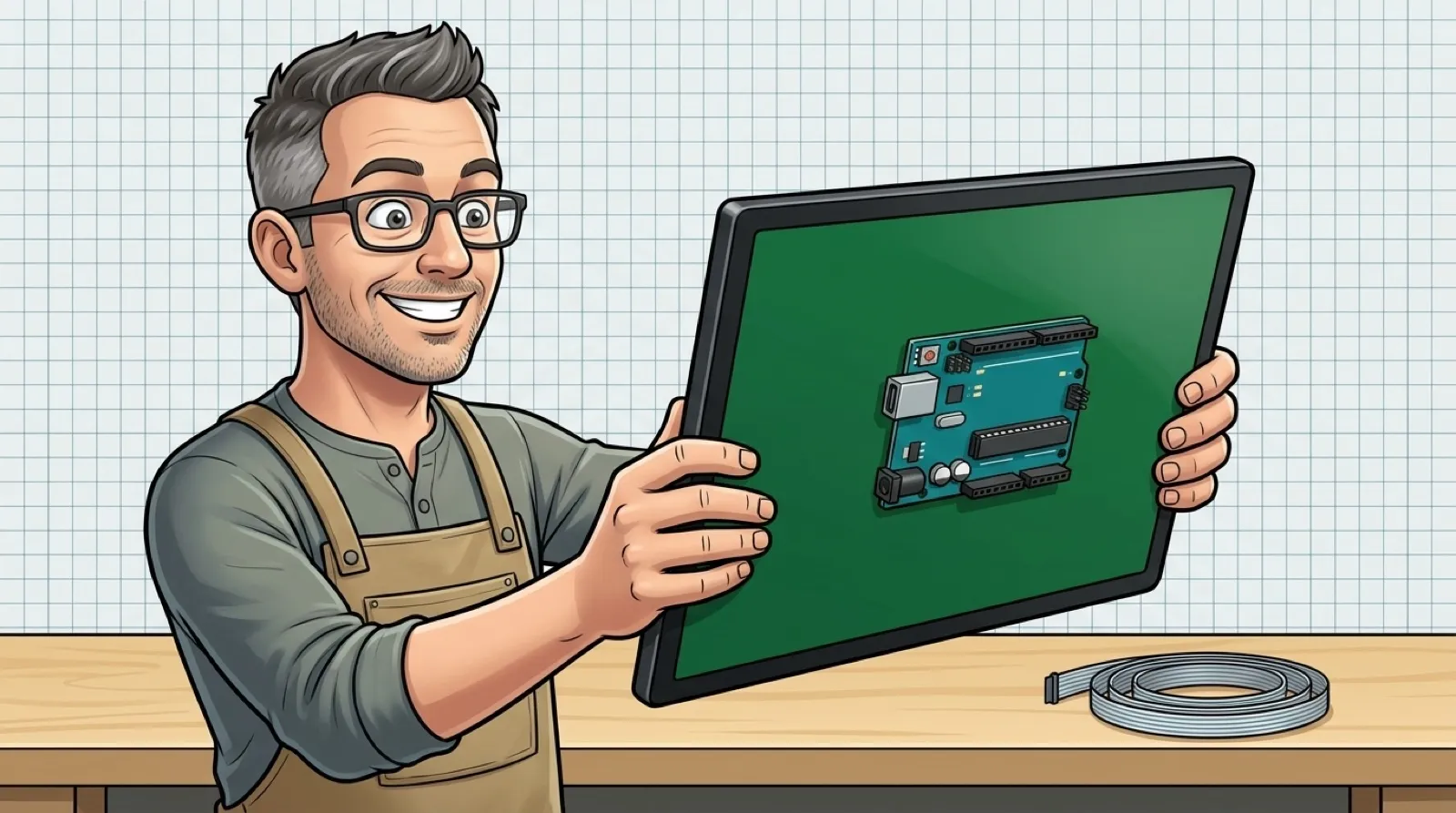
Waveshare moved the computer onto the back of the screen, where a workbench panel builder would probably like it to stay. Its UNO Q touchscreen connects the Arduino UNO Q directly to the rear carrier instead of leaving a display ribbon to route between separate parts.
The product documentation describes the two connections as JMEDIA and JMISC. They carry display and related signals through mating board connectors. That removes one particular cable from the assembly; power still has to reach the system, and a camera still needs its connection.
The screen is a 10.1-inch IPS panel with an 800 × 1280 native resolution, backed by a metal plate. Waveshare also provides speakers and camera connections. Those additions give the panel a useful starting shape for a little control station or a workbench interface, rather than asking the builder to scatter the pieces around a bare monitor (some assembly still required). The back gets a little less screen-time drama.
The comparison gets more interesting beside Raspberry Pi’s Touch Display 2. Pi also aims at interactive projects, and its boards can live behind a panel. Its connection scheme still uses a DSI ribbon plus GPIO power. Choosing the board family therefore changes what needs to be mounted and routed, even when the finished front view looks similar.
| Deciding row | Waveshare UNO Q 10.1-inch | Pi Touch Display 2, 7-inch | Pi Touch Display 2, 10-inch |
|---|---|---|---|
| Display price, computer extra | Store starts at $69.99 | $60 list | $80 list |
| Native pixels | 800 × 1280 | 720 × 1280 | 1200 × 1920 |
| Computer connection | Direct JMEDIA/JMISC stacking | DSI ribbon plus GPIO power | DSI ribbon plus GPIO power |
| Board family | Arduino UNO Q | Compatible DSI Raspberry Pi computers, excluding Zero line | Pi 5 and Compute Modules only |
| Touch qualification | Point count depends on software | Five-finger touch | Ten-finger touch |
These are display prices, not complete-system quotes. A board, a suitable supply, and whatever enclosure or stand the project needs still belong in the bill. The Waveshare store has several purchase options, so the option name needs checking before assuming the lowest price includes the UNO Q.
The hardware instructions are worth reading before pressing the boards together. Waveshare requires shutdown and disconnected power before installation or removal, warning, “Do not hot-plug” the connections. It says to align the connectors and press evenly, rather than forcing the board in at an angle. Removing a ribbon hasn’t removed the need to treat the connectors gently.
Power is another remaining dependency. The guide specifies 5 V at 3 A for both port and cable, with the supply connected to the UNO Q’s USB-C port. An available USB-shaped hole on the workbench doesn’t establish that its power budget matches the assembly.
A builder already committed to UNO Q gets a fairly direct physical route to a screen. A Pi owner can compare the cheaper seven-inch panel or the higher-resolution ten-inch option without assuming either accepts every Pi. The chosen desktop and application still need to deliver the touch behavior the finished panel needs; the mechanical fit cannot settle that.
One less ribbon behind the curtain.