
A trailing space can make Windows open a different file with the same visible name
Microsoft's NTFS troubleshooting page explains why changing permissions can miss the actual object and even affect its neighbor.
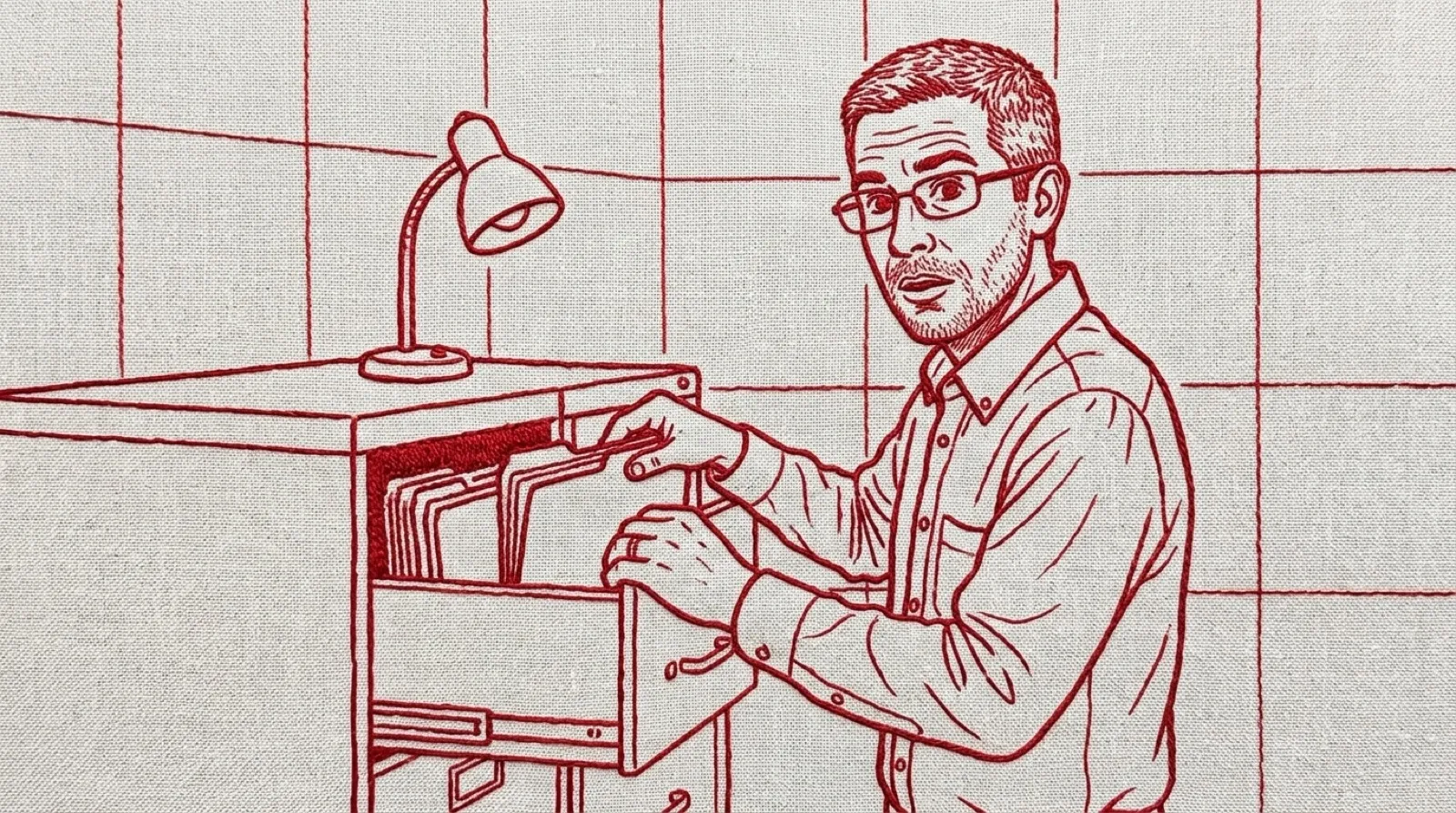
The file looks right. The permissions look wrong. Windows may be opening its neighbor before either judgment gets a chance.
Microsoft’s NTFS troubleshooting article gives an example with two names: AFile.txt and the same name followed by a space. Ordinary Win32 calls strip trailing spaces and periods before opening the object, so asking for the second can open the first.
That invisible character has visible consequences. Microsoft says a name consisting only of a space can resolve to its parent folder through normal calls. Changing security settings can then affect a different object from the one the person intended. The filename has turned into a very poor forwarding service.
The document covers supported Windows Server versions and lists several distinct causes of files refusing deletion. Permissions, open handles, corruption, deep paths and unusual names each have their own section. The same error-shaped experience can therefore require quite different repairs.
For trailing spaces or periods, Microsoft documents tools using the \\?\ syntax to preserve the pathname. Its example uses a deletion command, but that example is no reason to begin by deleting anything. First identify the exact object and preserve anything valuable.
The important diagnostic step happens before taking ownership. If the tool is resolving a different path, granting more rights can make the wrong operation easier. Administrator privileges cannot make an ambiguous request describe the intended file more accurately (a familiar limitation of authority).
A practical investigation should record the name as the filesystem exposes it, including its final characters, and use a tool documented to preserve that exact path. A screenshot in which the final space disappears provides weak evidence of what is actually stored.
Backups matter here because a confident cleanup can touch the wrong neighbor. Keep a verified copy of valuable contents before a rename or other repair, and stop if the inspection tool and the operation tool disagree about which object they mean. This is an especially bad moment to add a wildcard.
The article’s combined-causes section also matters. A troublesome name can coexist with a restrictive access list or an open handle. Correct path handling may reveal a second real problem. That is progress in identifying the file, even if the original operation still fails.
For people building tools, the wider issue is preserving identity across layers. A storage system can retain a name that a higher-level interface normalizes. Logging a cleaned-up version of that name can erase the clue needed to explain why the operation went somewhere unexpected.
A useful test case for such a tool uses harmless fixture files with visibly recorded names and contents. The proof comes from which file it reads or changes. A friendly message saying the operation succeeded would be awkward evidence if the other file got the attention.
That last space has consequences.