
Softwareandroidopen-sourcecameraprivacy
CamMonitor Turns an Old Android Phone Into a Camera That Sleeps When Nobody Watches
Developer samlu preserved the original requirements and build history, revealing a deliberate tradeoff between convenient check-ins, aging hardware and footage you can replay later.
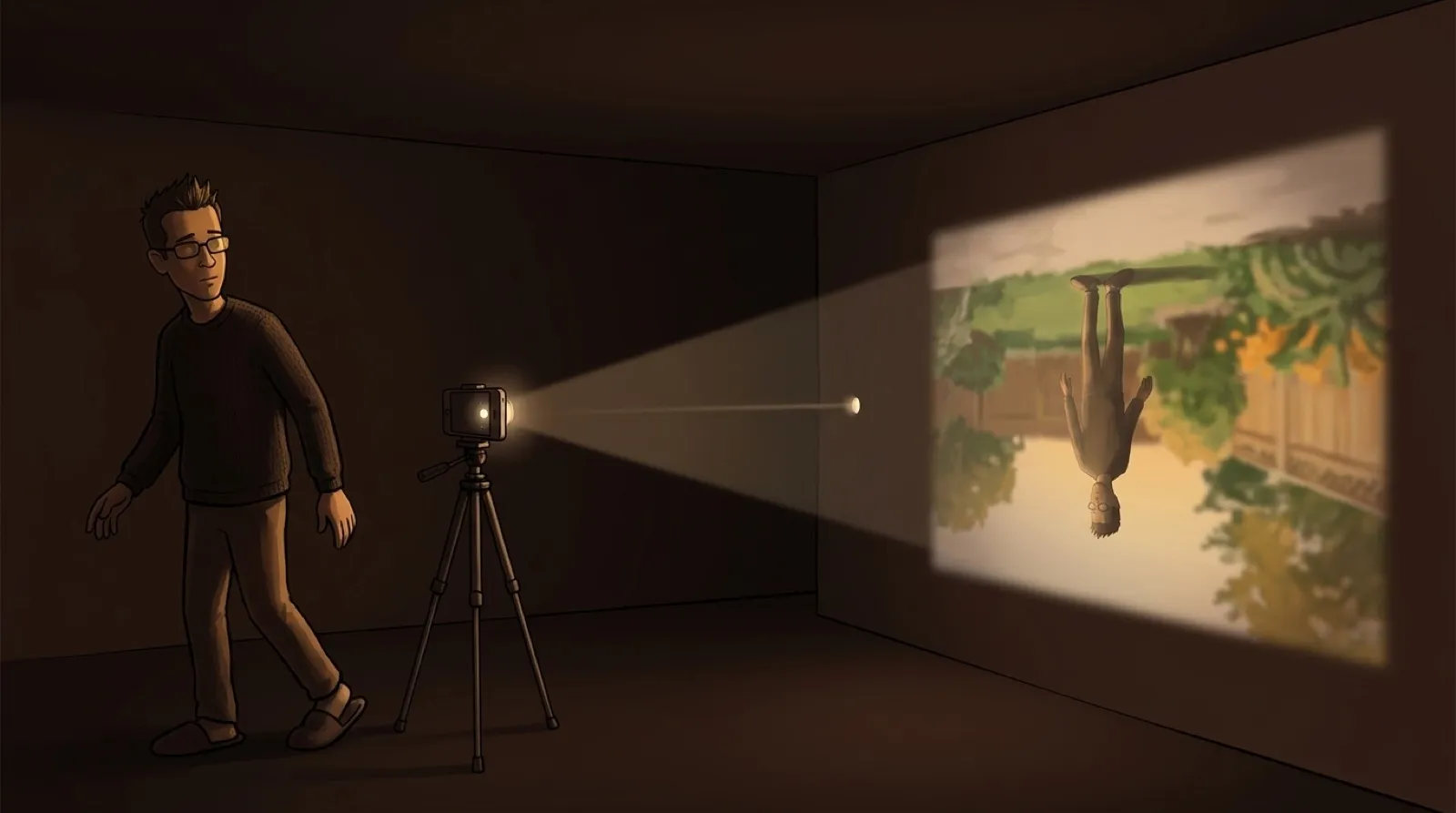
CamMonitor gives an old phone another job without asking it to record an empty room all day. Its developer left recording out, so the repurposed hardware can stop doing camera work when nobody is looking.
Developer samlu’s README calls the design an “on-demand live monitor.” Pair two Android 9-or-newer devices by scanning a QR code. One becomes the camera; the other watches. When nobody is watching for a minute, the camera hardware shuts down and can wake when a viewer reconnects.
That timeout differs from the screen’s timeout. The camera phone’s display also goes black after a minute without touch, protecting the OLED screen and saving power according to the README. An untouched screen can go dark while someone is watching remotely. A camera with no viewers can stop capturing. Treating those as separate jobs makes sense: a dark display alone does not establish that a sensor has stopped working.
The original requirements already asked for a two-phone arrangement, a black screen after inactivity and a closed camera after a minute without a connection. The low-workload behavior was part of the initial brief. The current README leaves out continuous recording and persistent object detection to limit heat and hardware wear; it does not publish a measured battery-life comparison.
The developer’s account of making it says disappointing free-tier video in existing apps prompted the project. The author describes a first project built entirely with AI assistance, then makes a candid disclosure: “I haven’t scrutinized a single line of source code.”
According to that account, a rough requirements draft became a system specification in under half an hour, and a functioning core codebase followed in less than an hour. Roughly 20 hours of testing and refinement came afterward. The author says two Android phones connected to a laptop let the agent test connections, correct screen-layout problems and reinstall builds, while the author checked the experience on real hardware.
An hour to produce the first working version and days to improve it sound like different milestones because they are. The waiting room between “it runs” and “I’d leave this pointed at my house” still deserves attention.
The system specification explains how the phones find each other. Public MQTT brokers carry encrypted signaling, while Google STUN helps discover a connection route. WebRTC carries the media directly between devices. Skipping a video-storage service still leaves network services involved in arranging the call.
Pairing uses a single-use secret that expires after five minutes or successful enrollment. The design allows two viewers per camera and eight paired cameras per viewer. Both phones behind symmetric NAT on separate networks are explicitly outside its connection scope. A free app cannot negotiate away every router’s behavior.
The release history documents six review rounds for version 1.0.5 and a connecting-progress fix in 1.0.6. Its request for real connection steps rather than fake progress percentages is specific. A stalled camera connection is easier to diagnose when the app admits where it is stuck.
Other spare-device apps could use the same approach: decide which hardware can stop working when nobody needs its output. For this one, the unresolved question is whether independent testing will support the author’s security and reliability claims across the old phones and awkward home networks people actually have.