
Windows 98 on 38 Floppy Disks, All Saved as Disk Images
TeeDub12 preserved a setup routine that made sitting beside the computer part of the job.
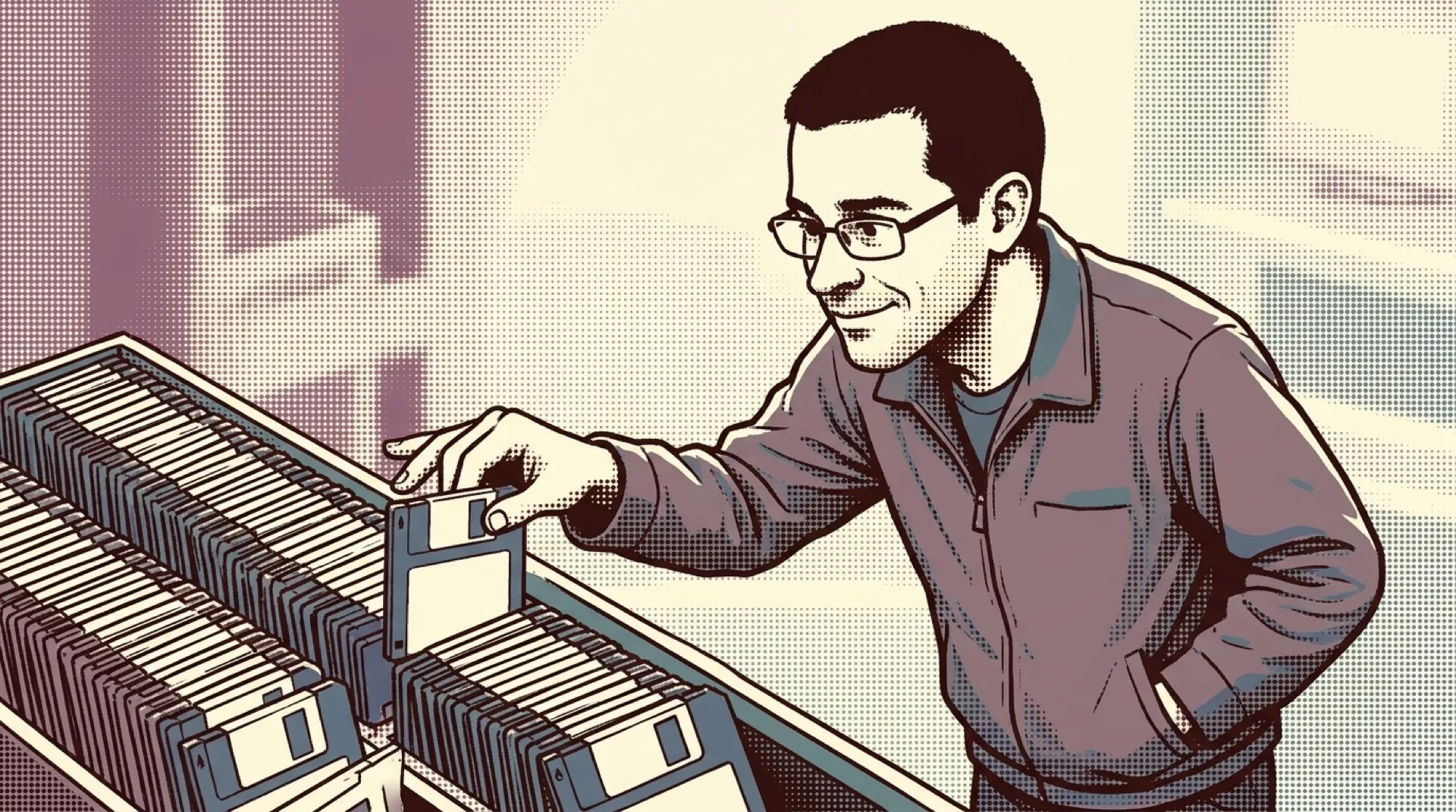
Thirty-eight floppy disks is a stack you’d clear a spot on the desk for. Start with the first one and keep the rest within reach. If setup asks for the next disk while you’re in the kitchen, your PC gets a coffee break too. The drive can only take one at a time, which makes you the part of the installer that has to stay awake.
TeeDub12 calls the upload a “complete OS install on 38 floppy disks.” The next line, “Images created with WinImage,” explains how the stack made it onto the Internet Archive. A disk image keeps the contents of a disk together so software can treat it as a disk of its own. Open a folder full of loose setup files and you can see what’s there. Keep the floppies as images and you can also keep track of which files the installer expected to find together.
The archive lists the item at 61.8M and offers an ISO image among its download options. That gives you two different ways to picture the same thing. The item size tells you what to make room for on a drive. Thirty-eight floppies tells you what to make room for on the desk, and how many little labels you’d want facing the same direction. Number them on the wrong edge and the setup ritual gets a bonus round of flipping squares over.
The nerve-racking disk in a stack like this is one near the end. If the first disk gives you trouble, at least you find out while the coffee’s hot. If a later disk does, you’ve already spent all that time feeding the machine and now get to inspect a little square of plastic like it owes you an explanation. Getting to disk 37 would feel like being practically done. You’d still need disk 38.
There’s a good reason to keep the divisions even if all you want to do is poke around. The next person to open the set might be trying to identify a stray floppy from a box of old software. Knowing which files belong on which disk gives them something to match against, especially if the handwritten label has faded to a smudge. Flatten the whole thing into one directory and that clue goes with it.
The same problem will come up for newer software whose setup depends on a server. If the server goes away, a saved installer may still open and leave the next person stuck at the step that used to fetch something. An archive of that software would be more useful with a record of what setup asked for, when it asked, and what it expected back. The floppy set gives you a wonderfully literal version of that problem. You can put the missing step on a label.
Please insert disk 38.