
Printer Friendly Strips Dark PDF Backgrounds and Keeps the Text Selectable
The open-source editor lets you click through stacked page elements and choose which diagrams make it to paper.
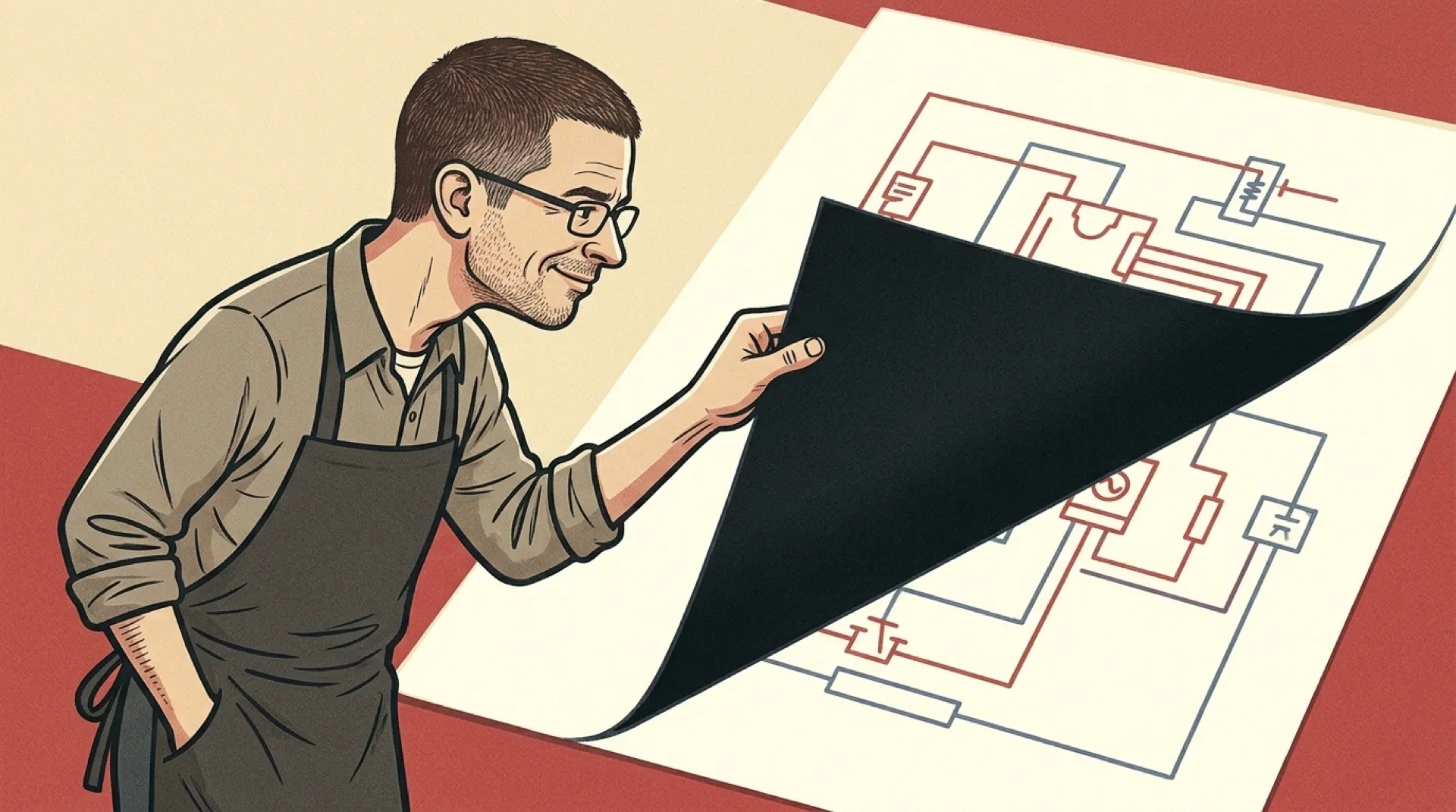
The slide deck looks great on a screen. Then you open Print Preview and discover that somebody has assigned your toner cartridge the job of painting the night sky. You need the wiring diagram on page seven. The midnight-blue rectangle behind it can take the day off.
In Printer Friendly PDF, you can click what you see and then click the same spot again to reach what’s underneath. That’s the good bit. If you land on the diagram first, another click can get you to the shape behind it. You can remove that shape or fill it white, turn pale labels and lines black, and tell the editor to keep the picture you came for. The background can get the sack without taking the diagram with it (for once).
The automatic cleanup is a handy first pass when the same dark design runs through the whole deck. It can remove pictures as well as backgrounds, which makes the side-by-side preview worth opening before you hit Print. A decorative photo can go. A picture showing which way to turn a valve has a stronger case for staying. The app also lets you give a whole group the same instruction, so you can fix a set of pale lines without chasing each one around the page.
“Only edited pages are rewritten,” the project README says. It also says links, comments, and form fields stay with their pages. That makes the cleaned-up PDF useful after the print job. Send it to the coworker who stayed at their desk and they can still select a part number instead of typing it from a picture and hoping that last character was a zero.
A scanned appendix is where the cleanup hits a wall. The README says a scan is “left alone, since the words and the background are one picture.” If page seven came out of a slide editor and page eight came off a copier, the same pass can give you a clean diagram followed by a rectangle full of gray. For that second page, the useful thing to find is the file somebody sent to the copier in the first place.
A PDF export dialog could spare people this little repair job by offering a paper copy alongside the screen copy. The slide editor already has the labels, lines, and background as separate pieces. It could export the same pages with dark text and light fills while it still knows which marks belong to the diagram. That would save the next person from having to click through somebody else’s design choices on a Tuesday morning.
Somebody still has the original slides.