
Sakuga VFX Makes Web Buttons Puff Smoke and Checkboxes Throw Crystals
The MIT-licensed controls can be copied into an existing page individually, and the toggle carries 43 frames of its own.
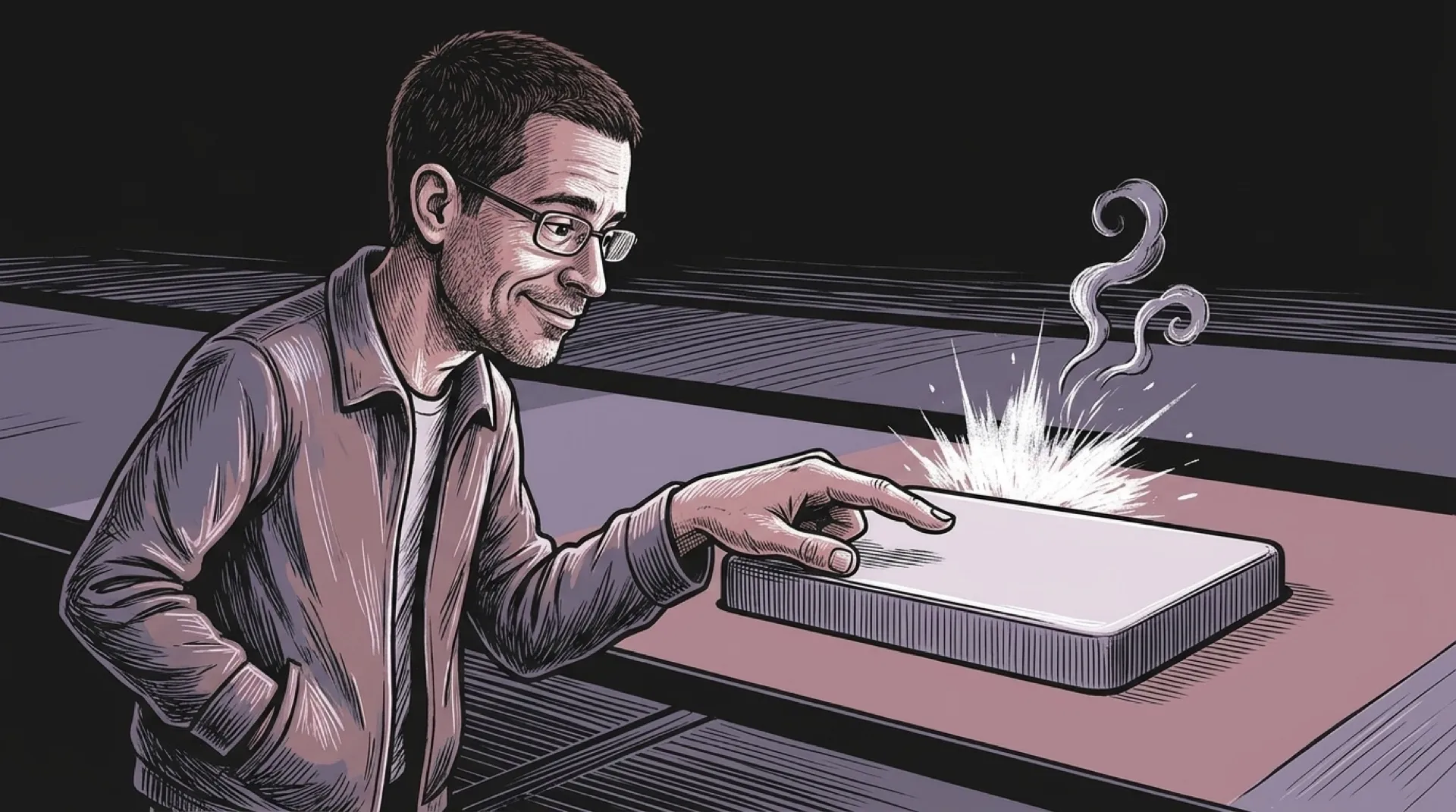
The Confirm button saves its biggest reaction for when you let go. It inverts for one frame, a burst goes off behind it, and little clouds roll off the corners. The button even has a separate done() method that adds a check mark. Your click gets the fireworks. The app still gets to say when the work is done. That’s a handy distinction when the thing behind Confirm is an upload and the only thing that has finished so far is your thumb.
“At rest they are plain,” writes finktheartist in the project README. The live gallery lets you see how fast that changes. Each keystroke kicks up dust at the cursor, which gives typing your own name the production budget of a car chase. Drag the slider quickly and the thumb stretches into a teardrop with clouds rolling up behind it. Let go and a crescent shoots ahead. The checkbox throws crystals while the tick draws itself. Apparently a check can clear with special effects.
The toggle is the one that makes you look at the file size. Its knob smears across the track, hits the far end, and throws up a splash. The track fills and settles behind it. That movement comes from 43 painted frames packed into the component. The README puts the resulting file at about 500 KB. That’s a figure you can weigh against how often anyone is going to flip the Notifications switch (twice, if they’re thorough).
Each file also carries about 40 KB of shared code for springs, effects, and lettering. The first control loaded starts the shared machinery. The rest reuse it. The README says they share “one canvas and one animation loop.” That arrangement makes it easy to lift one control out of the gallery and drop it into a page. If you take three, the files still carry their own copies of the core even though the page uses a single running instance. The remaining decision is where a cloud of dust belongs once the page has a sticky header and a dialog of its own.
A progress bar is where this approach has room to grow. In the gallery, a storm cloud rides the leading edge and pebbles lift as it moves. The check and the burst arrive at the end. A long-running task already has a beginning, a stretch where you wonder if anything’s happening, and a finish. The bar can give each stage its own visual cue. On a page where the keyboard kicks up dust every time somebody fixes a typo, the upload’s little victory has to compete with backspace.
Five stars gets its own explosion.