
Softwareterminalbrowserchromerustopen source
kittybrowser, a free open-source Rust terminal browser, draws real Chrome pages as pixels in Ghostty, kitty and WezTerm
It is early, version 0.1, and was built to sit next to a coding agent while both of you watch a dev server load, but it also takes mouse clicks and copies text over SSH, which makes it a stranger kind of tab than the text browsers terminals usually get.
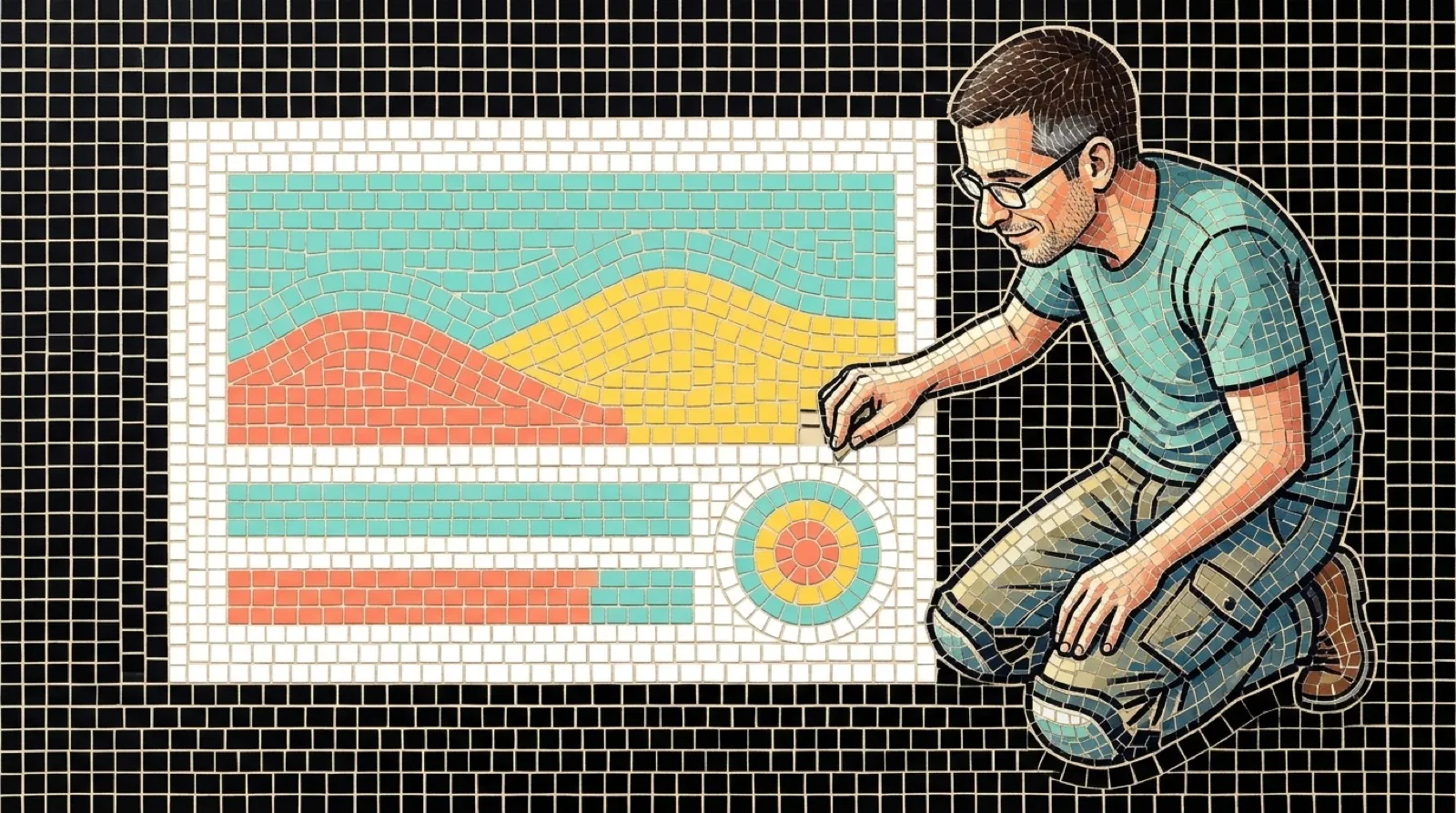
Text browsers have lived in terminals for decades, and every one of them shows you a page with the styling stripped off. kittybrowser shows the page as it looks in Chrome. The README calls it “A real web browser in a terminal pane,” and it does that by drawing each frame “with the kitty graphics protocol,” a way for a terminal to display an image instead of characters.
The browser engine runs out of sight. kb needs Chrome, Chromium, Edge or Brave on the machine, found automatically or named with the KB_CHROME variable, and it asks that browser for pixels. The terminal pane is the window. The pane shows a toolbar on the top row with back, forward and reload buttons and the address field, and the mouse works the way you would hope: it can click the buttons, edit the address, and click, drag and scroll the page itself.
Copying goes through the terminal using OSC 52, so selected text can reach your clipboard even when you are on a remote machine over SSH. That is a handy trick for something that is technically a web browser inside a window made for typing commands.
The README says what the tool is for in one line: “It is built for working beside a coding agent.” The idea is that you and the agent “both look at the same page while it loads your dev server.” A few commands exist for that job. kb http://localhost:3000 opens a page, kb ctl check checks whether the page is healthy, kb ctl viewport 375x800 sets a phone-width window, and kb skill install installs the agent skill. Flags cover device pixels per CSS pixel (--scale N), a preferred light or dark scheme, and serving Chrome DevTools on 127.0.0.1 with --devtools.
The keyboard is minimal: “Ctrl+/ shows the keys, Ctrl+Q quits,” and “Every other key goes to the page.” So the escape hatch is a single chord, which is one more than most terminal programs give you when something goes wrong.
The supported list is short. The README names Ghostty, kitty, WezTerm and Rex as terminals, and says it is used daily on macOS. It also says Terminal.app and iTerm2 don’t support it, and kb doesn’t work inside tmux or screen. Windows is out natively: “kb doesn’t run natively on Windows: it needs a Unix terminal and Unix sockets,” though it can run under WSL 2 with Chrome on the Linux side, which the README marks untested. “Linux builds cleanly but is untested,” it says, and asks for an issue with whatever you find.
Installation is a build from source. On macOS you install Chrome with Homebrew, then run cargo install --git https://github.com/graiz/kittybrowser. The project calls itself “early but usable, version 0.1,” and the license is MIT.
The README doesn’t name an author beyond the repo owner, graiz, and says nothing about the version that follows 0.1, so how far past a coding agent’s dev-server tab this goes is still open.
Terminals that can draw pictures are the reason this exists. Once a terminal speaks a graphics protocol, a program no longer has to pretend a web page is a column of text, and the kitty protocol the README names is the one these four terminals share. More tools that used to open a GUI window may open a pane instead, and the first ones will probably be the developer tools where the page is just something to glance at before getting back to typing.
The limits line up with that guess. The tool depends on Unix sockets, a Chrome-family browser and a protocol that tmux and screen don’t pass through, so it fits the person who already runs one of the four terminals full screen and wants fewer windows.
“A real web browser in a terminal pane,” at version 0.1.