
SoftwaremacOSterminalopen source
Clingon turns Markdown cheatsheets into shell commands with a typed-code safety catch
A small Mac utility keeps the documentation beside the terminal, with a catch for anyone sharing command packs.
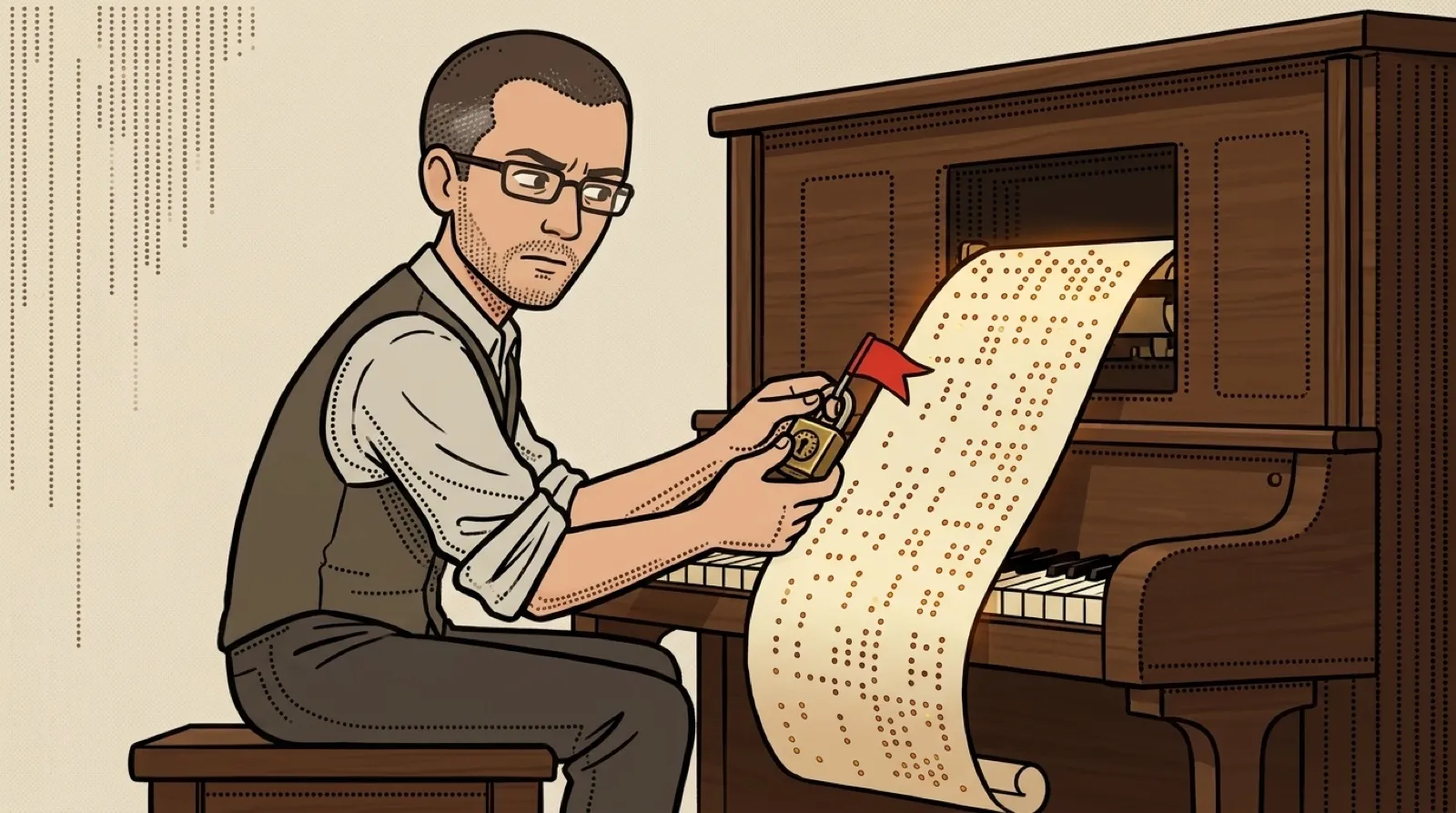
The cheatsheet has learned to press Enter. That is convenient right up to the command that makes everybody wish Enter had been slightly harder to reach.
Clingon puts a menu of commands beside a real shell on macOS. It supports zsh and bash, asks for the blanks in a selected command, and types the result into that shell. The existing environment and aliases still apply. The documentation’s promise is blunt: “It’s your real shell.”
This is the maker’s documented behavior, rather than an independent hands-on test. The project README describes a utility available through Homebrew, with starter packs covering files, networking, package managers, SSH and system tasks. The license is MIT.
Its useful trick lives in the pack format. Commands remain ordinary Markdown documents that can be read on GitHub. A warning callout adds a No/Yes confirmation. A caution callout adds a short code to type before confirmation. Documentation becomes an interface without first being converted into a separate application.
That also exposes the catch. Somebody has to put the right warning on the right command. An unmarked destructive command doesn’t become harmless because it arrived in a tidy menu. A skull is a label, dude, and labels can be wrong.
The pack guide says “What you type” goes into the shell as written. It specifically tells pack authors to quote substitutions that should remain one argument. A friendly form cannot rescue every poorly constructed shell command underneath it; reviewing the actual line still matters.
The pack guide provides a checker for the document format, too. Running clingon check can catch a malformed pack before somebody tries its menu. Passing that check still leaves the actual command to review; correct punctuation has never made a dangerous command considerate.
The recipe documentation adds another practical detail: a chain stops if a command fails or Clingon cannot determine whether it worked. Parameters are requested as each step arrives, so earlier steps may already have changed things when a later prompt appears.
That behavior makes a recipe worth reading from top to bottom before starting. Stopping halfway is useful, but it doesn’t promise to reverse the earlier commands. A terminal menu comes with the same awkward reality as a terminal: yesterday’s successful step can be today’s cleanup job.
For a household tech helper or a small team, the appealing next step is a modest set of commands everybody can explain. An enormous imported catalog would restore the original problem, only now with a menu attached and a much more enthusiastic Enter key.
Set phasers to confirm.