
Looseleaf draws paper-and-ink buttons around real React controls
A shadcn registry makes its source yours to edit, with a separate drawing recipe for the illustrated surface.
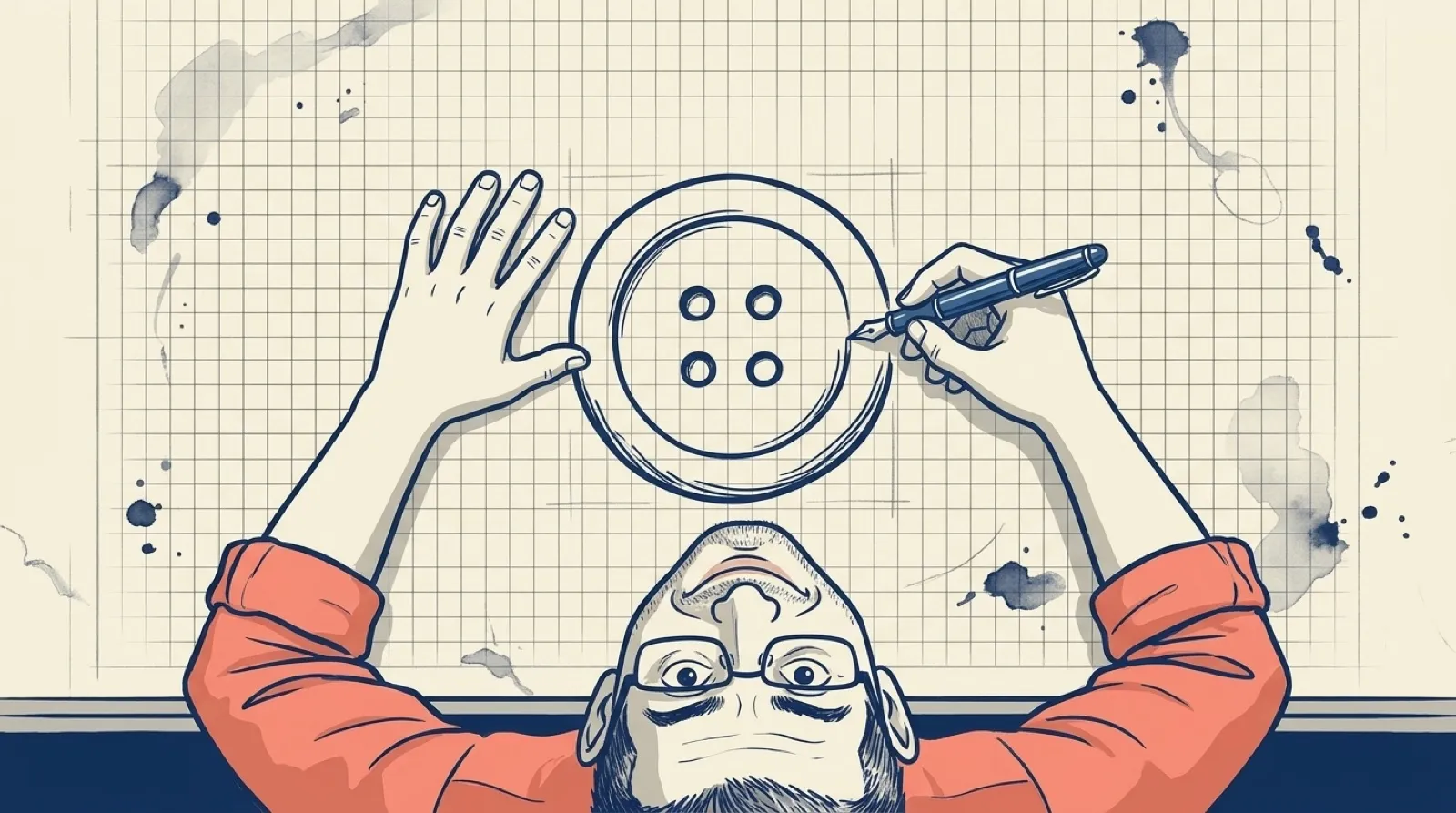
Looseleaf’s buttons look as though somebody brought a pen to a component library. Under the scribbles, the button still gets to be a button. A radical concession to people who might actually need to press it with a keyboard (heaven forbid), instead of just admiring the drawing.
The project’s README calls it “shadcn/ui, drawn by hand.” This is the maker’s own account and source code; there is no independent usability test behind that pitch here. The appealing bit is how the drawing avoids becoming the thing users have to operate.
A seeded drawing function produces the ink layer, so the same seed produces the same result in the browser and on the server. Hover, press and focus can reveal different layers through CSS. That gives the apparent doodling a repeatable recipe, rather than asking a random line to behave consistently because everybody said please.
The button implementation makes the separation concrete. In its ordinary rendering path, it returns a native button, puts the drawn node and children inside, and passes through the disabled state and click handler. The label survives as actual content. Nobody has to teach a picture of the word Save how to accept a click.
There is also an asChild path using Radix’s Slot. That path handles a disabled control by preventing the click, adding aria-disabled and removing it from the tab order. Those details deserve attention when adapting a component: changing what looks clickable can also change what the browser thinks is clickable.
The button’s ink recipe names rest, hover, pressed, focus and disabled layers. Focus gets its own ring; disabled buttons get a separate drawing treatment. A rounded shape also changes the recipe’s geometry. That is useful evidence of how the illustration follows a control’s state, though reading the recipe cannot prove every resulting page is accessible.
The catch with any lovely demo is the unlovely combination your application eventually supplies: a long translated label, a tight layout, an unexpected disabled state. Looseleaf’s source gives you places to inspect those cases. The demo’s charm doesn’t fill in your test results, however attractive the handwriting.
Installation follows the shadcn registry route, with individual components or blocks available to add. The README says the code, art and Kevin Sans typeface use the MIT license. The user gets room to alter the appearance without turning every change into a request to the maker.
That arrangement could make more personal web interfaces practical: change the decoration while keeping familiar controls underneath, then verify the result in the application that ships. The unresolved work is the application-specific testing, especially where somebody edits the source after installing it. A tasteful screenshot has never completed a keyboard walkthrough.
The buttons have pen pals.