Homelable Scans Your Home Lab With nmap, Then Lets You Draw the Rack and Its Patch Cables Port to Port
Rémy Jardient's MIT-licensed, self-hosted Homelable turns a network scan into a map, a rack canvas, per-device docs and health checks, with an MCP server that lets an AI assistant read and change it.
Every home lab has the same documentation: a wiki page last updated two routers ago, a sticky note on the switch, and the owner’s memory. Homelable’s README goes straight at that: “Your homelab stops being documented in a wiki somewhere else.”
It starts with a scan. Homelable “runs nmap -sV --open on your configured CIDR ranges and populates a Pending Devices queue.” You approve what belongs. Each device then gets a document “generated once from what the scan actually found,” which the README promises is “never rewritten behind you.”
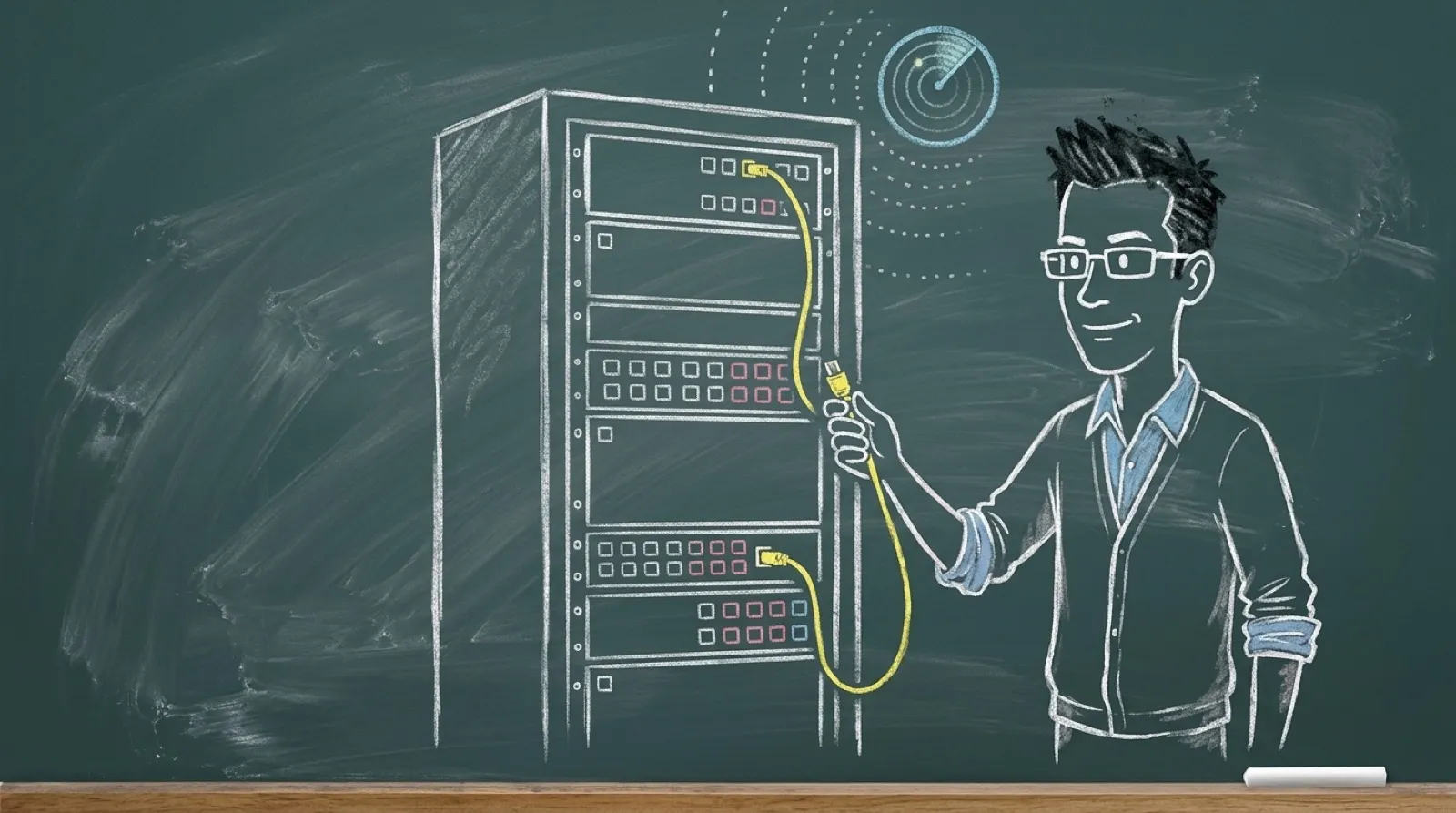
The rack view is the part people screenshot. It shows “racks, the gear mounted in them, and the patch cables between their ports.” To wire it, “Click Patch, then drag from one port to another to cable them.” Then “Save Rack when you’re happy; nothing is written behind your back.”
Health checks cover ping, HTTP, HTTPS, TCP, SSH, Prometheus and a health endpoint. Proxmox VE imports through an API token with the read-only PVEAuditor role. Smart-home radios come in from Zigbee2MQTT and Z-Wave JS UI over MQTT.
Rémy Jardient, who goes by Pouzor on GitHub, started the repo in March. It reached version 3.6.0 on October 6 and has around 4,700 stars.
That last design choice is the one worth copying in any tool that discovers things for you. A scan finds what’s answering right now. It doesn’t know the NAS is off for the weekend or that the mystery device on .47 is the dishwasher.
The README also flags that its API docs endpoints are unauthenticated, so the safe setup is the boring one: on the LAN, behind your VPN, with the MCP server off until you want it. What it doesn’t say anywhere is whether the app phones home, so this article won’t say either way.