
Softwaresheetmcpclaudecodexcursordesign-toolsopen-source
Sheet, a Free Design App That Runs on Your Own Computer, Lets Claude, Codex and Cursor Edit the Same Canvas at Once
Sheet 1.2.0, an open-source desktop design canvas, runs a local MCP server that Claude, Codex, Cursor and opencode connect to, and now shows each agent as a cursor on the element it is changing.
Most AI design tools hand you a finished picture to keep or toss. Sheet puts the agent inside the file instead. “Claude, Codex, Cursor and opencode connect over MCP and edit the same document you do,” says the project’s site. “Every change is a typed transaction, so you can undo it like your own.”
Those transactions have names an agent calls like functions: insertNodes to add a pricing table, patchNodes to change spacing and color tokens, animateNodes for a staggered fade-in. The README counts “35 MCP tools over the same engine the editor uses.” Nothing the agent does takes a side door; it goes through the same path as your mouse.
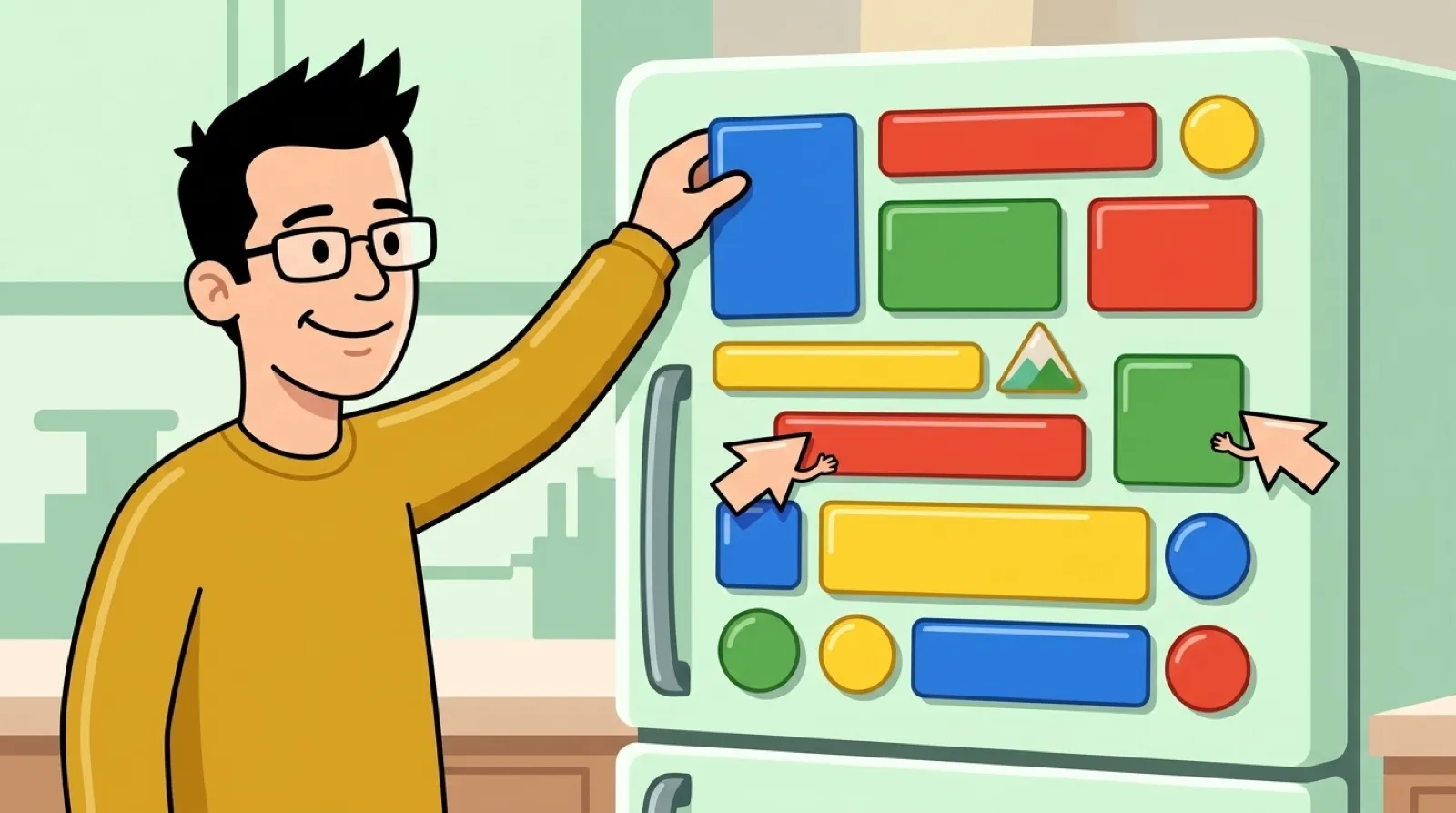
Version 1.2.0 is the multiplayer release. “Run Claude, Codex, Cursor or any MCP agent against Sheet at the same time, on the same design or on different ones,” the notes say. Each agent gets an avatar in the top bar and a cursor on whatever it’s touching, labeled along the lines of “Codex is editing Heading.” The agents are told about each other, too: every tool result names any other agent in the design and which elements it has, “so they stay off each other’s work and ask you when tasks overlap.”
Everything stays local. The README promises “one SQLite file, one loopback server, no accounts,” and the developer notes say the server “only binds 127.0.0.1.” You point an agent at http://127.0.0.1:4100/mcp and that’s the setup. Exports go one way. “Save PNG, JPG or HTML, or copy the HTML. Exports never flow back in, so the canvas stays the source of truth,” the site says; the README adds React/TSX and JSON to that list.
Sheet is the work of Deepanshu Mishra (@dipxsyy), and the README credits where it started: it “began as a fork of” Loora, Lasse’s canvas tool for agents, and “has since diverged into a local-first desktop app.” Both are AGPL. Nobody outside the project has reviewed Sheet yet, so everything here comes from its own repository and site.
The undo promise is the part still in motion. In the editor’s source on GitHub today, the open window resyncs whenever a newer revision of the design shows up from elsewhere, an agent’s edit included, and that resync empties the window’s undo list (setHistory([])). So Ctrl+Z walks back your own recent moves. An agent’s change is stored as a transaction in the design’s history, and the way back from it runs through that history and Sheet’s drafts, not the keyboard shortcut the site describes.
Design tools have spent two years bolting a chat box onto the side. Sheet starts from the other end, with the agent as a second pair of hands in the file, and 1.2.0 makes that a room with several people in it. Once two agents can share one canvas, the useful features stop being generation and start being coordination: who touched what, who signs off (the new finishWork tool), and how one bad edit gets rolled back without losing the other agent’s good ones.