
Crycut prints and cuts Cricut StickerPix designs from Linux over Bluetooth
A command-line workflow reaches a craft printer without routing the job through a vendor account.
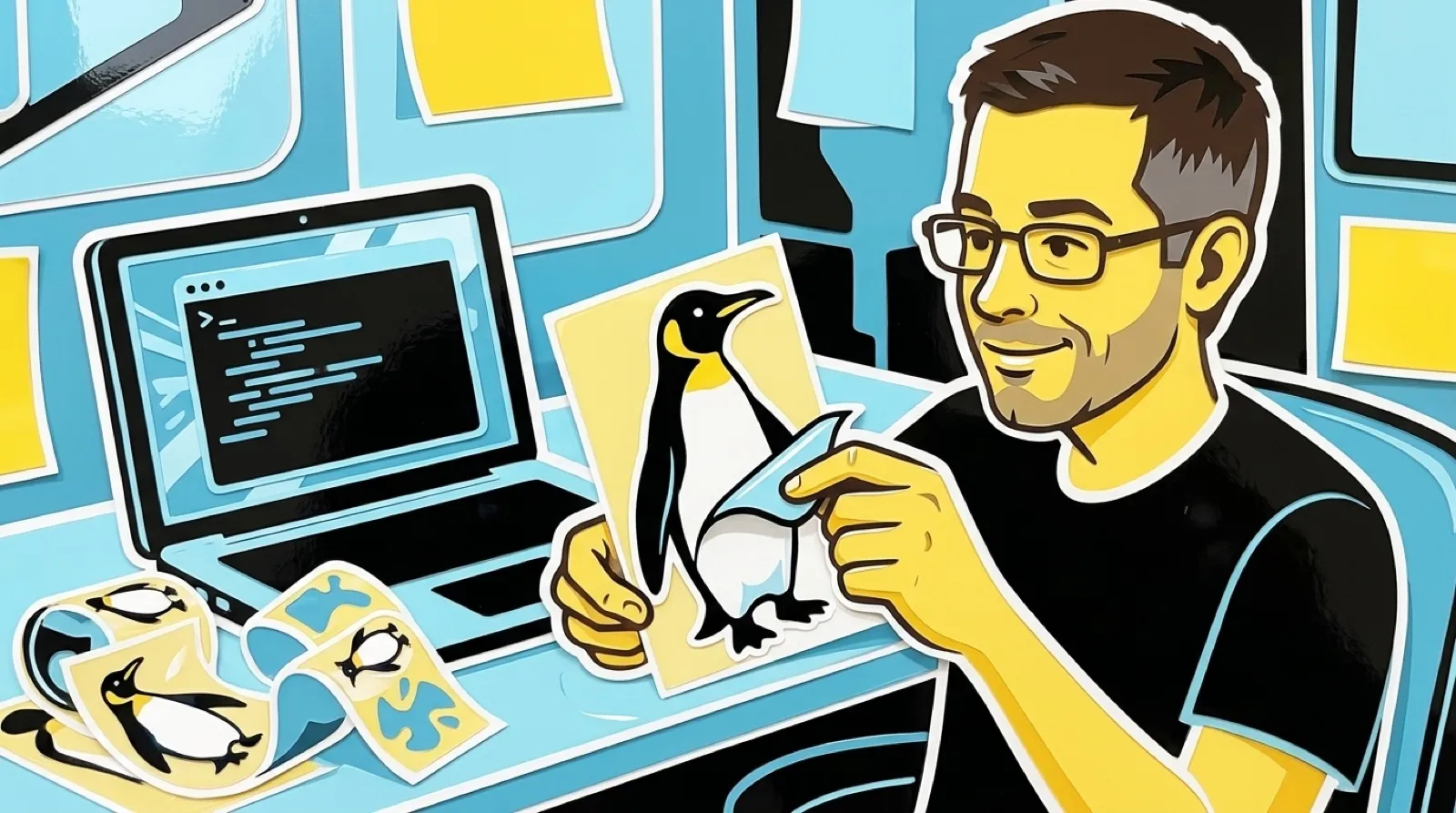
Crycut gives the Cricut StickerPix a Linux command line. Prepare a sticker design, inspect the output, and send the job across Bluetooth. The account dialog can sit this one out.
The project uses Linux’s Bluetooth stack and a Python command-line interface. It can work with prepared SVG artwork; its documentation also explains export and raster-image handling. This is an independent project aimed at a particular printer, not an official Linux edition of Cricut’s software.
Its most useful detail is wonderfully unglamorous: preparing a job is separate from physically printing it. The documented print workflow defaults to a dry run unless you explicitly send it. Preview artwork includes guides that should not become part of the design.
That separation gives a tiny printer a sensible production habit. You get a chance to catch a misplaced cut line before feeding in material. A failed sticker is small, but a stack of failed stickers has a surprisingly persuasive way of explaining why previews exist.
The README also distinguishes watching a job from stopping one. Interrupting the command-line monitor does not cancel the physical printer. It documents reconnecting to a saved job identifier rather than blindly submitting the same work again.
That is the instruction to remember when a terminal window disappears. The computer and the printer can disagree about whether anything is still happening. Before trying another send, establish which job the hardware is processing. Otherwise a recovery attempt can become the second copy you never wanted.
For a first experiment, choose a simple shape with generous margins. A complicated silhouette introduces several possible faults at once: artwork, export, placement, and cutting. A plain test makes a crooked result easier to trace without wasting the prettiest sheet in the pack.
Keep the generated preview beside the source design. If the preview already looks wrong, reconnecting Bluetooth will not improve it. If the preview looks right but the printer output does not, you have narrowed the problem to a later stage. That is a more useful starting point than repeating the entire workflow.
The project’s documentation is the place to check current dimensions and dependencies before buying supplies. StickerPix materials on Amazon are consumables, not evidence that every material or printer revision is supported.
An independent tool like this also changes what ownership can mean. The machine gets another route from an existing design to a physical result, with files you can inspect along the way. That route still needs documentation and care, particularly around retry behavior. Removing the login is pleasant; making the second print deliberate is the part that saves paper.