
An ESP32 fan controller cuts fan power when a quiet rack needs zero RPM
Local temperature control can run separately from Home Assistant automations.
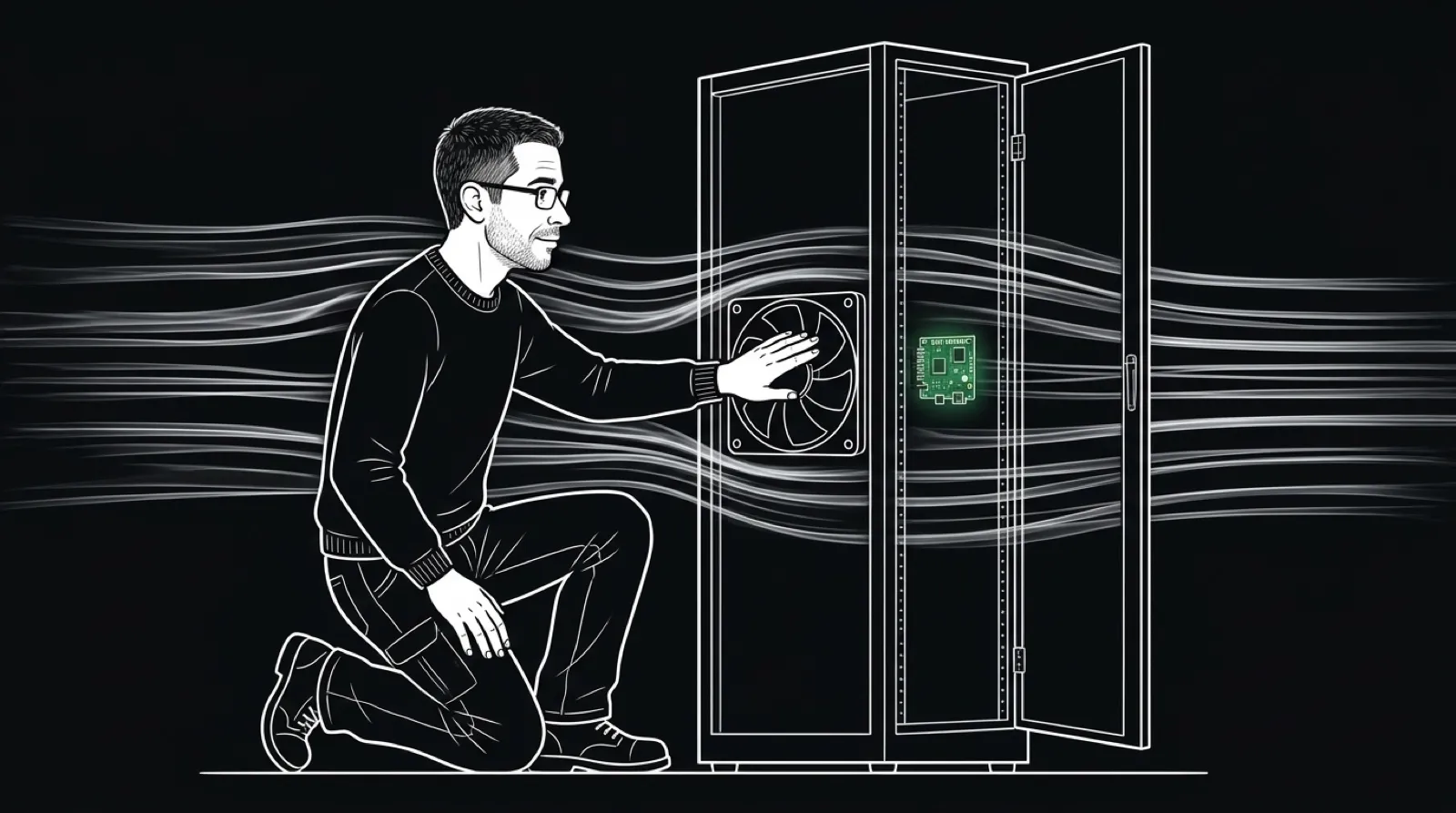
A fan can receive a minimum-speed command and still make enough noise to explain why your server rack lives in another room. This ESP32 controller adds a more definite idle state: it can cut power to the fan.
The open project controls four channels independently and reports RPM. It offers Home Assistant integration, a web interface, and an HTTP API. Temperature-aware firmware supports up to four DS18B20 sensors and local speed control.
That last word matters. A cooling decision can live on the controller rather than depend on a Home Assistant automation completing a round trip. The project also offers a basic firmware variant for installations that do not need local temperature sensing.
The documentation draws a sharp line between hardware generations. Current releases target dual-core boards; older single-core hardware needs the matching archived build. A firmware file with more features is not automatically the right file for the board you own.
For a cooling project, identification comes before enthusiasm. Check the controller revision, the fan connections, the power requirements, and the firmware instructions together. The USB connection used for setup should not be mistaken for the complete fan power arrangement.
Silence is an excellent feature right up to the point where it means the wrong thing.
A stopped fan therefore needs context. Is the temperature below the configured threshold? Is the sensor reporting a plausible value? Does the RPM reading agree with what you can see? A quiet rack and an uncooled rack may sound exactly alike for an uncomfortable amount of time.
Begin with equipment you can observe directly. Watch the controller move through an idle state and a cooling state before leaving it responsible for something enclosed. The meaningful result is predictable airflow as conditions change, not a pretty dashboard at one room temperature.
Sensor placement is part of that experiment. A measurement near an intake can answer a different question from one near a warm component. Decide what the sensor is meant to protect before treating its number as the temperature of the entire enclosure.
If you need probes, DS18B20 listings on Amazon show the common sensor family. Verify the wiring and electrical requirements against the controller documentation rather than assuming a familiar connector makes a part compatible.
The useful design choice here is keeping physical control and automation in proportion. Home Assistant can coordinate a room full of devices, while a local controller handles the immediate cooling curve. That arrangement still needs sensible configuration and a real check of the hardware.
I would watch the RPM and sensor readings through a complete temperature change before putting the controller somewhere I could not see its fans.
Then enjoy the quiet.