
LG’s Apple Home cameras pair with an iPhone tap and follow changed Wi-Fi credentials
The convenience premium concerns setup and maintenance, while storage and hub requirements still deserve attention.
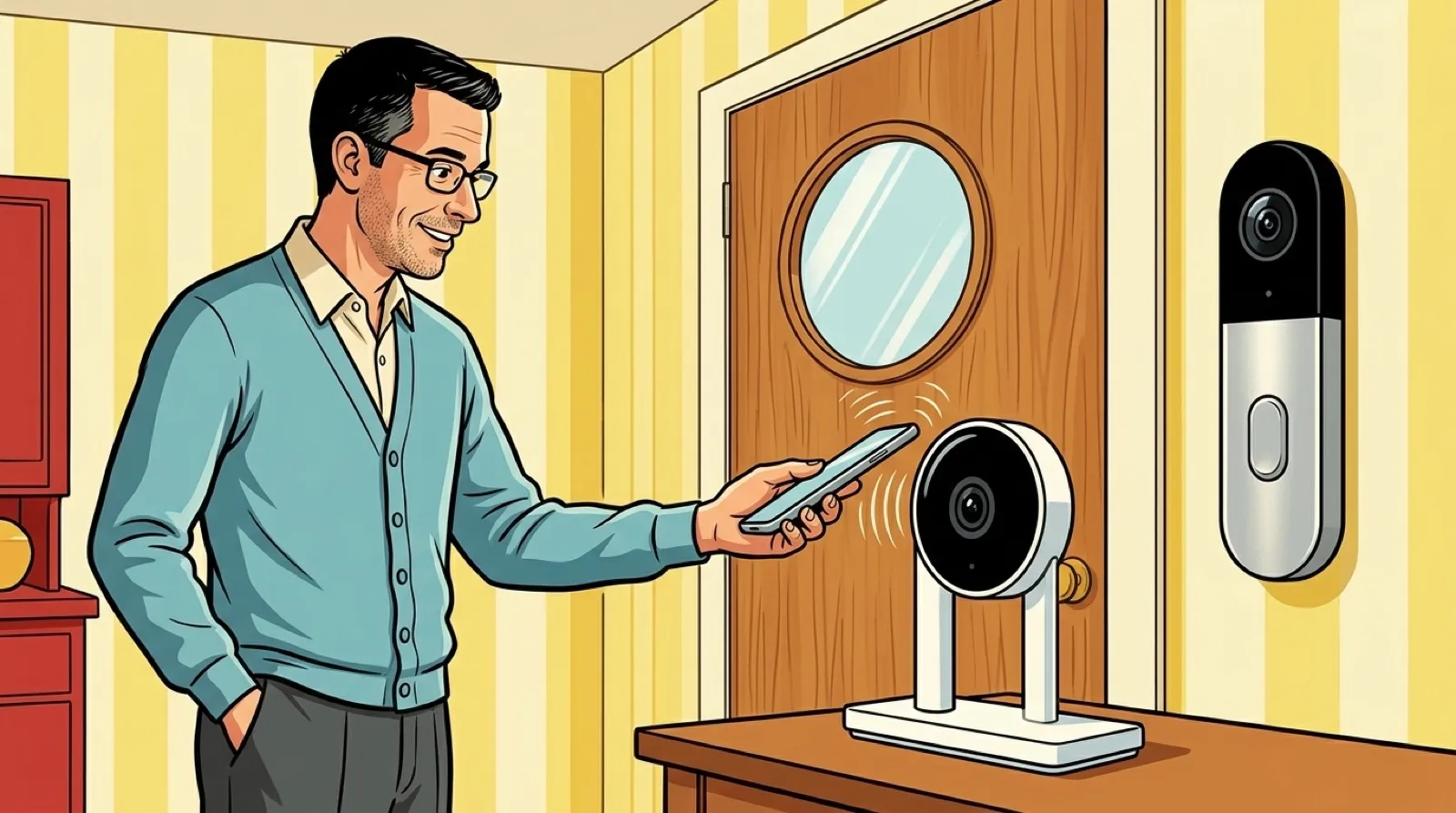
LG’s Apple Home Collection cameras target the household chore nobody puts on a feature comparison: reconnecting the small devices after you change the Wi-Fi. Apple says the accessories can update their network credentials automatically, and initial setup starts with an iPhone tap.
Apple also says the collection supports Thread and that built-in camera storage keeps recording through a Wi-Fi outage. Those are different mechanisms. Maintaining a connection to a low-bandwidth network should not be read as a promise to stream camera video over Thread.
LG’s announcement requires an Apple home hub and includes Wi-Fi requirements in its footnotes. Apple’s account places recorded video history in a supported iCloud+ plan. No separate camera subscription does not mean no paid storage requirement anywhere.
The reported initial lineup prices the indoor camera at $199.95, doorbell at $249.95, and outdoor camera at $299.95, with December deliveries. Verify the actual listing before ordering; the broader collection has a staggered rollout.
For an indoor-camera decision, compare the account and storage workflow before getting distracted by a resolution number:
| Indoor camera | Documented route | What to check |
|---|---|---|
| LG Apple Home Collection | Apple Home, iPhone tap, supported iCloud+ history | Home hub, rollout, outage behavior |
| Aqara E1 | HomeKit Secure Video support, Aqara ecosystem options | Home hub and iCloud requirements for that route |
| Ring indoor cameras | Ring account and product ecosystem | Model-specific features and recording subscription |
Aqara’s E1 listing already supports HomeKit Secure Video. Apple’s privacy ecosystem is therefore an existing alternative, rather than an exclusive reason to buy LG’s new hardware. Ring’s comparison page shows several indoor models; compare the exact one you are considering, not every feature under the Ring name.
The LG proposition is easier to understand as reduced maintenance. One fewer accessory account, one fewer onboarding app, and less credential housekeeping can be valuable in a home somebody else will eventually have to support. The family tech helper gets a feature too, even if it never appears in a screenshot.
That value depends on how settled your household is inside Apple Home. A camera choice also involves the phones people use, who can view recordings, and who can restore service when a hub or network changes. Write down that recovery plan before mounting anything out of reach.
The outage behavior deserves a practical check after installation. Identify what continues locally, what you can view while disconnected, and what becomes available after the network returns. A recording existing somewhere inside a device is only useful if the recovery path gets it back to you.
I would judge the convenience after changing a network credential, when the installation glow has worn off and every mounted device has an opportunity to make me fetch a ladder.
Keep Saturday.