
OLED vs. Mini-LED: one dark pixel can switch off, a dimming zone has neighbors
LG’s panel guide supplies the lighting mechanism; a useful comparison still needs the actual model and the room where it will live.
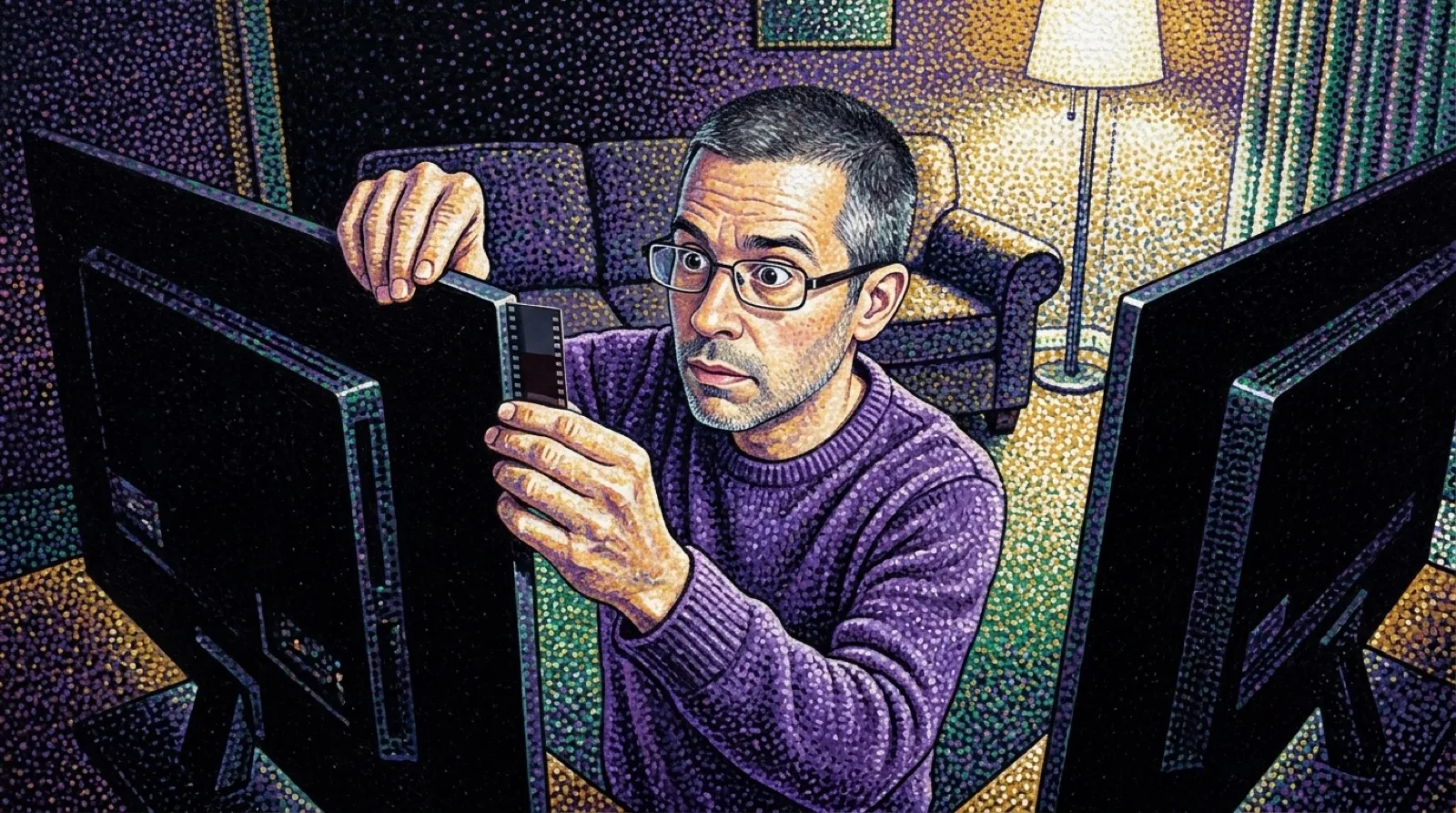
A bright subtitle on a dark screen gives a backlight an awkward assignment. The letters need light while the surrounding picture wants darkness. OLED can switch individual pixels off. A Mini-LED television controls groups of backlight elements in dimming zones, which makes a neighboring bright object part of the same lighting problem. The subtitle has brought roommates.
LG’s explanation of its OLED and QNED displays puts that structural difference ahead of the shopping adjectives. OLED pixels make their own light. Mini-LED backlighting shines through a liquid-crystal layer, with local zones controlling where the light goes. A logo claiming excellent blacks cannot change which of those mechanisms sits behind the picture.
The guide says OLED pixels can “turn off individually.” For a dark pixel, that avoids the shared-backlight problem. On the backlit design, a small bright shape can leave some light around it, the halo commonly called blooming. More dimming zones can give the system finer control, according to LG. The number and behavior of those zones matter more than the mere presence of a Mini-LED badge.
| Lighting question | OLED | Mini-LED LCD |
|---|---|---|
| What produces light? | The pixels themselves | A backlight behind liquid crystals |
| What gets dimmed? | Individual pixels | Local backlight zones |
| Dark-scene issue to inspect | Actual shadow detail and room reflections | Bright-edge halos as well as shadow detail |
| What the family name leaves unanswered | A particular model’s measured behavior | Zone count, control behavior and measured results |
That table describes mechanisms and a proposed evaluation, rather than invented test results. LG sells both types and frames its own lineup around room brightness. The guide favors OLED for controlled lighting and Mini-LED QNED for bright rooms. Those are the manufacturer’s broad recommendations, not a substitute for testing a particular pair of TVs under comparable settings.
The room gets a vote because the eye sees the display and its surroundings together. A black level that looks impressive after the curtains close answers a different situation from afternoon viewing beside a window. A demo running under showroom lighting may reveal neither situation particularly well. Expensive televisions still cannot reach over and draw the curtains (a surprising omission).
For an actual purchase, OLED TVs and Mini-LED TVs need model numbers attached before their prices or other specifications can be compared fairly. The panel family alone does not specify inputs, refresh-rate support, brightness measurements or the quality of the local-dimming algorithm. Filling those blanks from a neighboring model would be a very expensive game of telephone.
A practical side-by-side check could use the same dark scene with bright captions, followed by normal material at the brightness you actually use. Off-center seating deserves a look too. The useful result would be how those specific displays behave in those conditions, rather than how convincingly a marketing animation makes either technology glow.
The mechanism will keep giving reviewers a predictable test: put something bright beside something dark and watch the boundary. Hardware and algorithms can improve the result, but a zone still has to decide what to do for more than one part of the picture. The dark pixels have neighbors, and some of them insist on reading the subtitles.
The backlight has boundary issues.