
OmniDiff shows the changed PDF pages and font glyphs that Git leaves you to inspect
Marko Ivankovic’s project brings asset review into the terminal, while its automation contract and rendering limits deserve a look before a team adopts it.
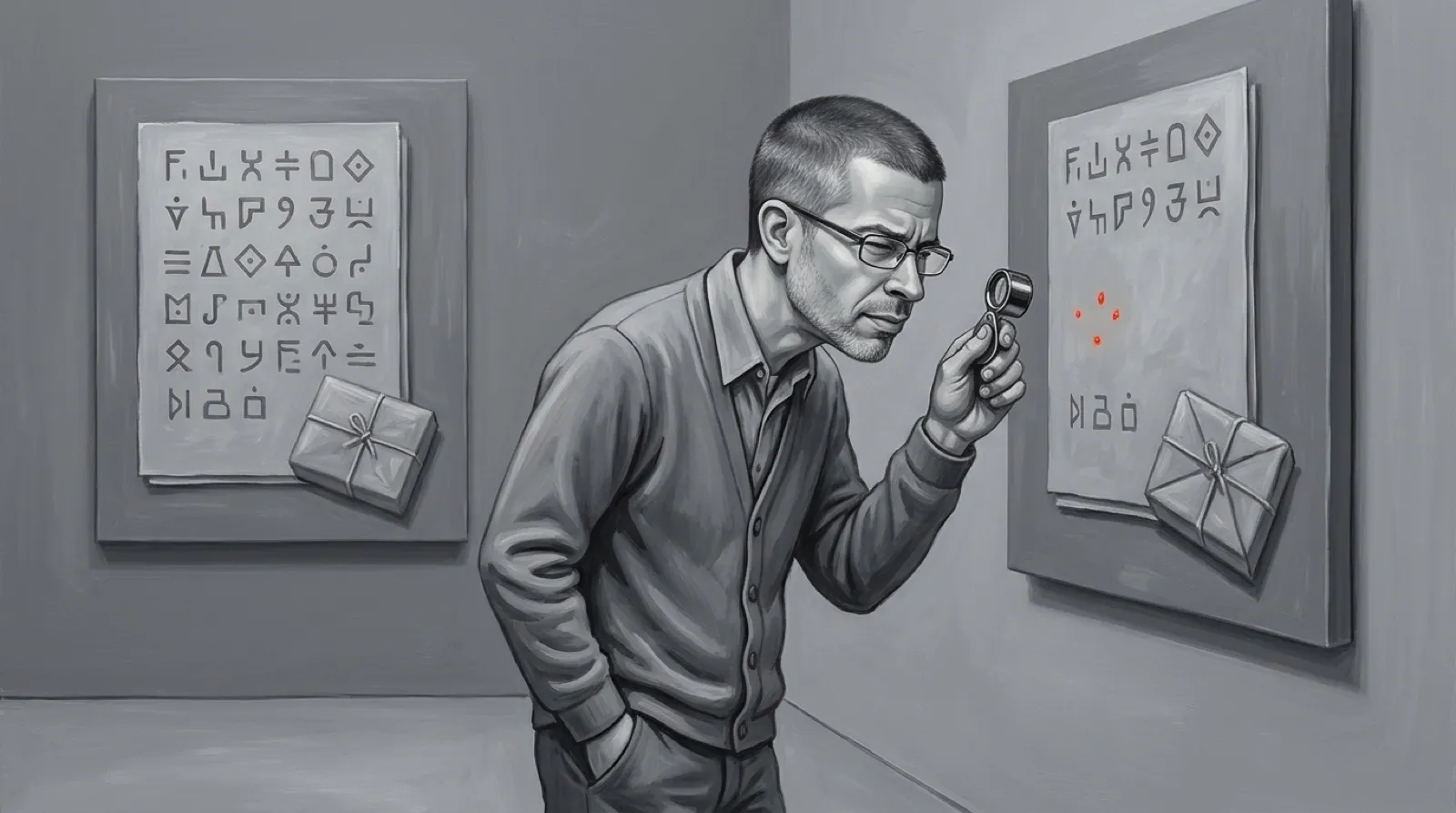
A pull request can tell you a font changed while leaving you to discover which tiny arrow became a tiny disaster. OmniDiff opens the font and draws the changed glyphs. The same idea extends to PDF pages, image pixels and the files inside an archive.
The maker’s README and demonstrations describe recognition of binary formats by their bytes. An extension doesn’t have to supply the answer. Supported ZIP-based containers include Office documents and EPUBs, with nested archives inspected too. The README says, “Only the members that changed are opened.” Unsupported binary formats still get a brief notice.
Marko Ivankovic’s project also knows the difference between a new picture and a new encoding of the same picture. Its README describes categories ranging from invisible byte changes through compression artifacts to edited or replaced content. That distinction matters when a build tool rewrites an asset: a big file change can leave a reviewer with very little visible change to approve.
The published Rust API documentation explains the code side. OmniDiff parses both versions into syntax trees, then maps the trees to changed text ranges. A rearranged expression can therefore be compared as program structure rather than treated as an entire deleted line followed by an entire new one. There are 25 supported tree-sitter languages; an unknown extension falls back to ordinary text comparison.
The terminal still determines how much detail reaches your eyeballs. The README lists kitty, sixel and iTerm2 graphics support, with Unicode half blocks as the fallback. In a container such as a font or archive, a side list lets the reviewer select a changed member; pressing g shows all changed glyphs or pictures together. A contact sheet beats opening twenty tiny arrows one at a time.
The project is the source for those capabilities, rather than a hands-on benchmark here. Its published speed and accuracy figures describe its own test corpus, so they aren’t predictions for a giant PDF from your particular documentation build.
Installation options include Homebrew, prebuilt releases and cargo install --locked omnidiff. The Git setup wizard, omnidiff git configure, asks whether the settings should apply globally or to the current repository. The program uses the AGPL v3 license, with a separate commercial option; free availability doesn’t erase licensing considerations for an organization.
Automation has its own catch. A successful OmniDiff invocation normally exits zero even when the files differ. Scripts that need the usual difference-means-one convention must request --exit-code; otherwise the script can mistake “I displayed the changes” for “there were no changes.” The API docs identify the command line and JSON output as stable contracts, while much of the library’s internal API can change between minor releases.
That makes a gradual rollout sensible. One real asset pair can answer whether the terminal renders enough detail, whether the comparison helps, and whether the surrounding script reads the result correctly. A team can gain a much better review without replacing its entire workflow on faith.
A font review can now have an actual picture attached to the disagreement. The next question is which generated artifacts in the build are still slipping through with only a filename to explain them.