
Hacks & Builds3d printingdiy laptopmechanical keyboardtrackballmini pc
The Slurptop is a 3D-printed luggable laptop that runs on a 24V Kobalt power-tool battery
One maker built a laptop-shaped luggable around a $300-class mini PC, a 14-inch screen, an 82-key mechanical keyboard and a trackball made from a loose ball and a gaming-mouse sensor, then powered it from a cordless-drill battery. Four hours on a 4Ah pack, with 20V still left.
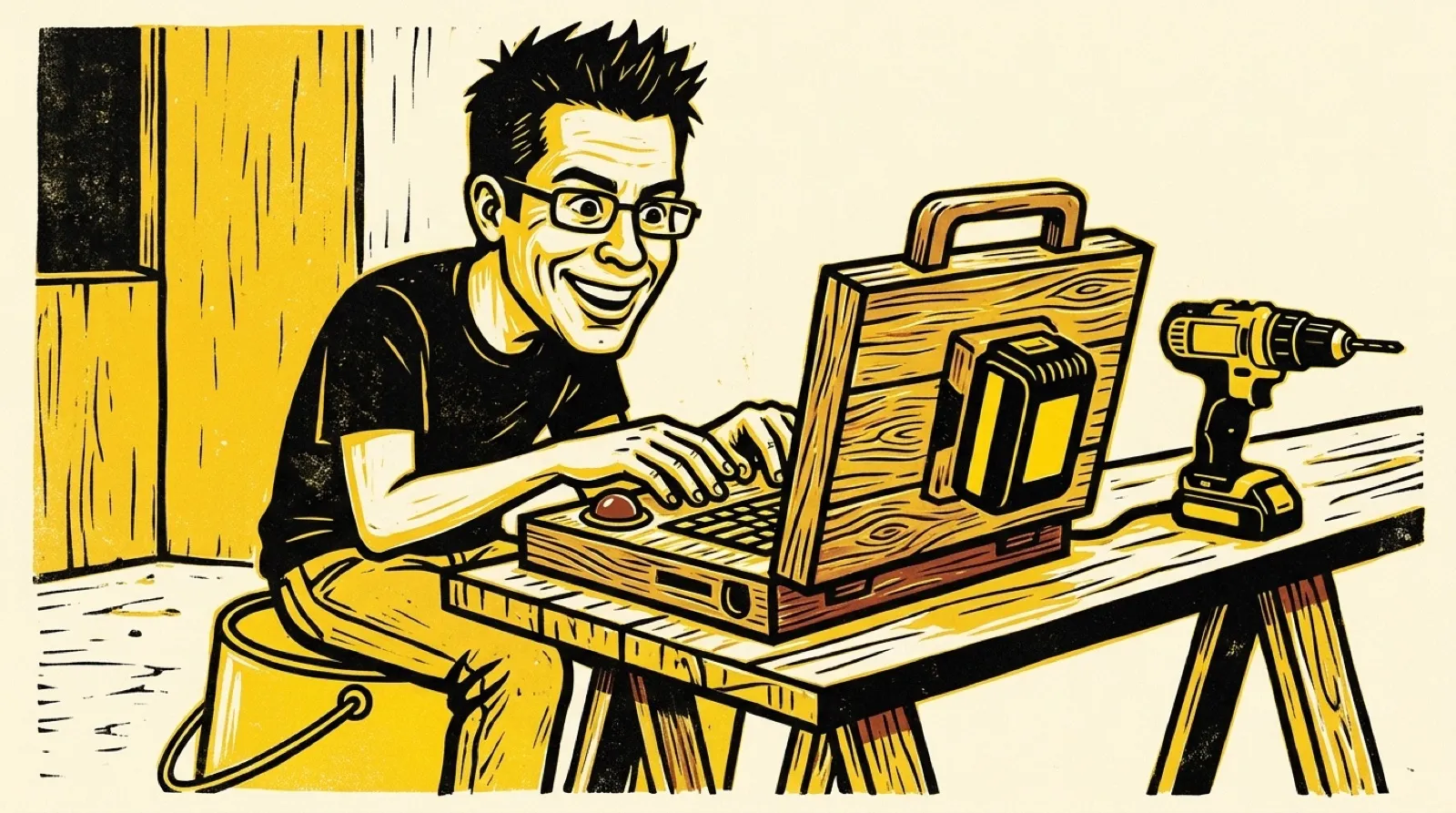
Before this, the maker behind the Slurpburgers site didn’t own a modern laptop. They had built a writerdeck and a cyberdeck on Raspberry Pi boards, wanted a real x86 machine to carry around, and spent two months designing one rather than buying one. The stated justification is “because I can, and I want to.” Everything about the build here comes from that one write-up, which doesn’t carry its builder’s name. Nobody else has tested the thing.
The brain is a GMKtec NucBox M5 Ultra. Notebookcheck lists its Ryzen 7 7730U as an eight-core, 16-thread Zen 3 chip, with the barebones box at $300 and GMKtec’s own configs topping out at 32GB. The Slurptop carries 64GB of DDR4 and a 500GB NVMe drive. The screen is a 14-inch 16 panel at 1920x1200 that runs over USB-C, which meant no HDMI ribbon to route through the hinge. The maker wanted 4 and couldn’t find one in the 13 to 15 inch range for under $100.
The trackball is the part people on Reddit asked about, so the write-up added it later. It’s a 37mm replacement ball resting on three static 3mm ceramic bearings, hovering over the sensor board pulled out of an old Corsair M65 gaming mouse. Three contact points is the same reason a camera tripod has three legs: it’s the fewest that can’t wobble. The M65’s ADNS-9800 sensor already had support in KMK, the CircuitPython keyboard firmware running on a YD-RP2040 board, and KMK was the maker’s pick “because python and easy.” The keys themselves are Akko Penguin silent tactiles.
Power is where the drill battery earns the headline. The mini PC wants 19V from its stock 5A brick and draws around 75W at the most. A Kobalt 24V pack swings from about 25V full down to around 19V empty, so a 300W buck-boost converter holds the output at a steady 19V, and a low-voltage cutoff set at 19V keeps the pack from being drained too far. A UPS switch from Teyleten Robot flips to wall power when a plug goes in and back to battery when it comes out. Charging happens on Kobalt’s own charger, off the laptop. The pack swaps, though “not hot-, sadly,” so pulling it means a shutdown unless the wall plug is in. It’s the same idea as running a camper’s fridge off a car battery through a converter, shrunk to fit behind a keyboard.
On a 4Ah pack, word processing and coding ran past four hours with the battery still above 20V, and the maker estimates about five. The printed parts are carbon-fiber PETG and PLA, plus a glass-filled high-temp PLA in yellow, with one aluminum bar across the width under the 360-degree friction hinges for stiffness. The screen frame and outer lower case were sized to the printer’s 340mm bed with less than 2mm to spare on either side. It runs CachyOS with the Niri window manager, a choice explained as “I’m a filthy casual.”
The 8Ah battery that’s supposed to stretch this to 10-plus hours hasn’t been bought yet.
The usual objection to builds like this is that a store laptop does the job better for less, and on paper it often does. A finished laptop is thinner, lighter and comes with a warranty. A machine built around a part you already own, with a keyboard you picked and a battery you can swap at a hardware store, is a different object, and the trade only makes sense to the person who wanted those things. That’s the same logic behind every cyberdeck: the build is part of the point.
The other honest limit is the budget of attention. The parts list is mostly off the shelf, which keeps it reproducible, but the case was designed around one specific printer bed, one specific mini PC and one specific screen. Change any of those and the CAD work starts over. If you’ve seen the Spectrum Next laptop we covered, it’s the same lesson: the printed shell is the easy part to share and the hardest part to reuse.