
Someone Was Here catches the person who already knows your Mac password
The utility watches the desk after authentication has already succeeded, a blind spot for a password prompt. External notification destinations deserve their own privacy check.
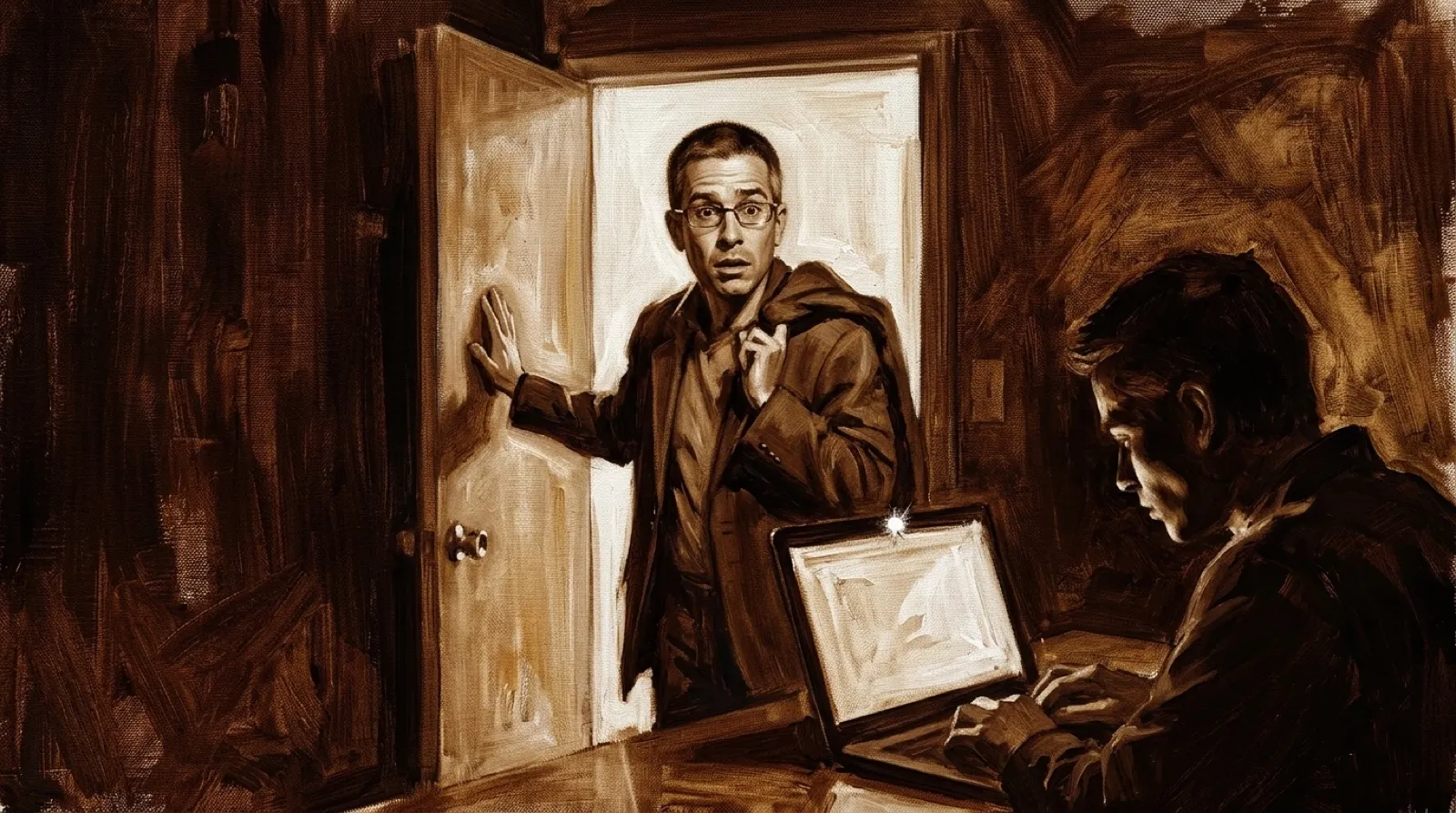
A Mac password doesn’t settle who is sitting in front of the screen after you leave. Someone Was Here’s developer says he learned that through a girlfriend going through his computer. She’s now his ex, according to his account, and the resulting app is quite literal about keeping receipts.
In his launch post, the developer writes: “I built this after finding out my girlfriend had been going through my Mac while I was out.” That is his explanation for the app, rather than an independently verified account of the relationship. The utility’s more broadly useful target is someone who already has access to the desk.
The app photographs users and compares the face with its owner’s, the maker says. Someone who knows the password, or finds an unlocked session, can still trigger a visit record. Authentication already succeeded in that situation. The camera is answering a different question about who arrived afterward (awkward little distinction).
The developer says Apple’s Vision framework locates the face and landmarks, then a Core ML model performs recognition locally. The distinction matters when the software is collecting exactly the sort of photo you wouldn’t want casually uploaded to a stranger’s server. A desk-snoop detector creates its own rather personal collection.
The App Store listing describes the companion app’s photo notifications and says delivery uses the owner’s iCloud account. Its setup requires the same Apple Account on both devices. The listing also separates free test alerts from alerts about real visits, so a successful setup notification doesn’t mean the paid feature has become free.
The maker also offers Pushover, ntfy, Telegram and webhook destinations, according to his post. Those choices deserve individual attention: a claim about local recognition doesn’t describe every place you might choose to send the resulting picture. Selecting a destination is part of setting the privacy boundary yourself.
A commenter asked what happens when the Mac loses its connection. The developer replied that detection and face matching still work locally, while unsent alerts go into an on-disk outbox. He says it retries on reconnection and survives restarting the app, with retries bounded to 24 hours. A phone alert is therefore subject to delivery conditions even when a photo was captured.
Face matching still needs evaluation in the room where it will run. The developer’s explanation supplies no independently measured false-match rate for that desk, that camera or the people who use it. Treat a photo as something to examine; an app’s face comparison shouldn’t acquire magical certainty because the notification arrived promptly.
The developer makes the intended scope plain by contrasting it with a stolen-laptop tracker. This watches a desk. It can make a useful record, but a record arrives after someone has already sat down at a working computer. Keeping access under control remains a separate job, even with a much more interesting visitor log.
Smile. The Mac has a visitor.