
AIiphoneai-agentsesp32open-sourceautomation
A $7 ESP32 Board Lets an AI Tap Through Any iPhone App by Posing as an AirPlay Screen and a USB Mouse
Henry Yuan's open-source ESP32 iPhone Agent plugs a $7 Seeed XIAO ESP32S3 into a stock iPhone: the phone mirrors its screen to the board, an app on the same phone asks a vision model what to do, and the board taps through AssistiveTouch, with no computer and no jailbreak.
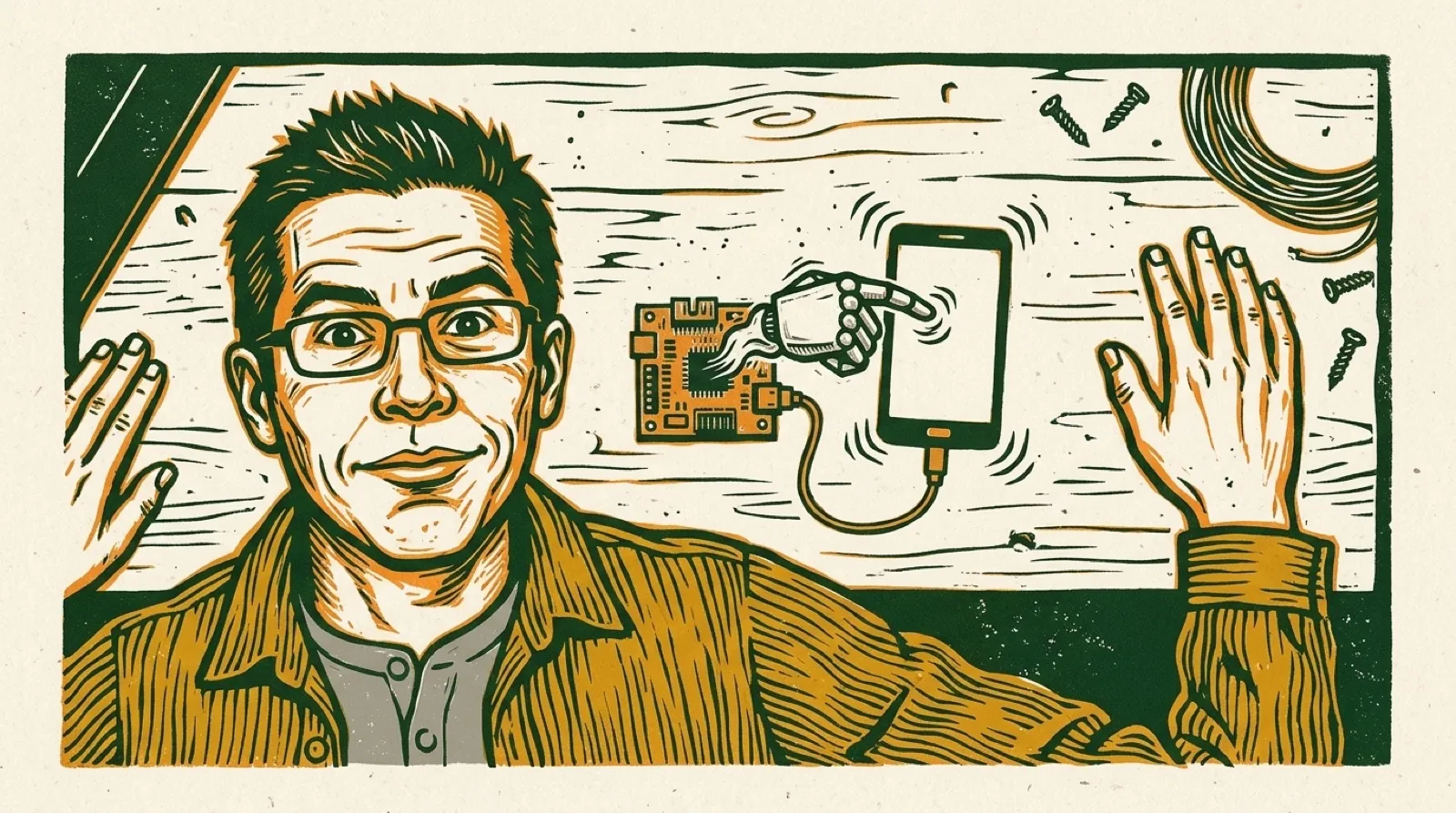
“Let an AI model use a real iPhone with a $7 ESP32,” Henry Yuan’s README opens. “Just the phone and the board: no computer, no jailbreak.”
The first version, tagged v0.1.0 on October 14, still needed one. A Mac or Linux machine ran UxPlay to catch the iPhone’s screen and a Python server to think. The next day Yuan moved the agent into an iPhone app on the phone itself, and the computer dropped out. The old version lives on as the legacy branch.
The board does two jobs. For the agent’s eyes, it “opens its own Wi-Fi hotspot and appears in the phone’s Screen Mirroring list as ESP32 Agent.” It doesn’t decode the video. It keeps the H.264 stream and forwards it over Bluetooth Low Energy to the app. For the hands, the board is a standard USB mouse and keyboard. “With AssistiveTouch on, the mouse moves an on-screen pointer, so a click is a tap and a drag is a swipe.”
The app is the brain. It decodes the stream, sends screenshots to the model, and runs a planner and an actor that can tap, swipe, draw, type, press keys and go home. The pointer is relative, so the app tracks it, re-homes it in a corner, and wiggles it before precise taps to find it on screen and correct the miss.
The demo task is the kind of thing no app exposes an API for: “Set an alarm for 8 AM that repeats every Monday and Tuesday, then save it.” The agent leaves its own app, opens Clock, types the time into the wheel, ticks the days and saves.
Play the video on YouTubeThe parts list is short. The tested board is a Seeed Studio XIAO ESP32S3, the plain 8 MB PSRAM version, “About $7.” The iPhone needs iOS 18 or later and cellular data, because the board’s hotspot takes the Wi-Fi. USB-C iPhones plug in directly, and Lightning models need Apple’s camera adapter. The model can be a cloud API or your own server; the README lists vLLM, SGLang, llama.cpp and Ollama. “A free Apple ID can sign it (re-sign every 7 days).”
The limits are in the README too. Bluetooth carries “about 300-500 kbps,” so the mirror is 480×1040 at five frames a second or less, and “each step takes a few seconds, most of it the model.” iOS won’t mirror passcode entry, Apple Pay or DRM video, so the agent can’t see them. Typing is ASCII only, and landscape apps aren’t supported yet.
Phone agents so far have mostly meant Android, a desktop in the loop, or a developer setting turned on. Yuan’s build uses three features every iPhone already ships with, Screen Mirroring, AssistiveTouch and a USB port, and puts a few dollars of hardware between them. Apple can’t easily close that without hurting the people AssistiveTouch was built for. What the app does still lean on is a private iOS API, suspend, to leave itself and hand the screen to another app. The README calls that “fine for a self-built app, to be replaced before the App Store,” and doesn’t say what replaces it.
The README’s last word on safety is plain: “The agent acts with your hands: watch it, and keep the stop button within reach.” Yuan, who posts demos as @iamhenryyuan, developed it against nvidia’s Qwen3.8-Flash-Next-NVFP4 on two DGX Sparks, and the to-do list still has non-ASCII input, like Chinese through the pinyin keyboard, unchecked.