
A homeowner revived a discontinued Nest thermostat with open firmware and a new furnace cable
One homeowner’s rebuild involved more cable fishing and setup interruptions than the smart-home screen suggests.
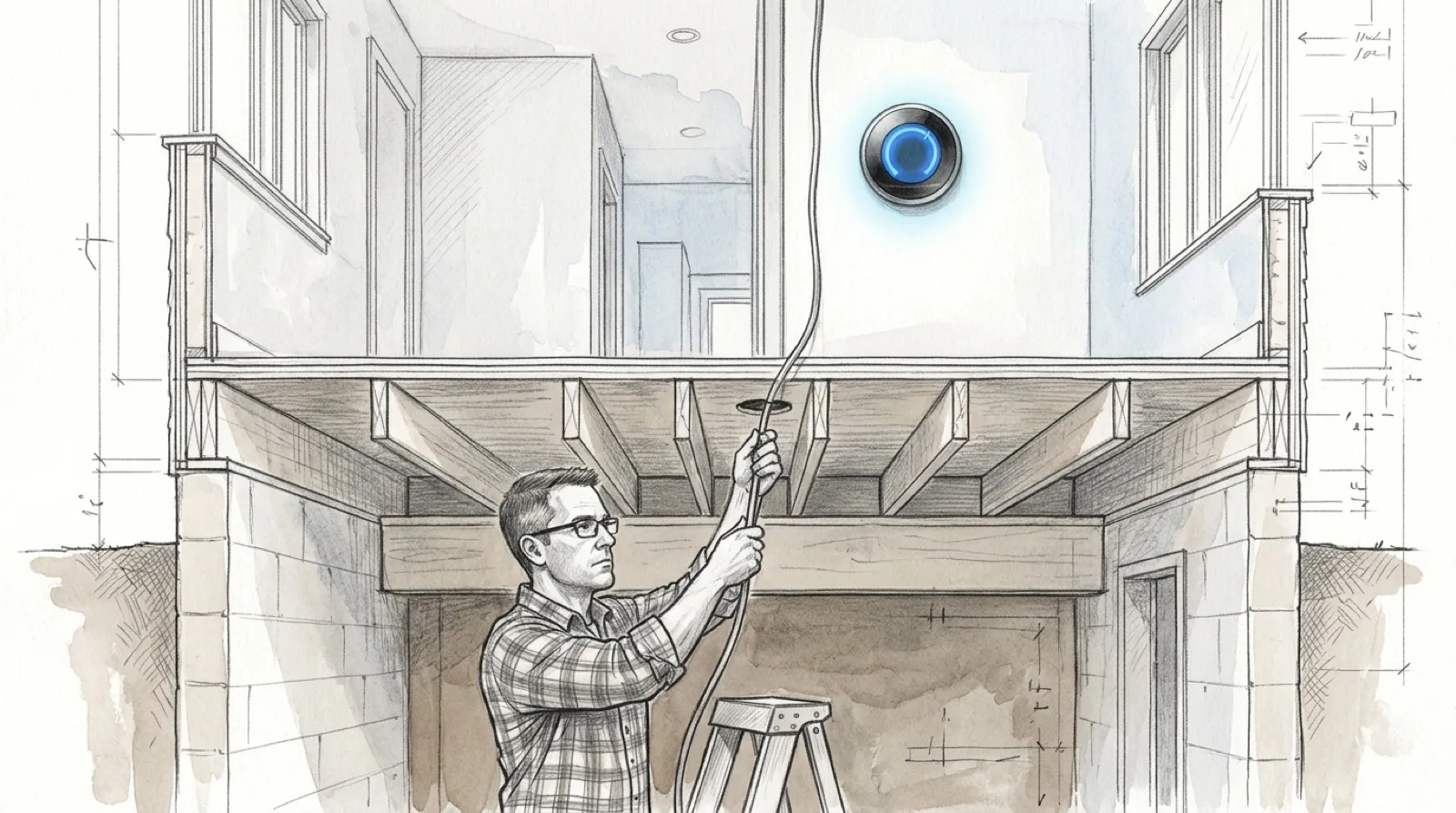
The thermostat upgrade began with a wire that was not there. Dustin Wiese’s account spends time on the part of a smart-home project that a dashboard screenshot cannot show: getting a new cable through an old wall. There is very little wireless about pulling fifty feet of wire.
In the project write-up, Wiese replaces the thermostat cable to add a common wire, then installs a used second-generation Nest. The old cable helps pull the replacement through the wall. It sticks, the opening needs attention, and a door handle temporarily keeps the new cable from disappearing. A sophisticated automation begins with a very unsophisticated anchor.
Those details make the story more useful than an effortless before-and-after. The physical installation is its own task, separate from configuring software. This is one homeowner’s account of his equipment, not a wiring recipe for another house. A different heating system needs its own compatibility and installation information.
Wiese chose the Nest partly for its familiar rotating control and its ability to operate manually when other systems are down. NoLongerEvil connects the abandoned smart hardware to Home Assistant. In his account, the hardware choice follows the desired household behavior: somebody should still be able to walk up to the wall and change the temperature.
The used-device shopping detail is practical. He stresses getting the display and its matching back plate together. An attractive listing for only half the thermostat can produce an excellent paperweight and a second purchase. Region-specific components also need checking; a familiar product name does not establish that every package contains the same pieces.
Flashing introduces another set of constraints. The account says the tool supports Mac and Linux rather than Windows, and describes timing problems while the thermostat booted. Afterward, entering Wi-Fi details was repeatedly interrupted by hardware and power checks. The software was ready to move ahead before the device was happy with its physical situation.
Once the wall installation was powered and connected, Wiese configured the network access needed to reach Home Assistant from his separated IoT network. The account ends with scheduled heating working and the household receiving a brief introduction. That is the author’s reported outcome, as described in his build log.
For anyone considering a second-generation Nest thermostat, the value here is the complete sequence of obstacles. Cable, back plate, flashing environment, network reachability and manual operation all affected the result. The home became smarter after somebody did a ordinary amount of crawling around and getting interrupted.
The door handle deserves a credit.