
Softwareobject-storageicloudexperiments
A joke S3 server hides your files inside photo pixels
New uploads in Apple’s upgraded albums now consume the owner’s quota, complicating the loophole behind this Rust experiment.
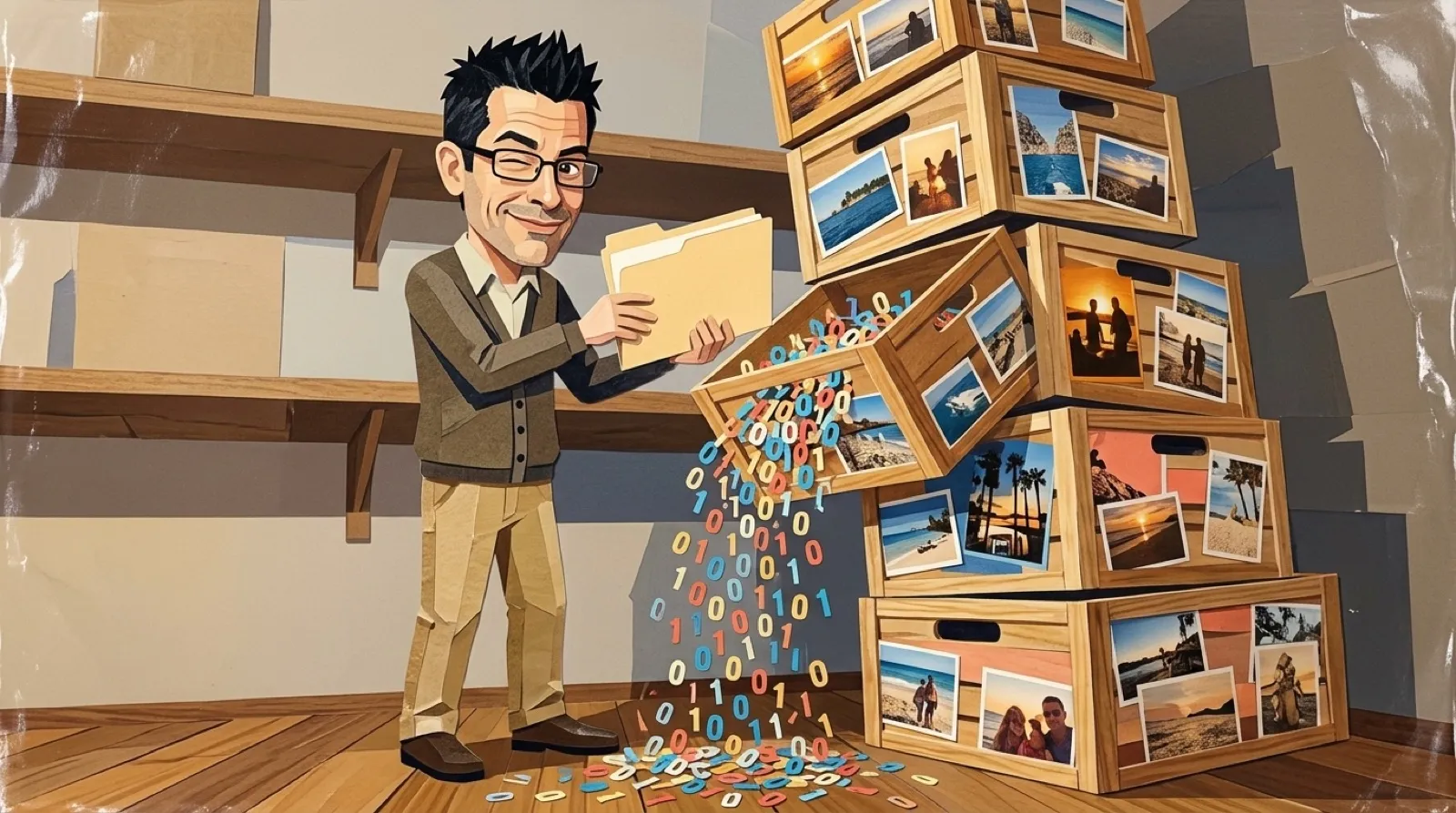
A database backup could become a picture in a photo album, with its bytes packed into red, green and blue pixel values. The Rust project exposes familiar S3 operations while translating the objects underneath into PNG carrier images. A 64-pixel banner across the top labels the contents, so a file can be recognized while scrolling past family vacation pictures in Photos, should anyone want a database backup interrupting that slideshow.
GitHub developer ashayas’s README builds its joke around Shared Albums’ storage exemption. But the Apple page it cites has changed. Apple’s upgrade instructions, published September 14, 2026, explain that older albums stay as they are unless upgraded, while new albums on version 27 software use the new experience. After an upgrade, existing items remain exempt, but newly added items consume the owner’s storage. The README’s free-capacity premise therefore cannot be carried over to upgraded albums.
That distinction gives the experiment a much sharper edge. The code can preserve an API while the policy beneath it changes. An application successfully speaking S3 doesn’t establish that its storage is free, or even that its chosen photo-album format has the guarantees the application expects.
The encoding itself is wonderfully literal. An S3 bucket maps to an album, and a larger object becomes a numbered series of PNG frames. The program reassembles those frames using their chunk indexes. It also places metadata in a JSON preamble, while keeping the payload in the pixels because upload pipelines can remove ancillary image metadata. Hiding the file in an EXIF field would leave it dependent on something a photo service might consider disposable.
Checksums make damage detectable. Each frame gets CRC32 protection, and the whole object gets SHA-256 and MD5 checks. The README warns that conversion to lossy JPEG or HEIC can change the pixel values and produce a checksum failure. Detecting the ruined backup is helpful; the checksum doesn’t put the missing bytes back.
The README’s own reported tests include splitting a 45,000-byte object across six images and reassembling them in reverse order, plus rejecting a one-bit change in a green channel. Another reconstructs eight keys across four album shards after a cold start. Those are concrete demonstrations of the format’s intended behavior, reported by its maker, rather than an independent test of Apple’s remote service.
The benchmark comparison has a particularly important label: its iCloudS3 side uses local album PNGs, while Cloudflare R2 is measured live. Local encoding and a network request do different work. Their timings don’t establish how fast an object would survive a complete trip through Apple’s upload and download pipeline.
The README calls the project “Satire,” which is a sensible label for a backup architecture depending on a photo album. Its more lasting use may be educational: familiar commands let someone see exactly where interface compatibility ends and storage assumptions begin. The unresolved demonstration is a verified remote round trip that also identifies which generation of Shared Albums it used.