
Hacks & Buildsappleiphonenintendohomebrew
Somebody put the $1,999 iPhone Duo's home screen on a Nintendo 3DS, and you can drag a widget across the hinge
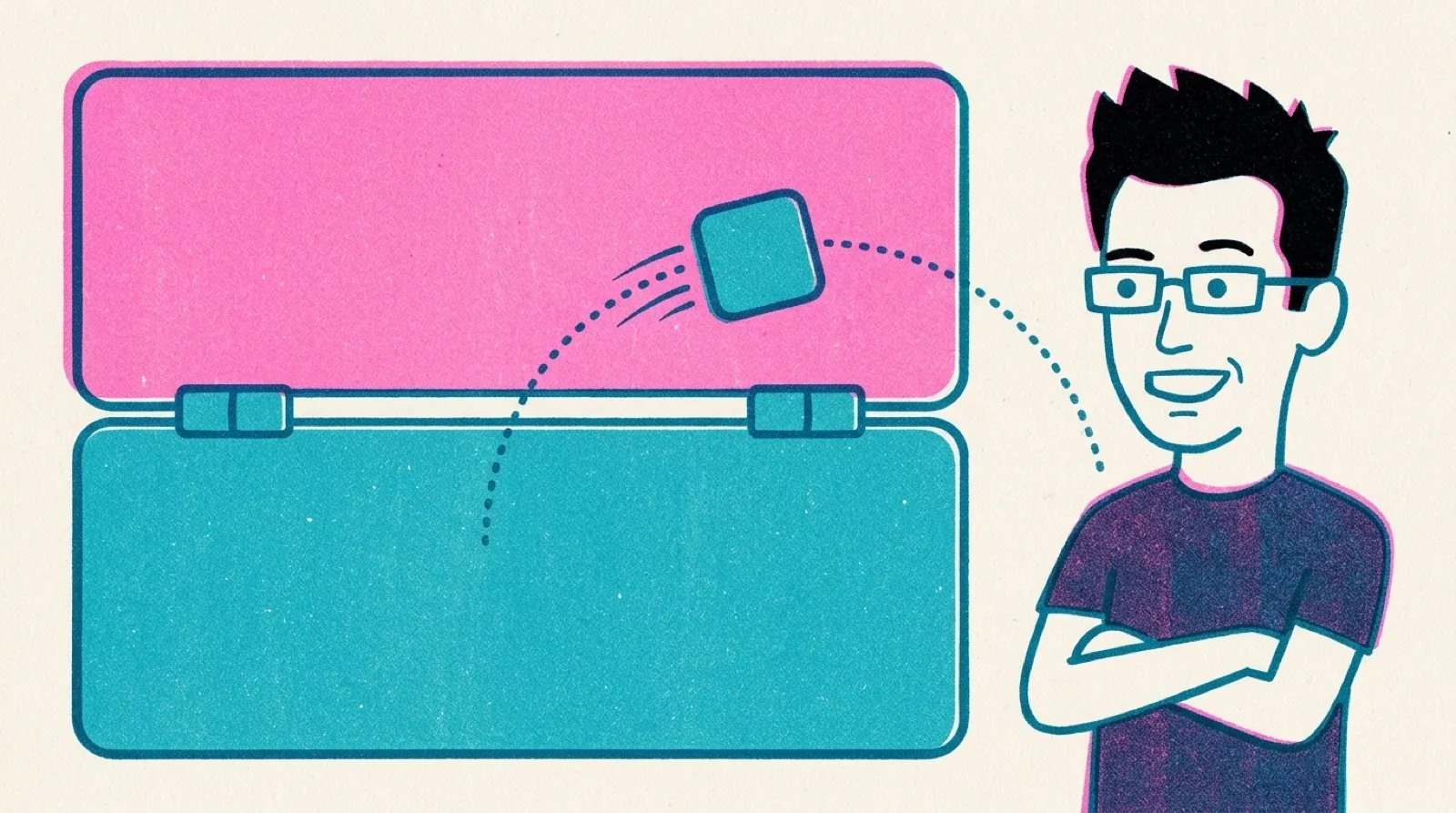
Joseph Zhou's homebrew turns the 3DS's two screens into the iPhone Duo's two halves: wiggle-mode icons, a lock screen, book mode on the L button, and a Music widget you drag up past the hinge.
The repo went up at 07 UTC on October 23, which is the day the iPhone Duo was supposed to land on doorsteps, until preorders slid to January. Zhou, who posts as @openmys according to his own site, describes it as “native Nintendo 3DS homebrew recreating the iPhone Duo dual-screen home screen and cross-hinge interactions.”
The two machines line up better than they have any right to. The 3DS has a 400 × 240 screen on top and a 320 × 240 touchscreen on the bottom, folded on a hinge. Apple’s foldable is a phone that opens on a hinge. Zhou’s code draws iOS icons, labels and wallpapers pre-rendered at the 3DS’s own resolutions and packs them into texture atlases inside the app.
Hold an icon and the home screen goes into wiggle mode, so you can rearrange two pages and the Dock, and the layout saves to the SD card. Long-press Music and drag it toward the hinge, and an Apple Music widget opens on the upper screen. Press L and the whole interface turns 90 degrees into book mode, with the top screen on the left and the touchscreen on the right. SELECT locks it, and a swipe up from the bottom of the touchscreen unlocks it.
It is a costume, and the README says so plainly: “It does not run iOS apps, play audio, place calls, or connect to the network.” Tap an app and you get a preview image, nothing more.
On October 24 a burst of commits gave the web version iOS UI sounds and a rotate button. On the real console, accelerometer auto-rotation is still listed as “experimental and still awaiting calibration on physical hardware,” so the button does the turning until somebody tilts a real 3DS and reports back.
Foldables are going to keep inventing gestures that only make sense with a crease in the middle, and the iPhone Duo’s widget drag is one of them. Expect more people to prototype those gestures on whatever two-screen hardware they already own, a 3DS from a drawer or two phones taped together, long before they can afford the real thing. If Zhou’s accelerometer calibration lands, the next question is whether book mode feels better on a secondhand Nintendo than on Apple’s.