
Securityphishingpasskeysgoogle2fa
Kevin Coleman Clicked a Fake YouTube Support Ticket, and the Phishers Left Their Own Passkey on His Google Account: a Way Back In That Needs No Password and No 2FA
A sites.google.com login page, a 2FA code that 'failed' twice, a fake Apple passkey prompt and a fake Bitwarden modal later, Google emailed him that a new passkey had been added. That email is the only reason he found it.
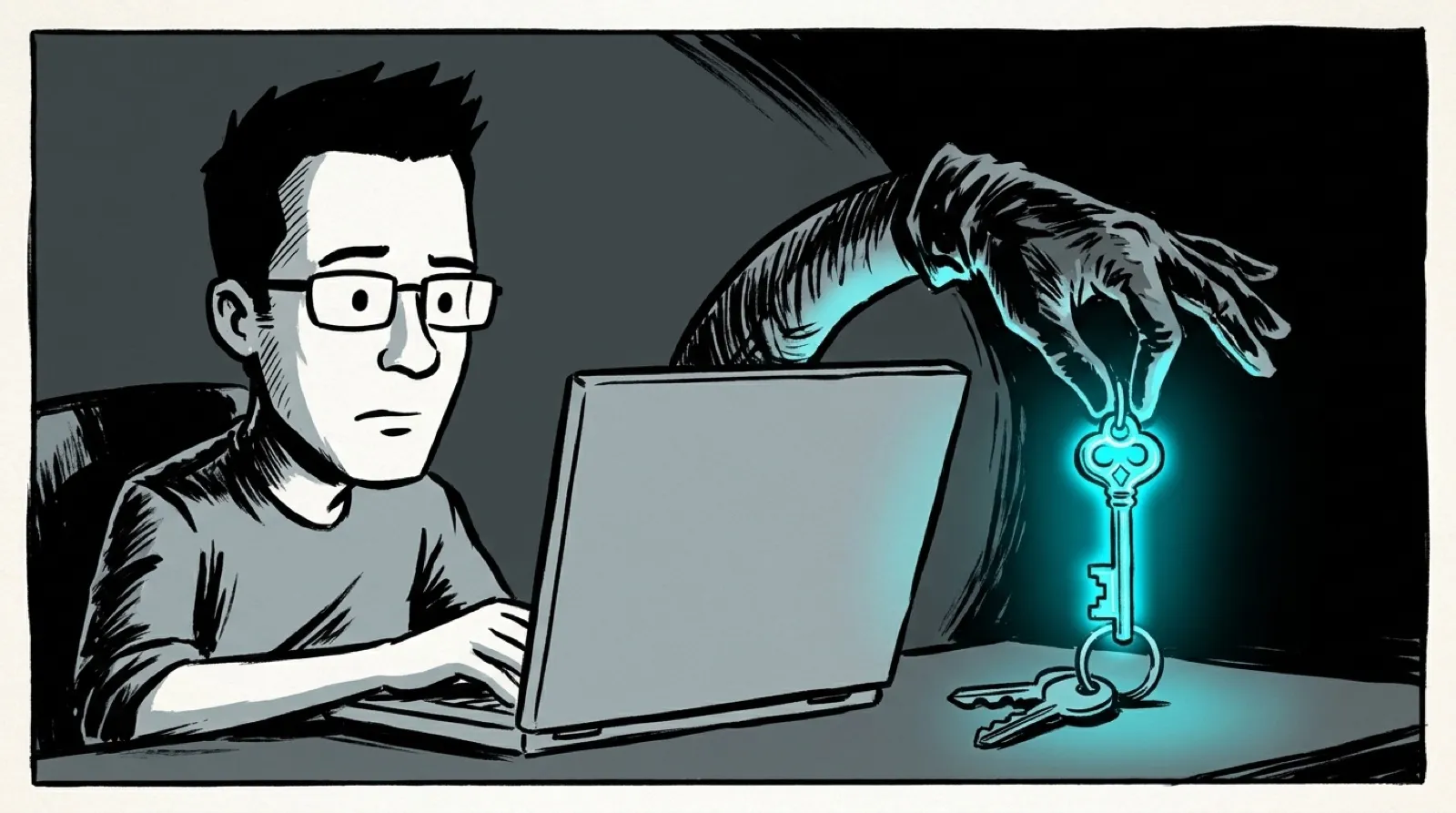
The email said someone had opened a YouTube support ticket to take over his account, and he needed to click to reject it. “Oops,” Coleman writes.
The login page should have stopped him. He was already signed in to Google in another tab, and he even noticed the address was a sites.google.com page, “but proceeded anyway thinking that this was just a weird auth flow for a support website.” He pasted his credentials from his password manager, then his two-factor code. “It failed. I tried again. Failed again.”
Then the page switched methods. It drew “what looked like an Apple passkey interface, rendered directly inside the browser window,” and he doesn’t use Apple passkeys, so he cancelled. Next came a modal styled like Bitwarden, asking him to add a passkey. He runs a rebranded fork of Bitwarden, and he thinks the attackers picked the disguise by detecting his browser extensions. “Now they were going for my throat: 650+ passwords ‘securely’ stored in my password manager.”
Google’s email is how he found out the account was already gone. “Attackers installed hooks for them to come back in later,” he writes. A device he didn’t recognize had signed in from somewhere close by, and once inside, the attacker permanently deleted the original phishing email and opened two Google Sheets. His Drive history shows “Financial and Crypto-related documents.”
Then he tested the trap. He verified with a fresh Google account in a private window, same device and IP, that Google “did not prompt 2fa” when signing in by passkey. Google’s own help page says the same: “your passkey bypasses the second authentication step, since this verifies that you own the device.”
“Without Google’s new passkey email and push, I might have changed my password, assumed my account was secure, and completely missed the attacker’s new way back in,” he writes. He reported the page, and it came down. Who reads two spreadsheets and leaves, and whether they’re coming back, he still doesn’t know.
Expect the next round of account-security work to move from sign-in to enrollment. Adding a passkey on a session that just came through a password and a code, from a new device, is exactly the moment a provider could demand a fresh check on a device you already trust.
Coleman wants a switch to block passkeys on his account “until the technology matures a bit.” More likely is the middle ground: providers that hold a new passkey until you confirm it from an old device, the way some banks hold a new payee.
Until then, the alert email is the control. The open question is how many people got the same notice this month and filed it with the rest of Google’s security mail.