
Softwarekoboreadeckopen-source
Kobodeck Makes a Kobo Find Saved Articles by Pretending USB Was Connected
A descendant of Wallabako keeps Nickel familiar, with a two-stage book conversion and a few important limits on what travels back.
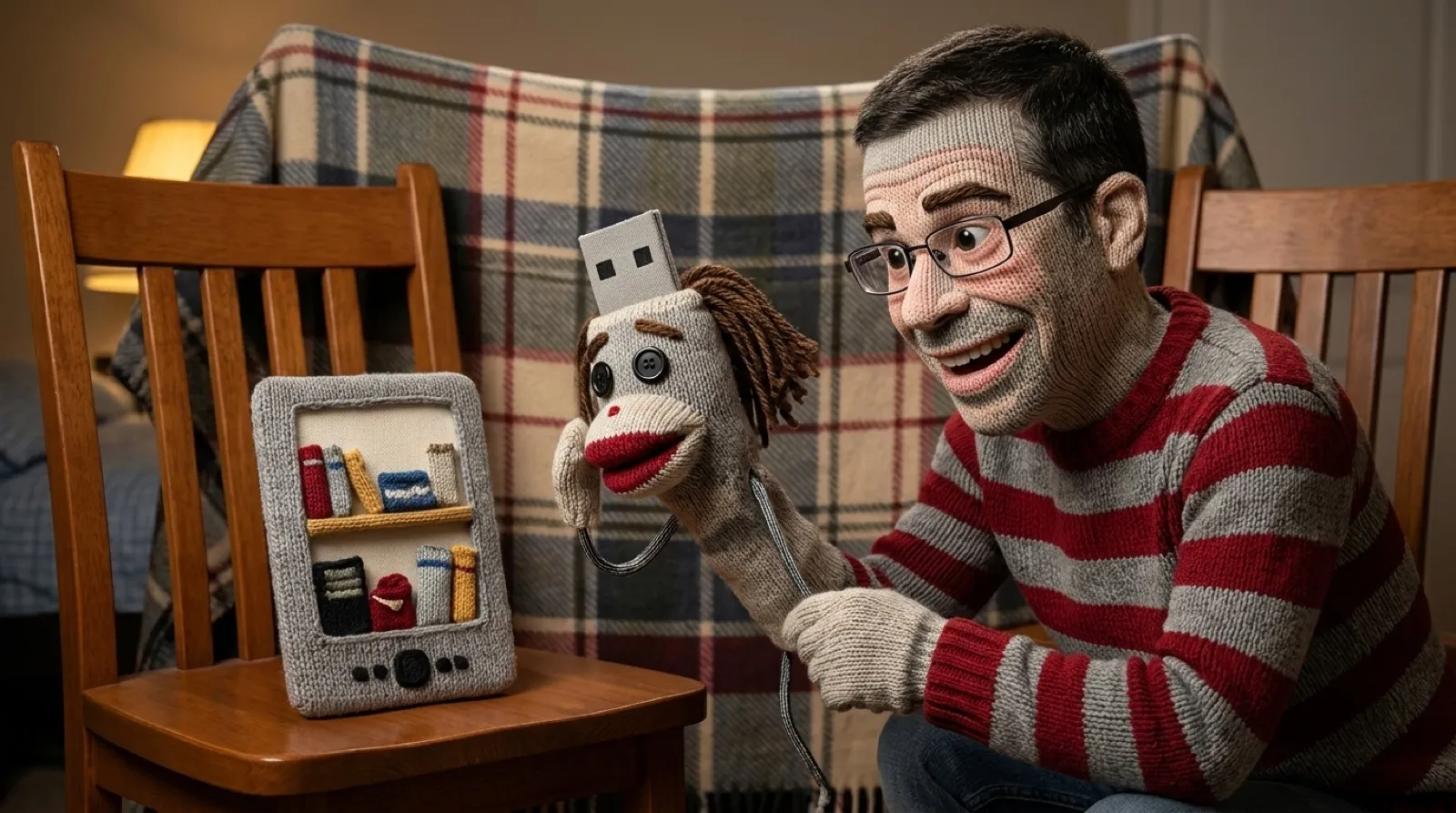
The reader already knows how to find newly copied books. Kobodeck gives it an imaginary cable to remind it. When Wi-Fi or Ethernet connects, the add-on fetches saved articles, then asks Nickel, Kobo’s stock interface, to scan for them. The familiar USB dialog appears even though nobody plugged anything in.
“Press Connect to rescan immediately,” says fkaduk’s README. Cancel leaves the downloaded files in place. The existing library import mechanism still asks for that extra tap, then puts articles and books in the same reading interface.
Kobodeck descends from Wallabako, Antoine Beaupré’s Wallabag client for Kobo readers. That project’s page dates its creation to January 30, 2017, describes downloading unread articles as individual EPUBs, and now marks the repository archived. The basic wish has survived its earlier implementation: save something on the web, then read it on the device already sitting beside the bed.
Getting a web page into that library takes two conversions. Readeck makes an EPUB; kepubify turns it into Kobo’s EPUB variant. Kepubify is a standalone converter that also works as a library and web app, with options for custom CSS and punctuation changes. Kobodeck handles fetching and importing around that converter so fetching an article does not become another little file-management ceremony.
The sample configuration makes the choices more concrete. It starts with two parallel download workers, fetches unread and in-progress articles, and has no numerical article limit. A label filter can narrow the selection. Completed articles are set to archive by default in that sample, while the favorites collection is disabled until an owner names one.
Deletion starts disabled, too. Once enabled, its scope follows the fetched feed: changing a label filter or lowering the limit can remove files that no longer qualify. The dedicated download folder therefore matters as much as the checkbox. A bookshelf containing everything you own would be a terrible place to apply “remove anything missing from this week’s reading list.”
The software still leaves work for the reader. Its README lists Kobo Libra Colour as tested hardware and says other devices are outside official support. It also says already-valid downloads do not refresh when their Readeck content changes. Reading yesterday’s copy can be perfectly comfortable right up until the author corrects yesterday’s copy.
A future version could make changed articles less awkward by updating them while preserving reading state. That combination would be more useful than simply transferring more files: somebody halfway through an essay needs the correction without losing their place. For now, even highlights and progress percentages do not make the return trip, so the question remains how much of the reading experience can travel with the article.