
SecondGlow turns a Retina iMac into a $39 external-display setup over one cable
The software reuses the computer behind the panel, with Apple silicon required on the sending side.
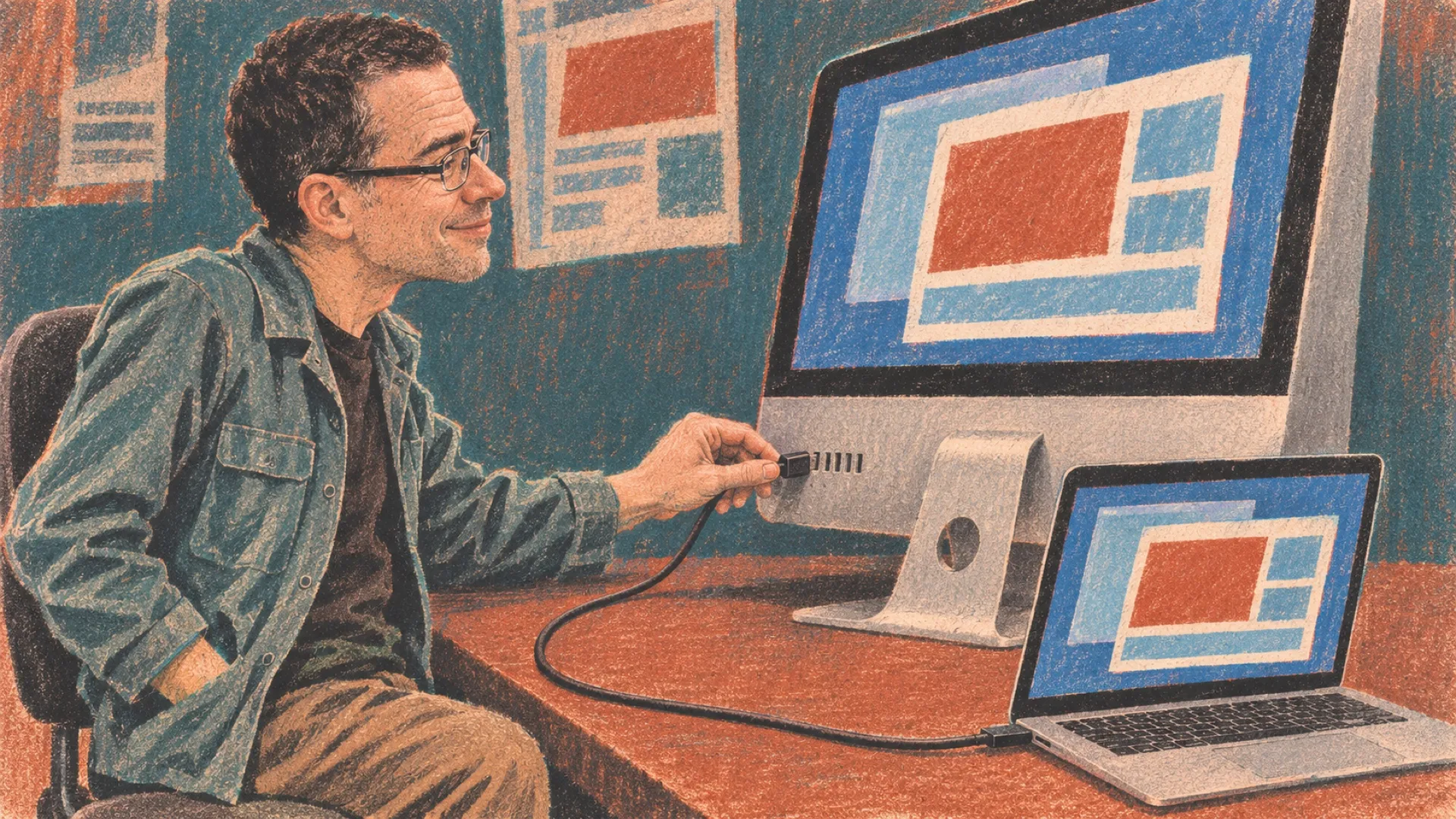
The old iMac’s screen can get another job without anybody taking a screwdriver to it. SecondGlow runs on an Apple silicon Mac and a Retina iMac, passing the picture over one cable so the older machine becomes an external-display setup. The beautiful panel doesn’t have to retire just because the computer behind it has slowed down.
The maker’s page lists every 27-inch 5K iMac from late 2014 through 2020, plus supported 21.5-inch Retina 4K models. That extends the date range beyond the original card’s 2015 starting point. The sending Mac needs Apple silicon and macOS Ventura or later; the receiving iMac needs Big Sur or later.
Apple’s Target Display Mode never reached Retina iMacs, according to the page. SecondGlow fills that missing role in software. The iMac remains a running computer executing an application, rather than acquiring a native monitor input. Reusing the panel therefore also means keeping the rest of that machine powered.
The documented cable options include USB-C to USB-A with USB 3, and Thunderbolt or USB4 connections for supported later iMacs. A charging-only USB cable won’t work. The connector fitting into a port is the beginning of this compatibility check, which is USB’s favorite little practical joke.
The maker describes the picture as lossless while still, with video at fifty to sixty frames per second. The page also distinguishes motion handling from the stationary image. Those are the vendor’s claims, not a latency or image-quality test performed for this article. Someone editing text and someone judging fast motion may care about different parts of that behavior.
The app supports mirroring or extending the desktop and sends sound to the iMac’s speakers. The page says the cable connection is encrypted and requires no account. A seven-day trial needs no card, followed by a $39 one-time license covering up to seven sending Macs, with iMac receivers free.
That makes the most obvious customer someone who already owns a suitable machine. Buying a secondhand iMac specifically for this purpose adds a separate hardware decision, including its condition, operating-system support and power use. A cheap listing isn’t the same thing as a free display waiting in the closet.
The maker compares the arrangement with a new display and with hardware-based alternatives. Those comparisons describe different products with different compatibility ranges; the software price alone isn’t a complete cost comparison. An existing iMac makes the arithmetic unusually favorable, while somebody starting from nothing has more variables.
A short trial can answer the practical questions before a purchase: text clarity at the intended resolution, motion behavior, sound and wake-up reliability with the actual cable. The setup is reversible, but its value depends on those ordinary daily details working together.
The old panel has another shift.