
Snippai turns screenshot equations into LaTeX and pictured tables into Markdown
The open-source capture app targets the tedious gap between seeing information and being able to edit it.
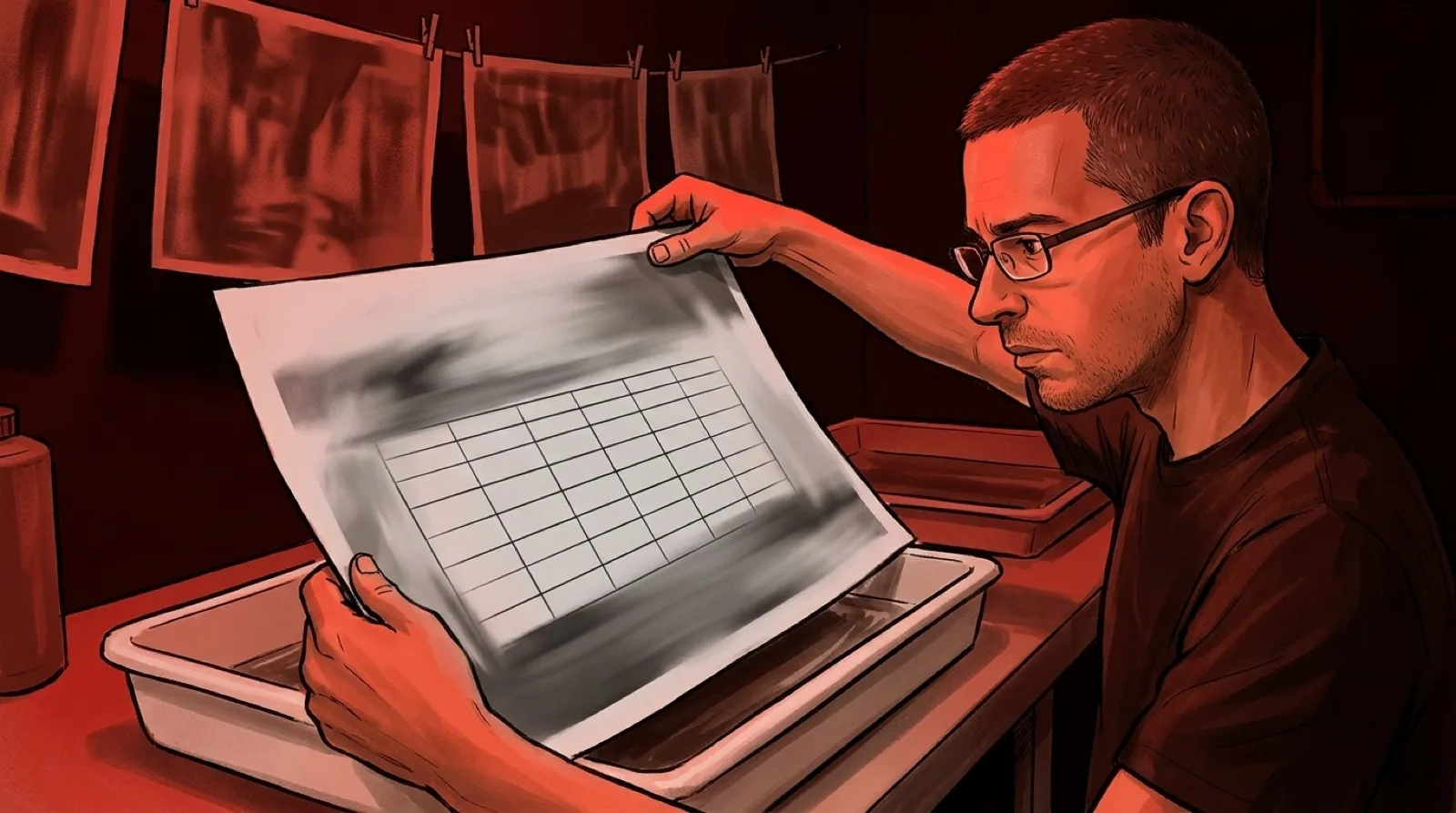
A screenshot of a table is a particularly annoying kind of document: all the information is there, and none of it wants to behave like a table. Snippai takes a captured region and tries to return something editable. Equations become LaTeX; pictured tables become Markdown. Finally, a snip with ambitions beyond being pasted into another slide.
The project’s README lists “convert them into LaTeX format” under formula recognition. That puts the result into the language used to describe mathematical notation, so a reader can edit the expression rather than keep dragging around its photograph. A screenshot stops being the final format.
Table conversion applies the same idea to rows and columns. A captured table can become text that fits into a Markdown document, which is a useful starting point for documentation and further editing. The promise is a conversion feature; the README supplies no accuracy benchmark proving that every cell lands in the right place. Decimal points remain tiny troublemakers.
The application also advertises text extraction, image description, translation, code explanation and color detection. Those features share a capture workflow: select an area and have the tool interpret its contents. They don’t establish that the program can reliably solve every problem pictured on a screen, whatever the promotional wording might suggest.
A screenshot-to-text workflow needs a comparison step. With an equation, a changed subscript can alter the meaning while leaving the output looking wonderfully official. With a table, the dangerous error may be a shifted column rather than a garbled character. Clean formatting can make a mistake easier to overlook (very professional of it).
The useful test is a small sample whose answer is already known. A table with a blank cell, a negative number and a wrapped heading will reveal more than a perfectly rectangular demo. For a formula, fractions and superscripts are better candidates than an expression simple enough to type without thinking.
Snippai links to downloadable releases and asks contributors to report problems through the repository. The material reviewed here is the maker’s own description, so availability and features are reported from that source, without a claim that the application has been installed or benchmarked for this article.
Open source helps make the implementation inspectable. It doesn’t, by itself, establish where every configured processing service sends an image. Before capturing private work, the relevant configuration and documentation need to answer that question. A cropping rectangle is a selection tool, not a privacy policy.
Tools like this could remove an irritating amount of retyping from technical documentation. Their practical value depends on how quickly someone can verify the returned structure, especially when the original was difficult to read in the first place.
The screenshot still gets a vote.