
Blackout darkens an open MacBook’s screen while keeping its keyboard and Touch ID available
The utility removes the internal desktop on supported Apple silicon setups, with documented exceptions for Intel and base M3 machines.
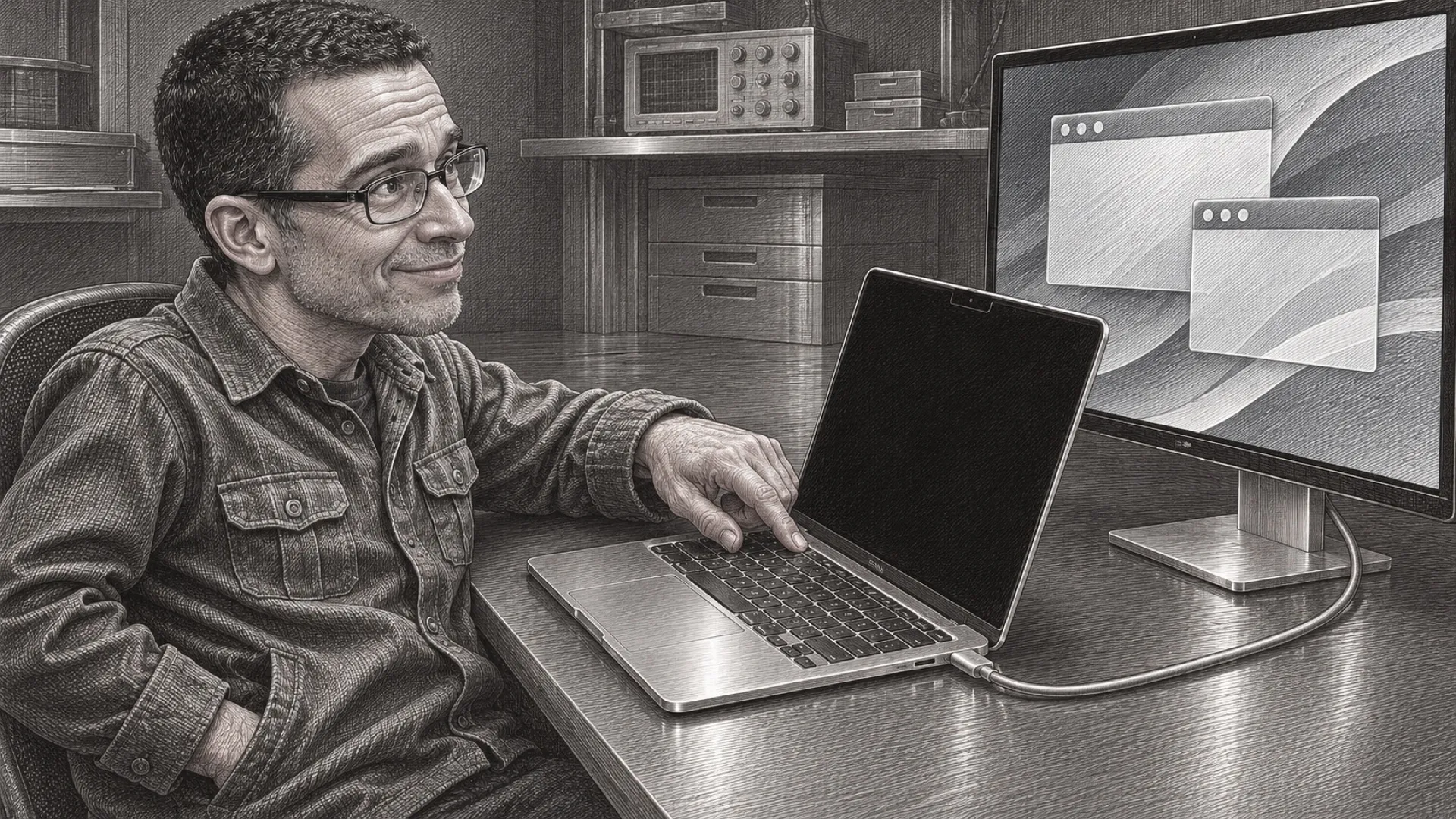
Closing a MacBook gets its screen out of the way and takes the keyboard and trackpad with it. Blackout aims for a different arrangement: keep the lid open, switch the internal display off and work on the external monitor. Touch ID is supposed to keep working, too. The laptop gets to stop staring back without going out of reach.
The maker’s page says the built-in screen disappears as a desktop in System Settings on supported Apple silicon systems. That’s more useful than simply displaying a black picture if the goal is to stop windows and the pointer wandering into the laptop’s unused screen.
Intel behavior differs. The page says the internal display can remain listed in System Settings there, and its compatibility notes warn about possible trouble on Intel machines and base M3 MacBooks. A headline feature shouldn’t flatten that table into a guarantee for every laptop carrying an Apple logo.
The documented requirement is macOS Sequoia or later. The app offers a seven-day trial and a one-time license, with the page showing a $9 early price against $19. It also contains development-phase pricing language, so the checkout and current trial terms deserve a look before treating any introductory figure as permanent.
The workflow includes individual display switches and a menu-bar presence. One display remains active, and disconnecting an external monitor is meant to restore the internal panel. The maker also describes recovery when the app closes, crashes or the Mac restarts. Those are the documented safeguards, rather than recovery behavior independently exercised for this article.
A short trial on the exact machine matters because the wanted result has several parts. The screen needs to darken, windows need to stay on the intended desktop, Touch ID needs to remain usable and unplugging the cable needs to recover cleanly. Getting the first part right doesn’t answer the other three.
The maker distributes Blackout outside the App Store and explains that it uses hardware APIs unavailable to App Store apps. Its statement that the download is signed should be read as a distribution detail, rather than a universal proof that software cannot misbehave. The feature involves hardware control; the escape route is part of the feature.
For a desk already centered on an external display, the appeal is keeping the built-in controls without an extra glowing rectangle. It also avoids assuming that everybody wants to buy a separate keyboard simply because their monitor is larger. A perfectly useful trackpad shouldn’t need early retirement to make the desktop tidy.
Tools like this can fill a small but persistent gap in display management, provided compatibility and recovery stay dependable through system updates. The user’s own Mac remains the deciding case, especially where the maker has already named an exception.
The lid can stay up.