
MacBook Pro OLED: the 240Hz figure is flicker, and heavy work can drain it while plugged in
A hands-on review puts a power limit beside the brighter panel. Sensitive eyes and sustained workloads get different buying questions.
The number 240Hz needs its label attached. In Notebookcheck’s review of the MacBook Pro 14 with PROLED XDR, it describes pulse-width modulation measured on the display. The panel’s refresh rate is 120Hz. Shopping by the larger number here would produce a very different purchase explanation from the one the test supports.
The outlet tested an M5 Pro configuration and praised the tandem OLED image. It also flagged flicker as a possible issue for sensitive users despite DC dimming. This is a measured display behavior, not a diagnosis of how an individual reader’s eyes will respond. If flicker affects your comfort, try the actual panel before buying.
The same review compares measured panels. The older Mini-LED MacBook below is the M4 Pro model used in its display comparison, rather than a claim that all intervening configurations were tested identically. The two Windows rivals are the exact reviewed models, too.
| Measured display characteristic | MacBook Pro 14 M5 Pro OLED | Earlier MacBook Pro 14 M4 Pro | Asus ProArt P14 H7407 | Dell XPS 14 Core Ultra X7 358H |
|---|---|---|---|---|
| Panel technology | OLED | Mini-LED | OLED | OLED |
| PWM frequency | 240Hz | 14,880Hz | 960Hz | 240.62Hz |
| Gray-to-gray response, combined | 0.31ms | 77.2ms | 1.67ms | 0.75ms |
These are Notebookcheck’s panel measurements, not independent tests conducted for this article. Frequency alone is not a complete comfort score: waveform, amplitude and the viewer matter. A table helps prevent a mislabeled number from becoming a purchasing argument; it cannot tell somebody what a screen will feel like after an afternoon.
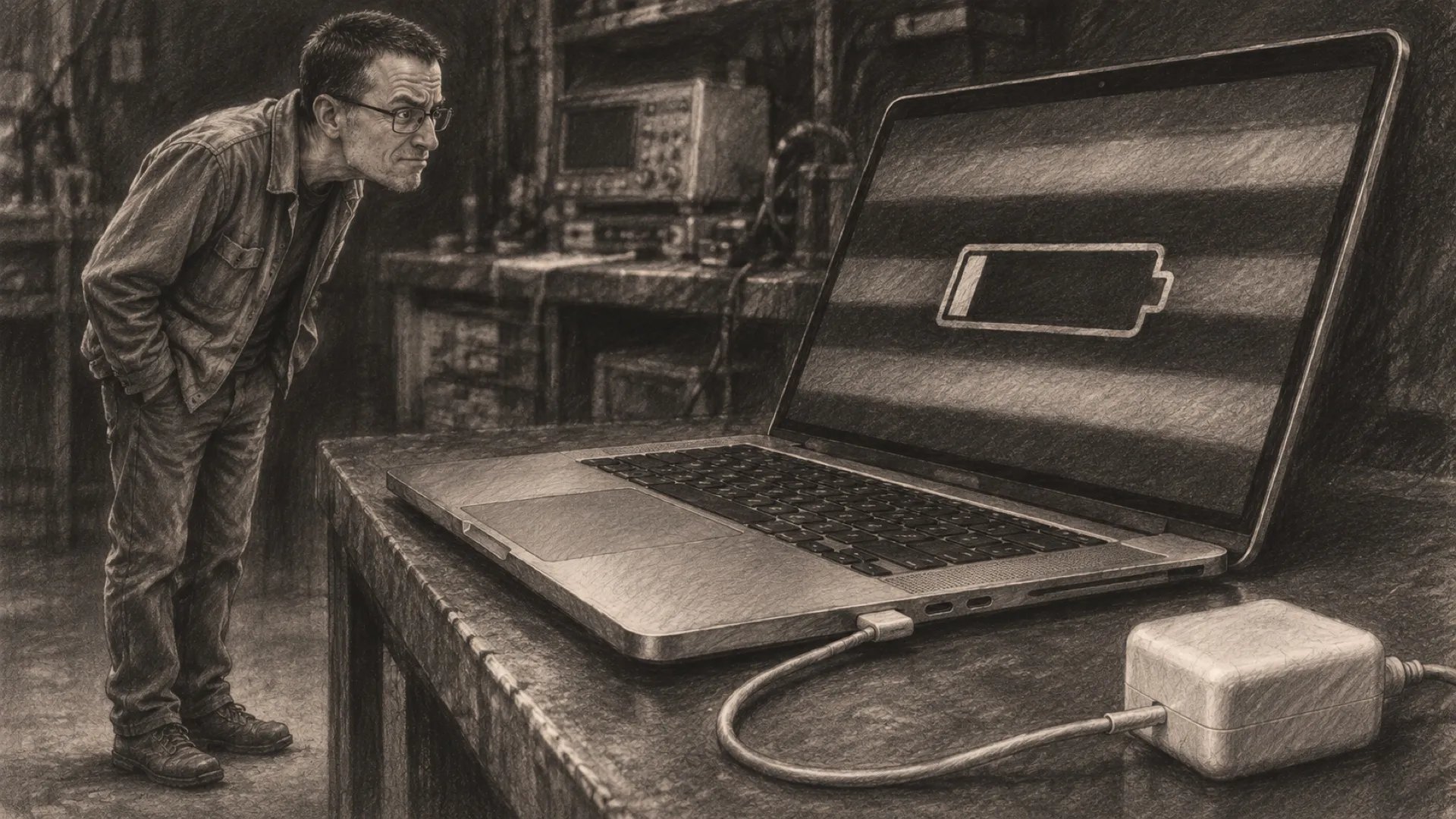
Power supplies create the second catch. The reviewer says Apple still limits maximum power draw to 96 watts and observed battery drain of around 15% per hour with full CPU load, high brightness and High Performance mode. The machine was connected to power. Under that particular workload, the available input did not cover the whole demand.
That is a much narrower claim than saying the laptop drains whenever it is plugged in. Light work, different brightness and different performance settings do not recreate that test. The review itself distinguishes the heavier-load problem from the machine’s quiet behavior under ordinary light use.
For sustained work, however, it is worth asking about the whole session rather than the first benchmark result. A battery can contribute to a workload while the power adapter is connected. A long-running job may therefore face a different limit from a brief demonstration. Plugged in is a connection state, not proof of unlimited energy.
Notebookcheck’s test configuration also differs from the entry configuration. Keep its measured results attached to that review unit instead of treating every memory, processor and screen option as interchangeable. The useful next step is to match the configuration and intended workload before comparing actual listings.
For shopping, start with the exact MacBook Pro 14 PROLED XDR, Asus ProArt P14 H7407 and Dell XPS 14 Core Ultra X7 358H names. Similar family names can conceal a different panel.
Keep the units beside the numbers.