
Pixel walkers turn your web page's text into platforms, then a resize flings them
MarkBlah's small browser toy builds sprites in CSS and measures ordinary HTML, with a public playground for its very physical layout rules.
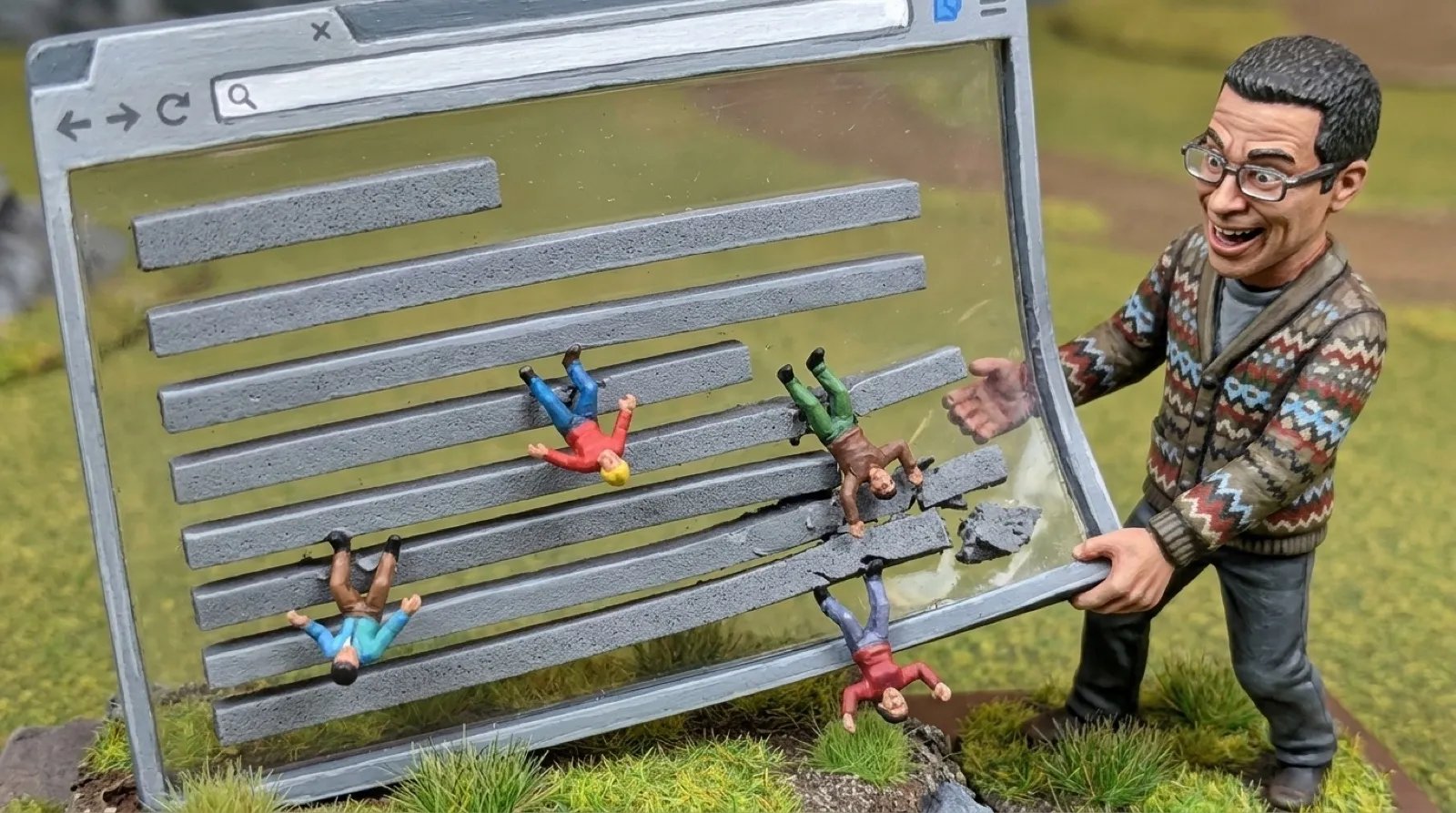
Your paragraph has become a sidewalk. The little person walking across it can fall off the end of a short line, land on another one and keep going. It’s a pleasingly literal way to cover every word, with the line breaks now deciding where your tiny reader falls.
Walker Playground gives MarkBlah’s browser toy stairs, walls, floating platforms and columns of text to explore. Ordinary page furniture becomes scenery for pixel characters. A button remains a button, while its top becomes somewhere a tiny visitor can stand. Web designers have spent years worrying about where readers land; this one takes that literally.
The project’s README describes a single script without dependencies. Its animated sprites are built from CSS, so there is no folder of character images to fetch. Adding the script creates a walker, and __walker.add() creates more. The playground supplies an add button for anyone who prefers clicking to typing (fair enough, tiny feet).
The distinction between text and boxes makes the trick work. According to the playground, each text line supplies a floor, but text doesn’t trap a walker between two close-set lines. Borders, buttons, images and form fields can block it. A character can therefore walk through a paragraph’s line on its way elsewhere without treating every letter as a brick wall.
The source shows how the script finds that terrain. It measures text with a browser Range and collects the line rectangles. It also maps solid page elements into collision surfaces. The walker moves through a simplified version of the layout the browser already drew, with different rules for floors and hard objects.
Resizing the window adds a more mischievous part. The script tracks the surface under a standing walker across layout rebuilds. If that surface moves, it carries the character; a sufficiently quick upward or sideways movement launches it. The moving platform’s speed determines the launch, which makes dragging the window edge part of the controls for the toy.
The playground calls this out directly: “a fast resize launches them.” Its wrapping cards and reflowing text columns make useful places to investigate that rule. The text can change line breaks while a character is standing on it, and percentage-sized platforms change position with the window. Rearranging those ordinary page elements can send a character somewhere new without adding a separate game control to the page.
This is a toy with a clear boundary. The project offers instructions to inject the script into other pages through developer tools, but running third-party JavaScript inside an account page grants it that page’s context. The public playground is the sensible place to start playing, with no need to make your bank statement a level.
A larger game built on this idea would have to decide what happens as a page changes. This script already watches for DOM changes and rebuilds its surface map. That keeps the interesting design question close to the page itself: which changes should carry a character, which should drop it, and which should launch it across the screen?
The demo’s answer is happily hands-on. Its stairs distinguish climbable steps from tall obstacles, and its cage makes borders part of the experiment. The delight comes from recognizing an ordinary browser layout while something tiny treats it as a place to live.
Mind the paragraph gap.