
Software3d-printingagentsaiopen-source
Marco Franzon's print3d Has an AI Agent Measure a Clothes Peg From a Museum Photo and Hand You a Bambu Lab Print File
print3d, an open-source plugin for AI coding agents, scales a photo from a ruler or bank card beside the object, writes a Blender script, checks the mesh against the photo and slices it in Bambu Studio until every check passes.
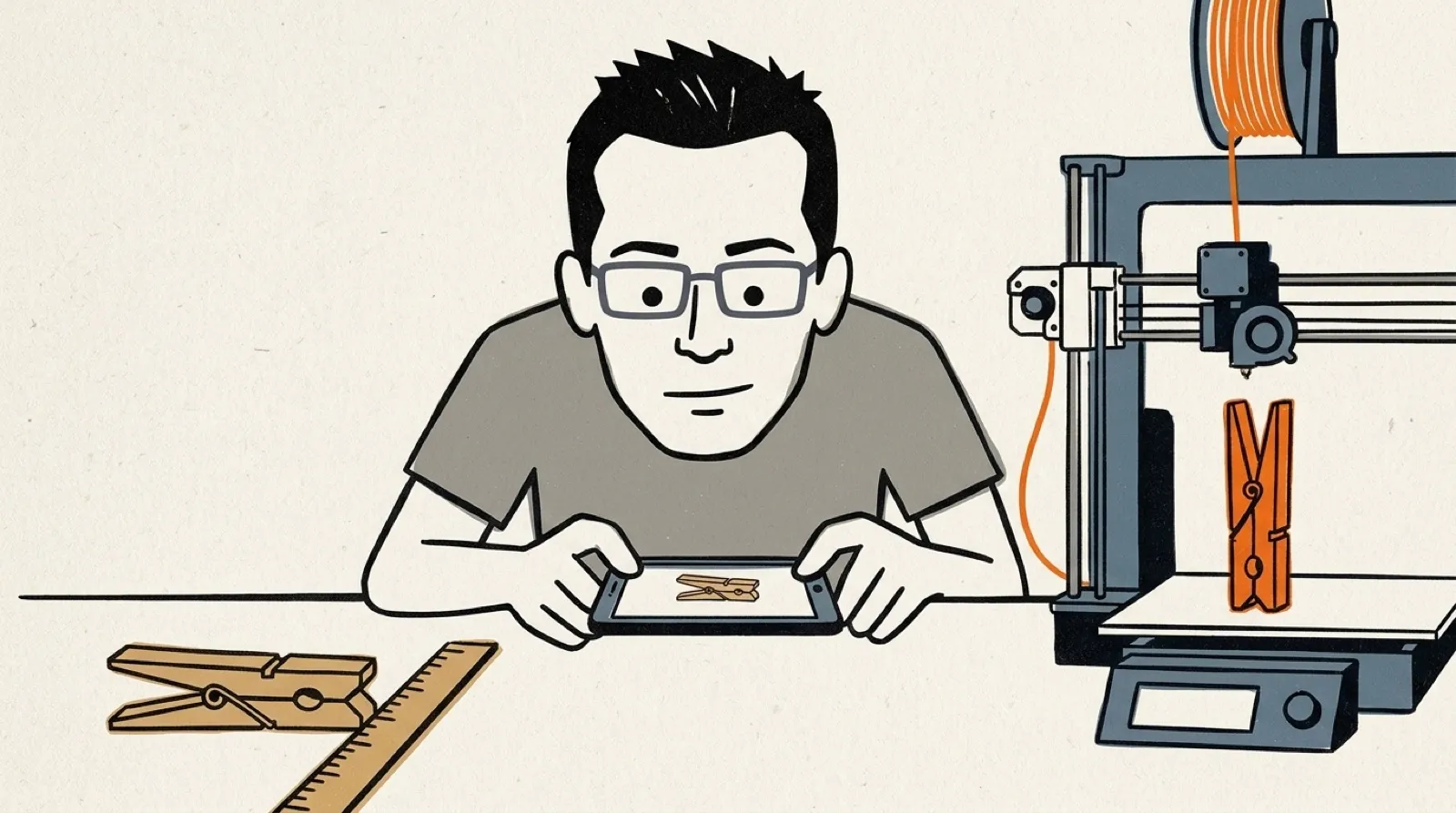
The test object is a wooden clothes peg from the Auckland Museum, photographed beside a centimetre ruler. Marco Franzon’s print3d read the ruler, “140 mm across 905 px,” and measured the peg at 114.9 mm, give or take 1.2. The museum’s own record says 115.
.jpg)
Nobody opened CAD. In Franzon’s words from the README, “The agent writes a Blender script that builds the part. print3d runs it, checks the mesh, slices it with Bambu Studio, and tells the agent what to fix.” The loop runs until every check passes, then hands over a .3mf to open in Studio.
The finished peg covers the photo’s outline at 90% and slices to 575 layers, 49 minutes and 7.2 g of filament. The run even tells you what to fix in the slicer: a 115 mm part standing on a 14.5 mm foot is slender, “so add a brim in Studio.”
The honesty is built in. Every dimension lands in a spec.json that records whether it was measured, given by you or assumed, and “Whatever no photo shows is listed as an unknown.” The peg’s steel spring is recorded as steel wire and left unprinted. The README also admits the museum rounds to 5 mm, so the diameter’s 1.3 mm miss is “not a measurement to trust to a tenth.”
The likeness check is the part that bites. print3d projects the model along the photographed view, scales it to the photo and lays it on top: “red is in the photo but missing from the model, blue is in the model but not in the photo.” A part that is the wrong size, turned or mirrored fails the run the same way an overhang does, so the agent can’t talk its way past a bad shape.
It targets one printer, the Bambu Lab X2D with a 0.4 mm nozzle, and splits two-colour parts across that machine’s two nozzles. It works in Hermes Agent, Claude Code, Codex, Cursor and Gemini CLI, and the README is blunt about the last step: “Nothing here talks to the printer.”
There’s a second trick for things you don’t own yet. Paste a shop listing, quote its stated sizes, and one of them scales the product photo. A shelf bracket listed as “20 x 12 cm” came back with a short leg of 126.9 mm, which the photo pins tighter than the listing’s rounding, and the run notes that PLA at 4 mm won’t carry a shelf the way the steel original does.
Franzon started the repo on September 23 as a text-to-print pipeline. The photo workflow landed on October 18, and support for the Hermes plugin catalog followed on October 23. What nobody has published yet is how the likeness score holds up on an object with no flat, square-on face to photograph.
Replacement parts are where this goes next. The listing mode already reports the shop’s price beside the print’s grams and minutes, which turns “should I buy this” into a line on a print sheet. Expect the hard cases to be the ones the README already flags, from angled photos it has to rectify to parts whose real job depends on a material no printer feeds. Franzon’s repo builds its benchmark media from scripts, so anyone can rerun the peg and see whether 114.9 holds.