
A Raspberry Pi ISP Gave a 1999 iBook Wireless Dial-Up
A translucent laptop revival needs telephone-line simulation, Linux call handling and a browser translator before the vintage web becomes usable.
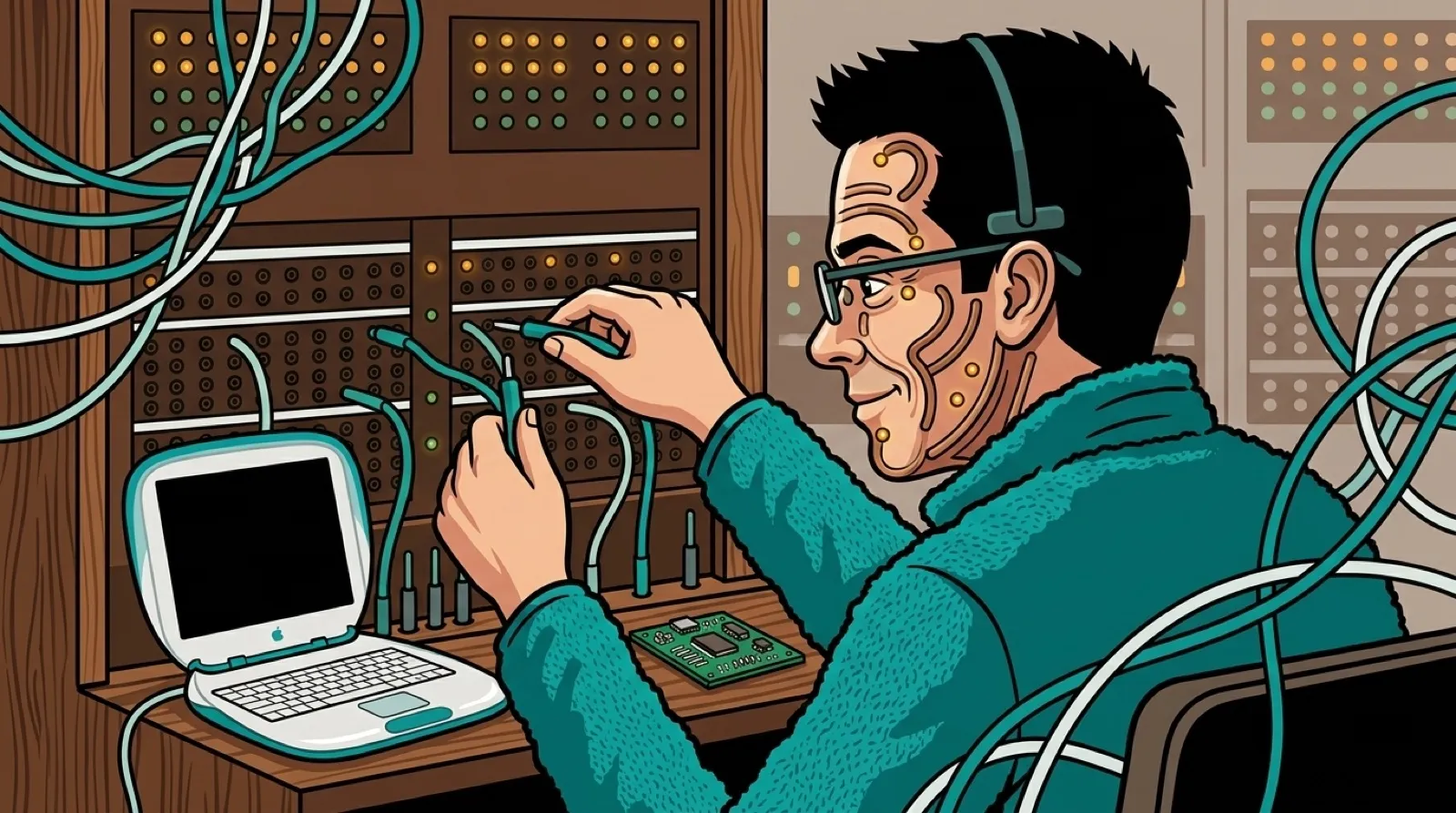
The iBook is wireless. The internet connection still has to negotiate with a modem. Geerling built himself a tiny ISP so his restored 1999 clamshell could experience both conveniences at once.
His April build uses a Raspberry Pi, USB modem and telephone-line simulator. Linux’s mgetty answers the call, then hands it to PPP for the network connection. The simulated phone line keeps this recreation local, so the equipment list can omit the monthly phone subscription.
Geerling reports connecting at 33.6 kbps most of the time. His warning that “You can’t just plug one modem into another” explains the extra hardware better than any glamour shot of the iBook could.
Play the video on YouTubeThe hardware list includes a Raspberry Pi, a StarTech USB modem and a Viking two-way telephone-line simulator. The simulator supplies a piece of the phone system that a cable alone cannot provide. With the documented defaults, one modem picking up makes the other side ring until it answers or the attempt ends.
Geerling added a physical telephone, too. Its bell made an incoming call audible before the modem answered, which he describes as useful for debugging. A connection can fail before a browser ever opens, and a ringing phone gives the operator evidence that the first part of the sequence happened.
His project includes an Ansible playbook for configuring the Linux side. The article points to the mgetty journal while the connection negotiates, so the recreation has more to inspect than the sound of the handshake. That matters when the next failure could be the modem, authentication or the network configuration after the call has been answered.
The 56K label on the modem does not promise a 56K connection between these two analog endpoints. Geerling explains that reaching 56K requires a digital end of the connection; this setup usually negotiated 33.6K and sometimes needed a lower maximum for stability. The lower figure belongs in any account of what the finished build actually did.
The browser adds another distinct obstacle. Geerling describes old TLS and cryptographic support as reasons modern sites fail, then places Macproxy Classic between the old machine and those sites. The proxy’s simplified pages let the browser do work it can still understand.
A person rebuilding this experience could therefore test it in stages: hear the call arrive, see a PPP session establish, load a simple page, then try the proxy. Once each step works alone, the original AirPort can supply the delightfully roundabout wireless route back to the same modem-speed connection.
The first-person build includes an Ansible project and the proxy setup. It also reports stability trouble with the old AirPort after extended use, so this recreation still has some authentic interruptions available.
Geerling also tried the proxy’s Wayback Machine extension, which he calls a “time machine” for the browser. The next choice is which version of the web to visit with the connection you’ve rebuilt.