
Pytml runs Python inside HTML tags by loading a browser-side interpreter
The wrapper targets tutorials and interactive snippets, with a runtime download much larger than the wrapper itself.
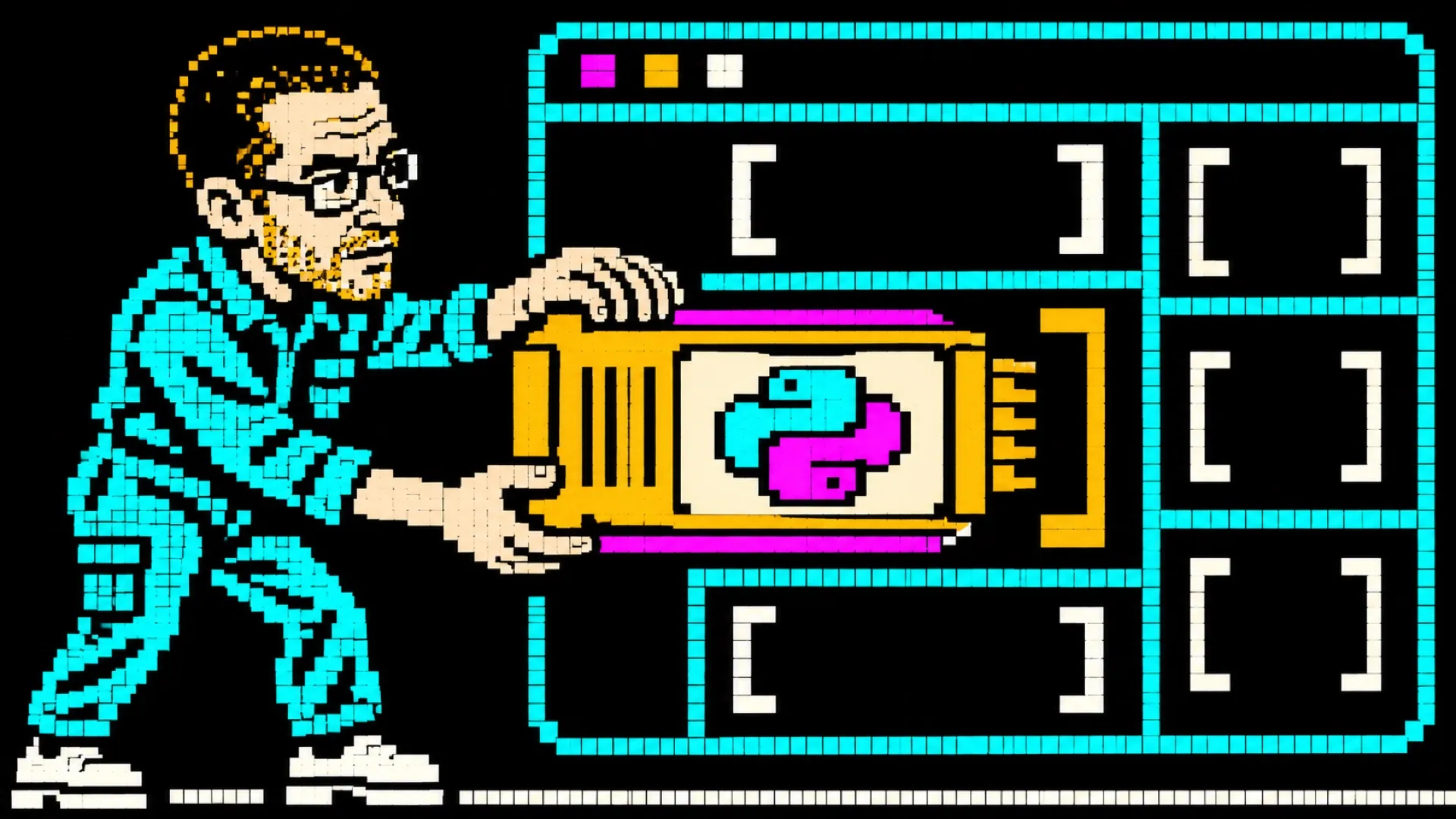
A Python example can run where the reader is already looking at it. Pytml finds Python blocks in HTML and connects them to a browser-side interpreter, putting output and errors into the page. The tutorial no longer has to begin by explaining why everybody’s laptop has a different Python installation.
The maker’s page describes a JavaScript wrapper around Pyodide, which brings a WebAssembly build of Python into the browser. Pytml supplies the connection to the document: finding blocks, queuing execution and presenting print output, input and tracebacks. The interpreter still has to arrive before the Python can do anything.
That distinction gets lost easily in small-library claims. The page puts the wrapper around 15 KB and the lazily loaded runtime around 6 MB. Those numbers describe different pieces. Calling the whole arrangement a 15 KB Python environment would leave a rather substantial interpreter hiding behind the download button.
Loading the runtime lazily keeps it from being part of every initial page operation. Caching can make later visits cheaper, but a first visit still needs the dependency. For a short interactive example, that initial cost should be part of the design rather than a surprise delivered halfway through the first lesson.
The page lists support for plain HTML and frontend frameworks, including blocks inserted after a framework renders. It also describes separate execution contexts for numbered blocks. Those features are relevant to course pages where one example should be rerun without turning the surrounding document into a collection of disconnected screenshots.
Package compatibility follows Pyodide’s environment. The page names numerical and plotting packages, but also notes that C extensions need WebAssembly builds. A package working in desktop Python doesn’t establish that it can be dropped unchanged into a browser. The tab is enthusiastic; it still has a different operating environment.
The intended uses include tutorials, technical blogs and lightweight data demonstrations. The maker explicitly puts heavy backend processing, database work and production APIs outside that scope. A browser-side example can let a reader edit a calculation, while the server responsible for actual application data retains its own job.
The page’s sweeping privacy language also needs a narrower reading. Running Python client-side removes the need to send that execution to an application backend, but the page loads an interpreter from a CDN. The surrounding website and any added code still determine network behavior. A tab isn’t a promise that all possible code remains offline.
For teaching, the attractive part is the short path from changing an input to seeing its result. A useful first deployment would keep the example small, show its loading state and explain supported packages. The open question is how well the chosen exercise fits inside the browser’s resources.
Python has moved into the markup.