
A free Windows tool cuts oversized 3D prints into numbered parts and writes their assembly guide
A portable Windows utility follows the split all the way to bed layouts and assembly instructions, while leaving trouble spots visible.
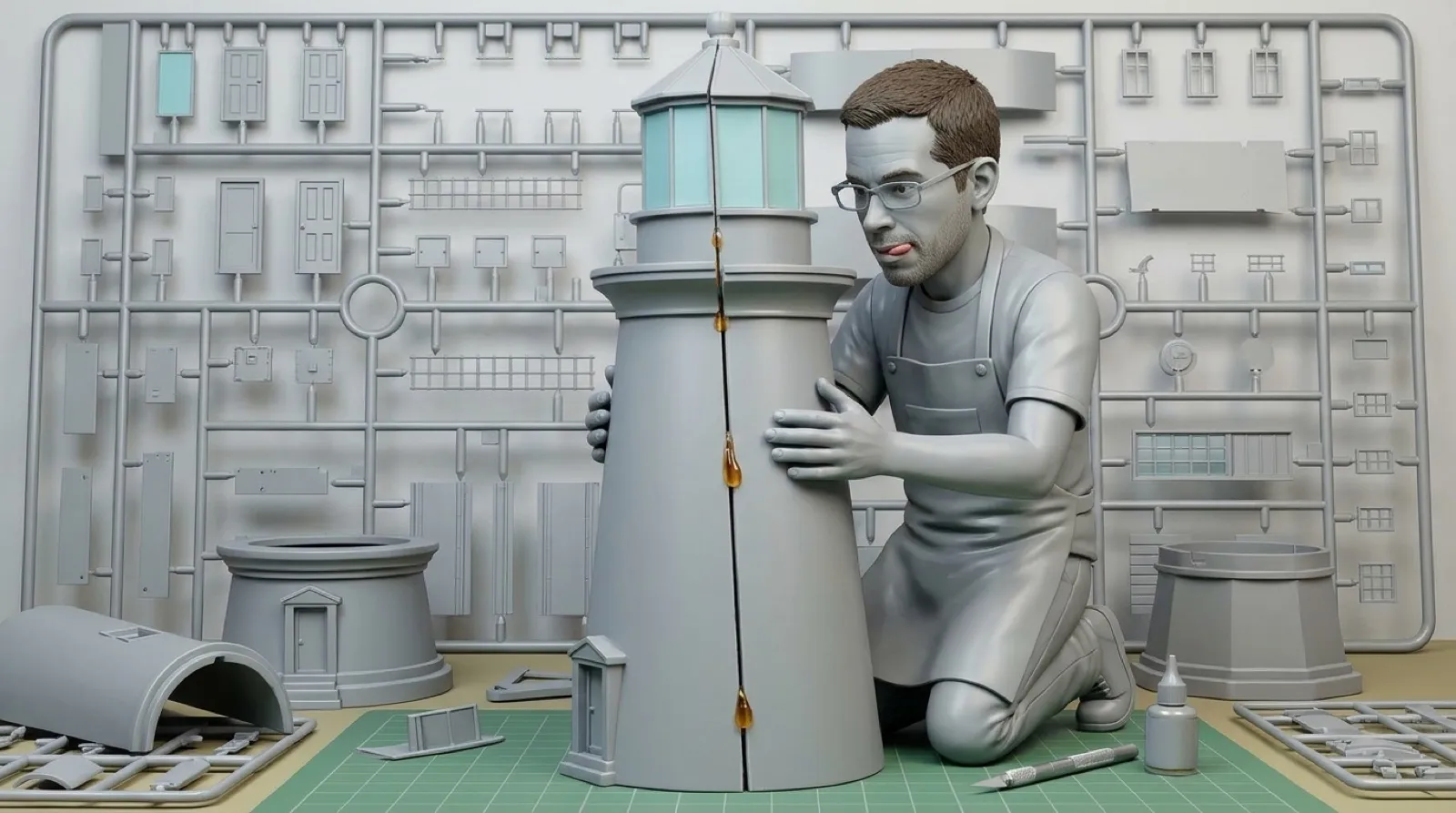
A 3D printer can be excellent at making one part and unhelpful about where that part belongs among forty neighbors. Section3D follows the cut with part numbers and an assembly guide. The project is trying to keep a large print from becoming a jigsaw puzzle you accidentally commissioned yourself.
The Windows tool imports STL, OBJ and 3MF models, uses a chosen build volume, and divides the object into pieces. It ships as a portable executable, with no separate runtime or installer required according to its README. Running offline also keeps the model from acquiring an unnecessary upload step on the way to the printer.
The default Shatter mode uses a surface layout whose cells meet at roughly 120 degrees. The cuts are refined against goals including build-volume fit, printable shape and avoiding thin or sharp fragments. The project does not lay a cube grid over everything and call all resulting shards equally good candidates for your weekend.
There is still a grid mode when regular cuts are the better choice. Its behavior is different: the cut positions stay where the reader placed them, while problems are flagged. That is useful control to understand before waiting for an automatic improvement that this mode deliberately will not perform. A flag can mean the requested geometry needs a person’s decision.
Assembly features include embossed or recessed part numbers and optional dowel-pin holes. The README describes moving numbers when their first placement is awkward, and marking holes that could not be added. The feature list is therefore more informative when read with its exceptions: a numbered piece is useful only if the number survives printing and remains findable during assembly.
The tool can also protect areas the reader paints as no-cut zones. A face or a patch of lettering can then stay away from an unfortunate seam, while manual merges and cuts allow local changes. Splitting the entire model again starts that work over, so the scope of an edit matters as much as the attractiveness of the preview.
The exported instructions and offline viewer give the pieces a route back into one object. Bed layouts address the earlier physical problem of getting those pieces printed. Neither output establishes the strength of a finished joint or validates a particular material; those remain decisions about the actual object, its use and the printer’s tolerances.
For a large decorative build, the useful shift is that cutting and reassembly can be planned together. An optimized pile of printable parts is only halfway to a usable result. Keeping identifiers and neighbor information attached reduces the amount the builder must reconstruct from memory, just when the table has become covered in pieces that all looked obvious on screen.
Some assembly is finally documented.