
ThunderScan made an ImageWriter read photos by replacing its ink ribbon
Andy Hertzfeld's account explains the paper-feed trick and the grayscale data that outlived the original Mac's display limits.
A photograph of a cat was going through an ImageWriter. The printer looked busy, which printers have always been very good at, but this one was actually accomplishing something unusual: reading the picture.
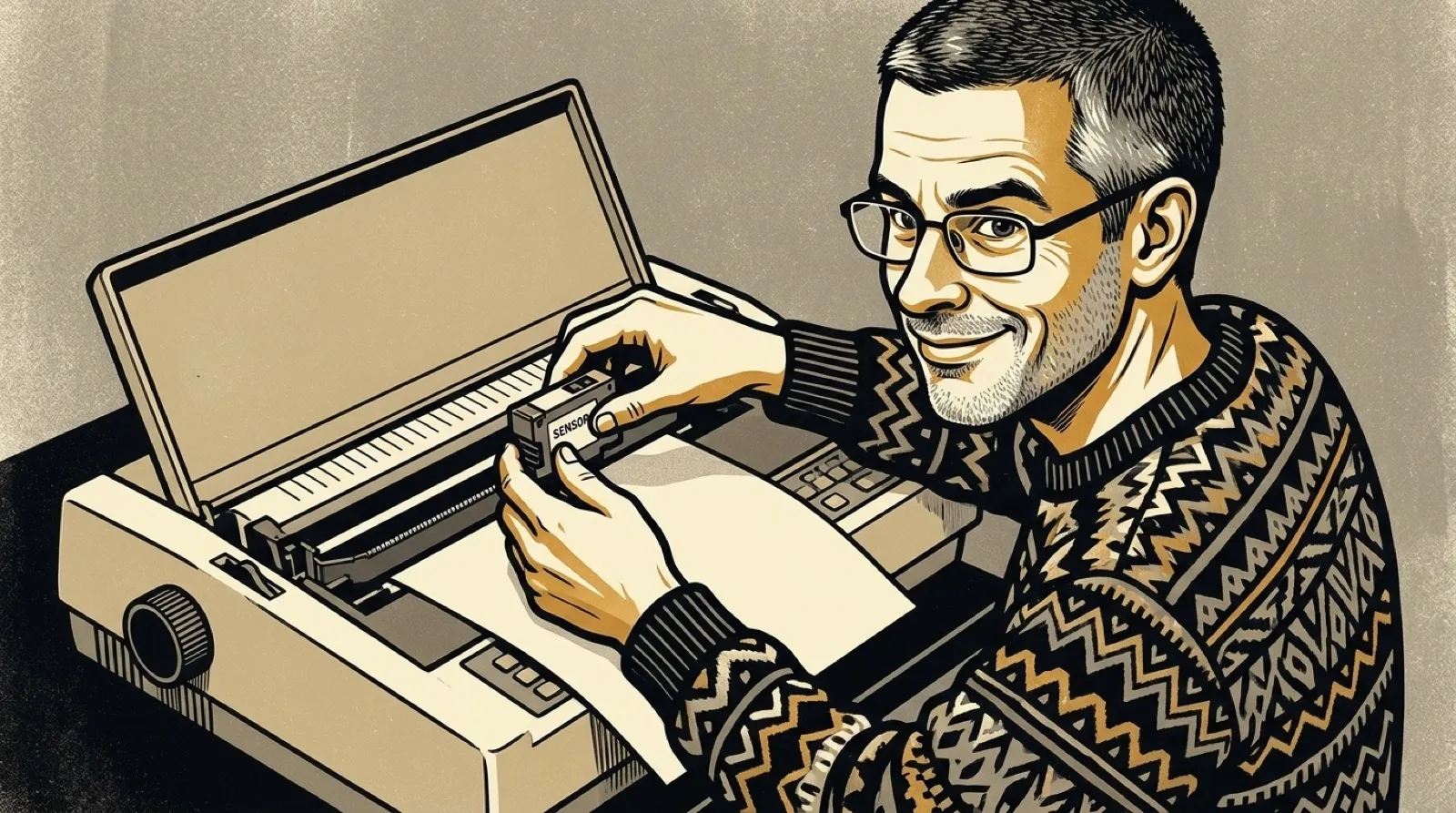
Andy Hertzfeld describes that demonstration in his ThunderScan account. Thunderware’s Tom Petrie and Victor Bull had replaced the ribbon cartridge with an optical sensor. The machine already knew how to move a head accurately across paper. They gave that motion a second job.
The sensor captured one scan line per pass. A printhead could put down nine dots at once, so the new job took much longer. Hertzfeld writes that it was “nine times slower than regular printing.” Instant gratification apparently had a paper jam.
The paper itself needed persuading. Advancing it one tiny step caused bunching against the platen. Thunderware’s fix moved it three steps forward and two back, keeping it snug while gaining one step. The awkward motion solved a physical problem that a cleaner-looking command could not.
Hertzfeld took on the Macintosh software and used dithering to render gray information with black-and-white pixels. The output device and the captured data had different capabilities. Throwing away the extra shades would have made the display’s limitation permanent in the document.
He kept five bits per pixel in the file. That gave users room to adjust contrast and brightness in selected areas, and it later helped with grayscale printing. The original screen was a preview with a restricted vocabulary; the saved image still had more to say.
Bidirectional scanning exposed another tradeoff. Reading on the return trip could almost double speed, but neighboring lines were hard to align. Hertzfeld made it optional. A faster scan with visible seams would be an odd way to improve the family portrait (unless that was the family).
His write-up is the firsthand source for this history, including the performance and sales figures. It describes a successful product with a limit that never disappeared: an existing printer’s mechanics determined how quickly an image could enter the computer.
For someone designing a hardware adapter today, that distinction is useful. Reusing an accurate mechanism can save an entire mechanical design. It also imports that mechanism’s habits. A printer advances paper for printing; making it scan means discovering which assumptions were hiding in the rollers.
The data choice offers a second, separate lesson. A file may be useful on a future display or printer that its creator cannot buy yet. Preserving measurements gives later software something to work with. Baking the preview into the only saved copy would have closed that door.
The intriguing question for a restoration project is how much of the original capture survives in its files. A monochrome screenshot cannot answer it. The document may still hold gray levels the screen never showed.
The ribbon had a second career.