
Hacks & Buildsnintendoswitch-2usb-cfirmwarereverse-engineering
A €40 USB-C Hub Becomes a Nintendo Switch 2 Dock After About 650 Bytes of Firmware Patches
A hobbyist who wouldn't pack the official dock for trips taught a Cable Matters hub to pass as one, and left the catches in his own write-up: no variable refresh rate, washed-out HDR on one port, and untested USB ports.
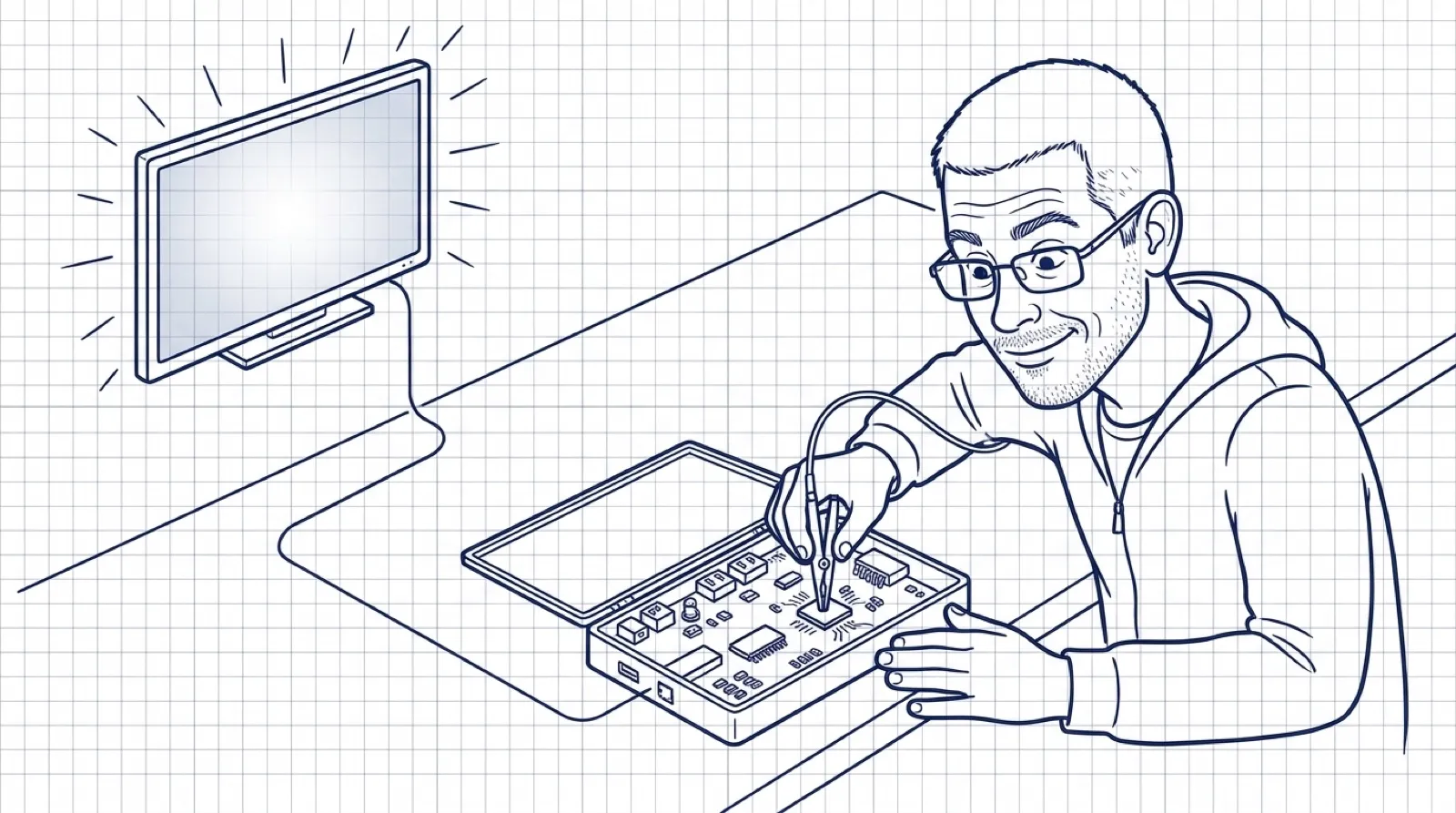
mkopec likes to travel with his Switch 2. He doesn’t like to travel with its dock. “The official dock is bulky and feels fragile,” he writes in a November 9 post, so the console rides along and the dock stays home.
The obvious fix is a €40 hub with an HDMI port. It doesn’t work, at least not as shipped. “Unfortunately, Nintendo went in a proprietary direction (as they so often do), so a regular generic hub will not work as a dock,” he writes. The Switch 2 happily charges through the hub and even negotiates DisplayPort with it, then sits there with a black TV. In his words, “DisplayPort Alt Mode alone isn’t enough, something else has to happen first.”
That something is a conversation the Switch has with whatever it’s plugged into. He put a USB-PD sniffer in line, a WITRN K2, and read what the official dock says. It announces itself with Nintendo’s USB vendor ID, 057E, and a product ID of 2062. It lists two modes, DisplayPort and a Nintendo-only one, and the Switch enters the Nintendo one first. After the video link is up, the console sends a series of vendor-defined messages, all starting 057E0001 plus a command number, and the dock answers each with 057E0041.
He built the replacement from a Cable Matters 7-in-1 triple display hub, and a teardown found a VL103 USB-PD controller inside. The hub also has a VL817 USB hub and an RTD2142 chip that turns DisplayPort into HDMI. He dumped the VL103’s 32 KiB of firmware with fwupd’s vli plugin, pulled it apart in Ghidra’s 8051 disassembler, wrote the patches in SDCC, and replayed his captured traffic against the real firmware in the uCsim simulator.
Getting the identity right took several tries. Versions one and two put the right acknowledgments on the wire and configured DisplayPort, and still no picture. Offering 15 volts, then adding Nintendo’s vendor ID, changed nothing. “The vendor ID alone isn’t enough, the Switch checks more of the identity,” he writes. Version five returned the dock’s complete identity, and his log of attempts reads, in bold, “TV mode works!”
Then came the commands the Switch fires at the dock. He can’t say what most of them mean. What he found is that nobody has to mean anything: “The version replies are copied from the official dock, they aren’t real versions of anything in this hub, and nothing behind those commands is implemented.” The hub isn’t a Nintendo dock. It shows a Nintendo dock’s ID at the door and the Switch lets it in. (A fake ID, in other words, written in 8051 code.)
The second patch was about color. With HDR on, the picture looked washed out. The Switch sends BT.2020 color, and the hub’s converter labeled the video BT.709. For that chip he did the same dump, this time with flashrom over DisplayPort AUX to pull the RTD2142’s 2 MiB of flash, and he added 108 bytes that mark HDR frames as BT.2020. “HDR looks right,” he writes. “The pixels were fine all along, only the label was wrong.”
It works for him, and he lists what doesn’t. Variable refresh rate fails: the firmware has no support for it, and an experimental try blanked the screen when the frame rate varied, so he turned VRR off in the Switch settings. HDR over the hub’s DisplayPort output is still washed out, because he patched only the HDMI path. The hub’s USB ports and Ethernet weren’t really tested. His own verdict: “The hub now works as a travel dock for what I care about: TV mode and HDR over HDMI.”
The post covers one hub, with these two chips. It doesn’t claim any other hub will take the patch, and flashing a power chip with the wrong image is how you end up with a very expensive paperweight.
As for the washed-out HDR on the DisplayPort side: “I decided I do not care enough to fix it :)”