
Hacks & Buildsreverse-engineeringandroid
A gym member rebuilt its rotating QR pass using account keys left in a phone log
Shayon's reverse-engineering account includes an encryption mistake that survived its own tests and a successful trip through the turnstile.
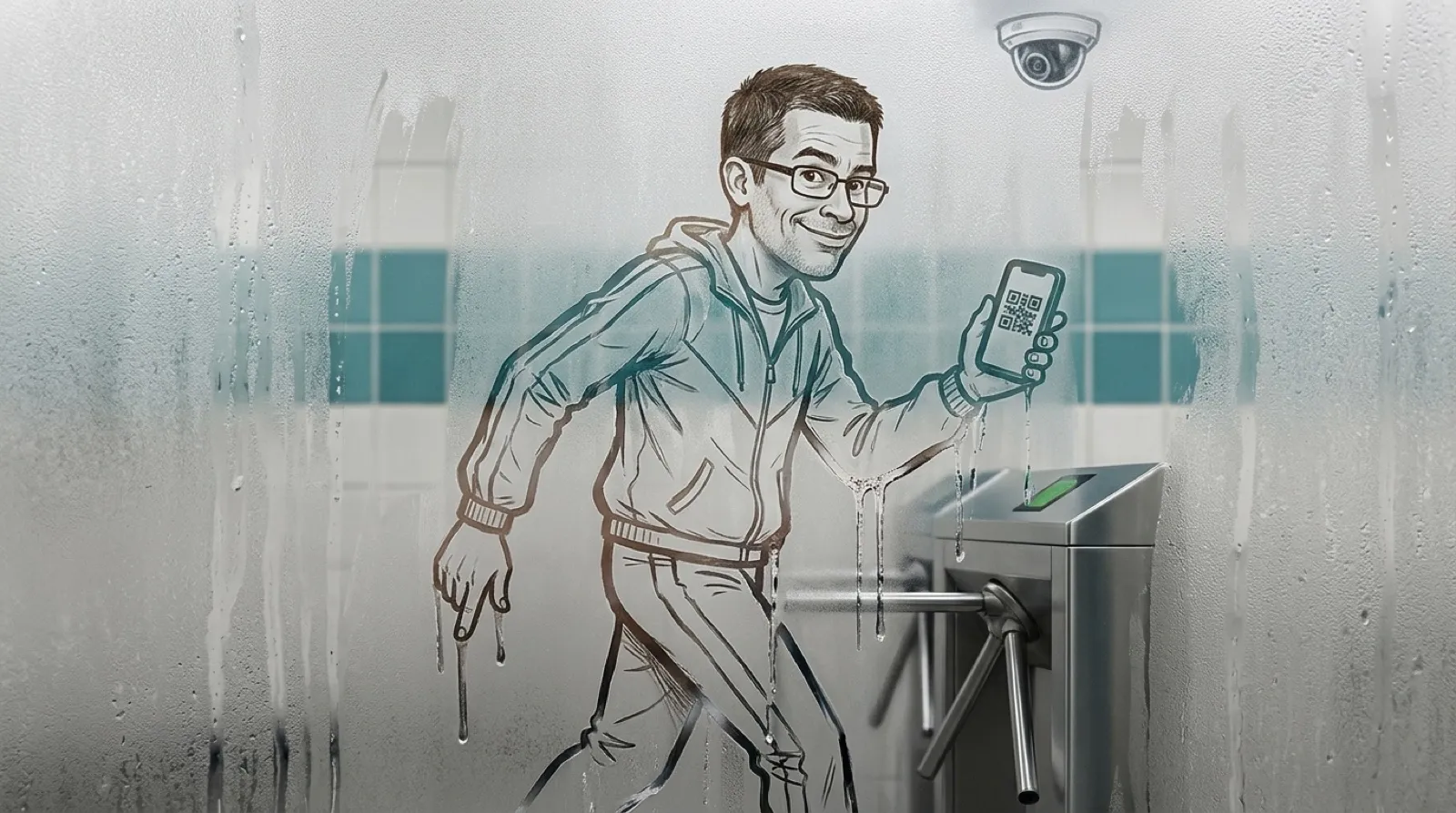
Shayon wanted to lift weights, but the gym’s app put everyone else’s lifting pictures in front of him when he opened it for the door pass. He worked out a way around that app problem by reverse-engineering the QR code he needed to get in.
In his first-person account, the app itself was polished. The unwanted part was the social feed on its home screen and the invitation to post a workout story after checking out. A QR code at the turnstile was all he needed from it. The entrance to the gym had acquired an attention toll (very engaging, thanks).
A screenshot wouldn’t do the job: the app blocked screenshots and changed its code every 15 seconds. Shayon switched off Wi-Fi and got a useful clue. The app said its codes would remain valid for a period offline, which he deliberately leaves unspecified to protect the gym’s identity. The offline message established that generating the pass didn’t require a fresh conversation with the gym’s server every 15 seconds.
The app used Flutter, with logic compiled into native Dart code. His account describes examining it with blutter, jadx and Android SDK tools, with DeepSeek helping investigate. The QR payload proved to be a URL containing an encoded account handle, an encrypted expiry timestamp, a random nonce and a checksum. The timestamp used AES-128-CTR; the checksum needed a separate secret.
Obtaining his own account’s secrets became the next obstacle. An Android emulator was too slow on the borrowed laptop he had available. A rooted Android phone supplied another route, and the app’s request and response logging supplied the surprise. The key material was present in a plaintext log on that phone.
“Half of this project was ripgrep,” Shayon writes. His account’s two secrets came out of the log, ready for the next experiment in reproducing the original app’s output.
He then built a SvelteKit browser app, but getting encryption to reverse itself gave him false confidence. His first implementation encrypted and decrypted its own output successfully. Both directions contained the same error. The matching mistakes meant a successful round trip couldn’t establish that another AES implementation would recognize either routine’s output, an unhelpfully agreeable pair of routines.
Comparing the result with WebCrypto exposed the mismatch. OpenSSL and known test vectors confirmed it, and the browser app ultimately used WebCrypto. Other details mattered at the byte level: the expiry used milliseconds, and the payload used base64url with padding retained. A readable QR image could still carry the wrong timestamp or encoding, leaving the turnstile with a perfectly legible reason to refuse him.
With identical inputs, the replacement then produced a byte-identical URL to the original. He also decoded the QR image independently to confirm its contents. Only after comparing the URL and decoding its QR image independently did he take it to the gym, where he reports that both entry and exit worked.
The original account flow remains unfinished business. The browser app can generate codes from extracted keys, but it cannot independently sign in and obtain fresh ones. His write-up withholds identifying details, too, so readers have an account of one successful escape from a feed, rather than a downloadable universal gym key.
Apps that bundle a necessary physical action with an unwanted feed leave a very specific opening for replacements. If the required action can happen locally, a smaller client might reproduce it. Shayon’s experience also shows what that possibility still costs: inspection, extracted credentials, exact formatting and an actual door test. The selfies were optional after all; the checksum wasn’t.
He checked out. The feed didn’t.