
Defrag 95 turns Windows disk cleanup into a browser toy with hard-drive chatter
Chris Pirillo’s Arcade recreates a familiar maintenance ritual with randomized obstacles and adjustable pacing.
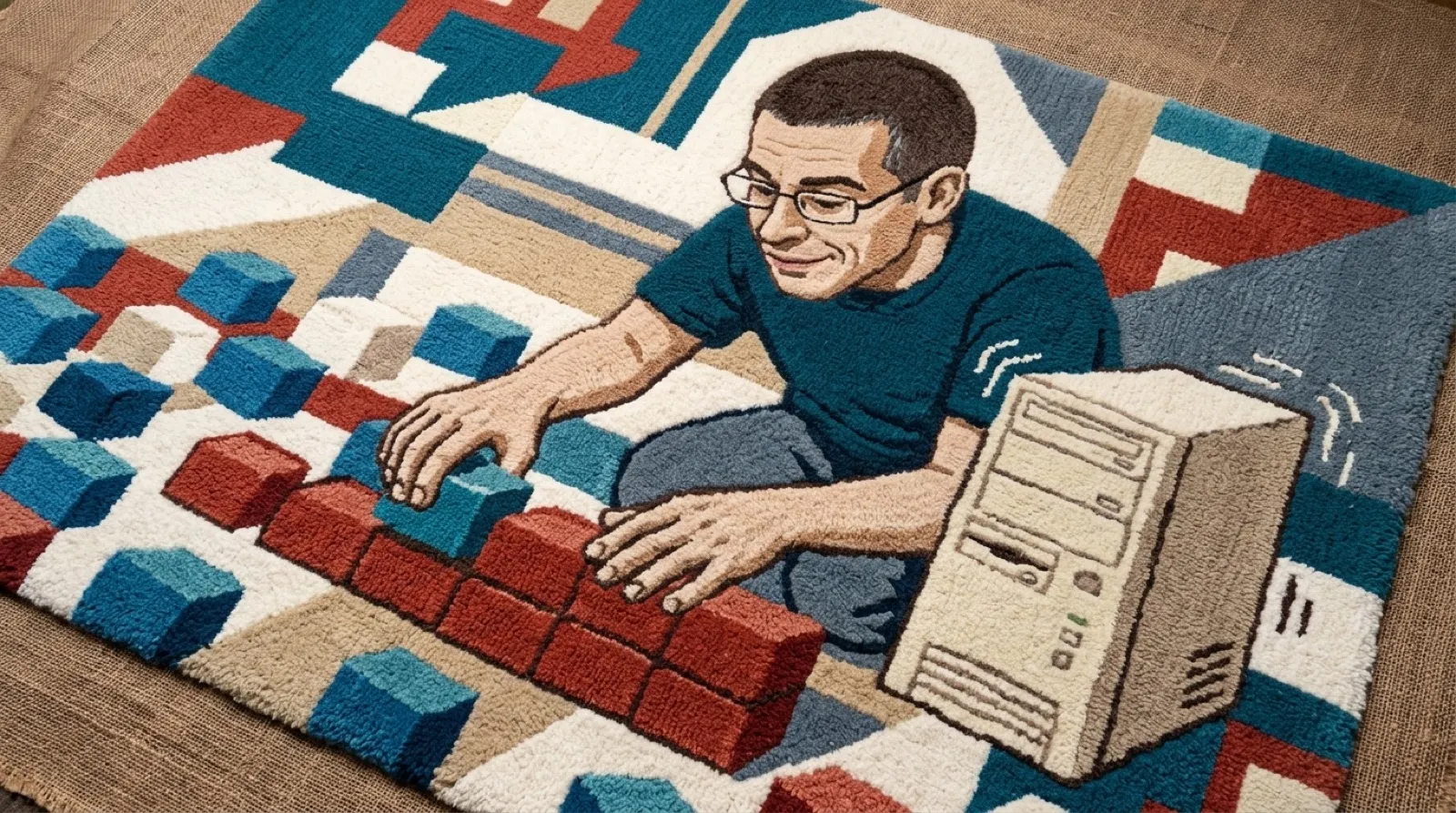
The little squares have work to do. Cyan ones wait, green ones get read, red ones get written, and blue ones finally settle down. A hard drive chatters along with the operation. Congratulations, your entertainment now has a progress bar.
Defrag 95 is one of my Pirillo Arcade apps. It recreates the Windows 95 Disk Defragmenter as something you can watch and hear in a web page. The FAQ calls it a “generative recreation,” and the important word there is recreation. The drive exists inside the simulation. Your actual files stay out of it.
Every load makes another imaginary disk, including its capacity, available space, file lengths and fragmentation. Unmovable files and bad clusters join the party, because apparently simulated maintenance needed authentic annoyances, too. Those obstacles give the moving blocks something to work around instead of simply marching across a prerecorded animation.
Three methods let you see different jobs happen. Full defragmentation joins file fragments and packs the files toward the beginning, leaving free space at the end. Defragment files only looks for gaps large enough to hold complete files. Consolidate free space moves data toward the front without joining all the scattered pieces of each file.
That distinction is easy to lose behind a single Optimize button. Imagine tidying a drawer by pushing everything to one side, then compare that with putting each matching set together. Both can clear space. Only one fixes the scattered sets. Here, the drawer has a very enthusiastic sound effect.
The page’s Legend and Settings make the display legible without sending you hunting for a manual. White is free space; a dotted maroon block stays put. Black with an X marks a bad area. Seeing those limits makes the progress less magical and a little more interesting.
The sound is synthesized live: spindle hum, head movement and read/write chatter. You enable it by interacting with the page, which is the browser’s requirement before it allows audio. Anyone hoping the tab would immediately start grinding away on its own can thank the browser for this particular small mercy.
Slow, Normal, Fast and Turbo change the pace. Space pauses the simulation; N creates a fresh disk. By default, finishing one drive starts another after a short break. Turn off the automatic new-drive option if you want the satisfaction of being done without immediately receiving another pretend assignment.
A utility that once made waiting visible can still be fun when waiting becomes the entire activity. The randomized disk gives it something to solve, while the settings let you decide whether this particular trip into computer maintenance should take its time. No claim that your laptop will run faster afterward is necessary (marketing departments, take notes).
Defrag 95 leaves one dangerous possibility unresolved: the next imaginary drive might be more satisfying to tidy than the thing you actually opened the computer to do.
Fragment responsibly.